Multicolor logos were high in demand in the early 19th and 20th centuries. These logos were designed for both web and CYMK printing. The modern era brought better machines and techniques, but gradually we moved towards less and less color because minimalism started to be considered trendy. This modern era of logos and applications prefers simple graphics, such as a full logo created in 2 or even one color with a single branding color. It was easier to load on the browsers.
Nowadays, we are in the time of speed. Whosever website loads faster has an upper hand in ranking better. Search engines prefer a smaller file size of the page, and every vector object loads in a SVG format, which is a few lines of code. Moreover, JPEG has been tuned to a lighter version, which is WebP, designed to reduce the size of the image far better than any other format. Favicon, on the other hand, has two main formats, PNG and ICO. Both formats are easily recognizable and load faster in all modern browsers. ICO format is still being preferred because it can load in old browsers.
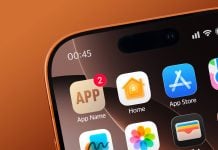
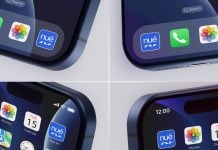
Today, we are sharing a wireframe mini browser favicon mockup set in PSD format. There are two different layers, one with a mini browser and the other is a close-up. There are two variations of each mockup in light and dark mode. Background color is changeable.
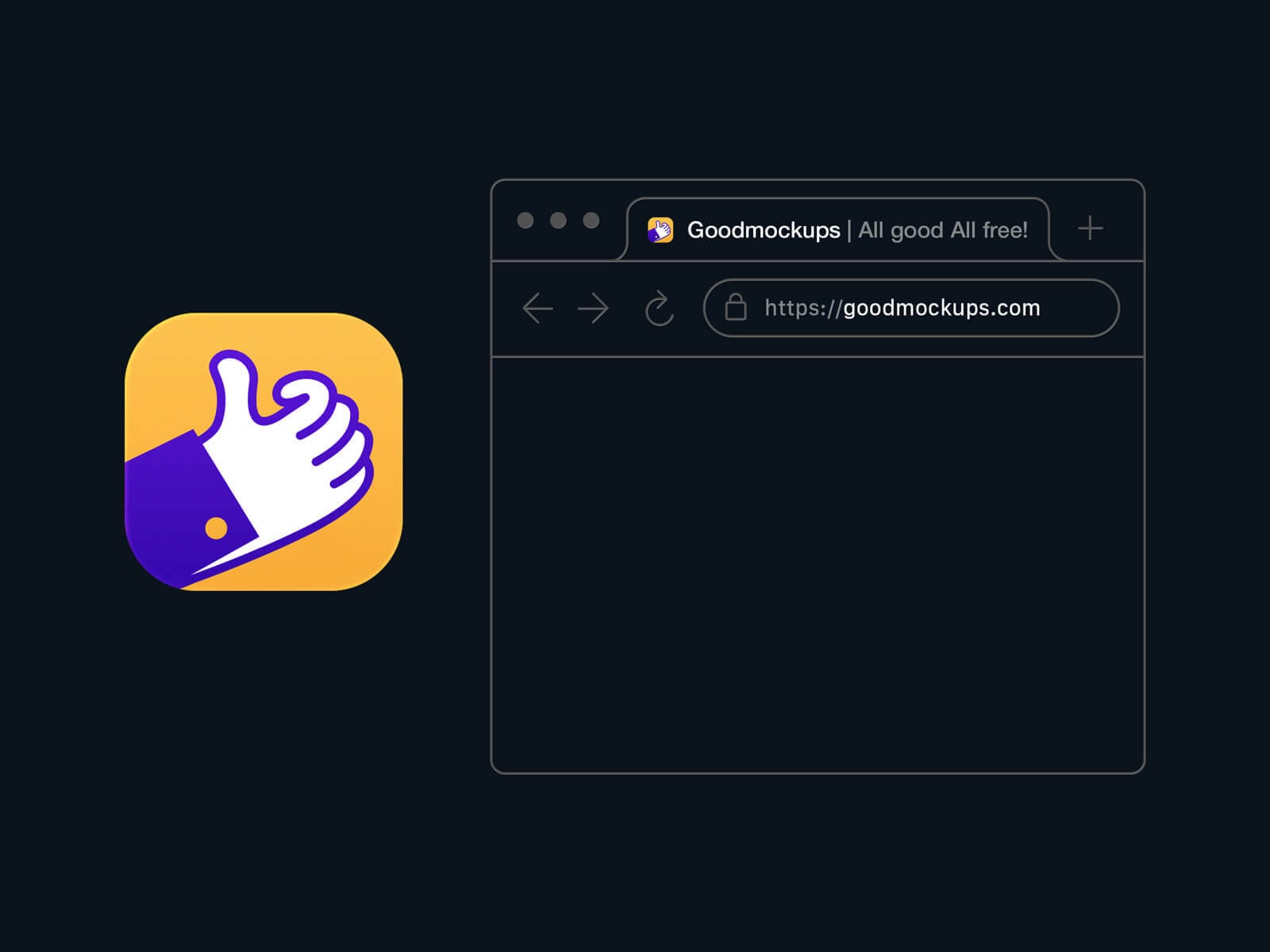


Available Format: Layered PSD easy smart object insertion
License: Free for personal and commercial usage
RAR File Includes: 4 Photoshop PSD Files
Mockup Resolution: 3000 x 2250 px
Created by Goodmockups.com
Instructions:
1. Place your artwork on smart layers
2. Photoshop requirement: Adobe Photoshop CS5+