Many developers claim that a custom functional app can take a good amount of time before launching it to app stores. A mobile app development company can take up to 6 months to ensure the app works perfectly and is ready to be launched. App design is quite intimidating and challenging because it requires skills to iterative thinking and develop the idea into a functional code that can be enhanced over time. There are some no-code tools available to create basic apps, but the polished custom app needs expertise.
Coding is not only the main difference, but the difficulty lies in user experience as well as a clean user interface. Several tweaks are required after the launch, as the app is used by more people, reviews, and bugs allow the app developer to understand what is right and what can be done to improve the UX and functionality. It is a lengthy process, and it should be handled by professional app developers.
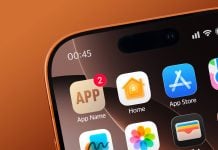
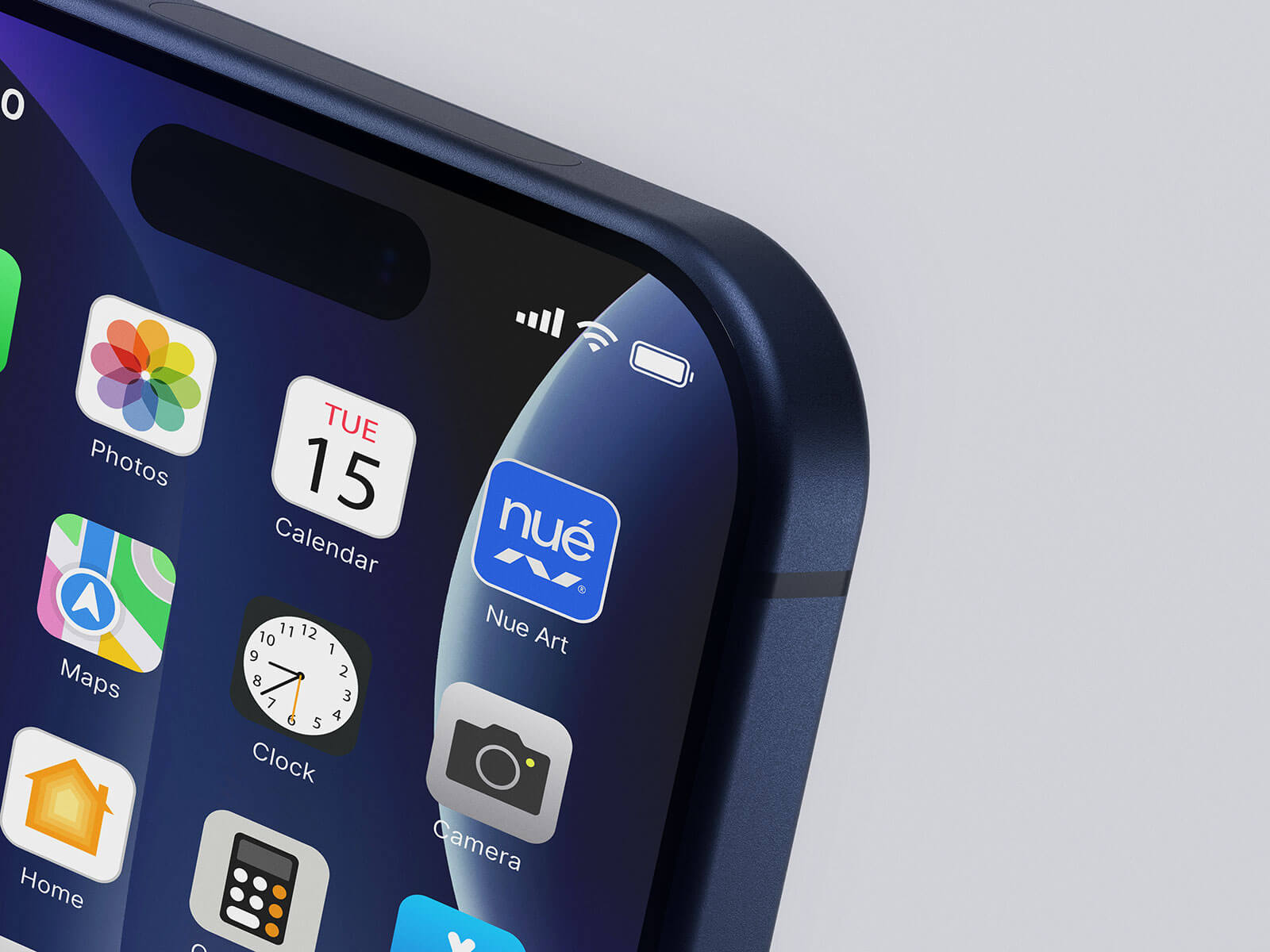
App icon design, on the other is not as complex as the app itself. App design can be an icon that depicts the app’s features, or it can be a company’s logo. Today, we are including a premium iPhone app icon logo mockup in PSD format. Place your artwork on a smart object and get a realistic outcome.

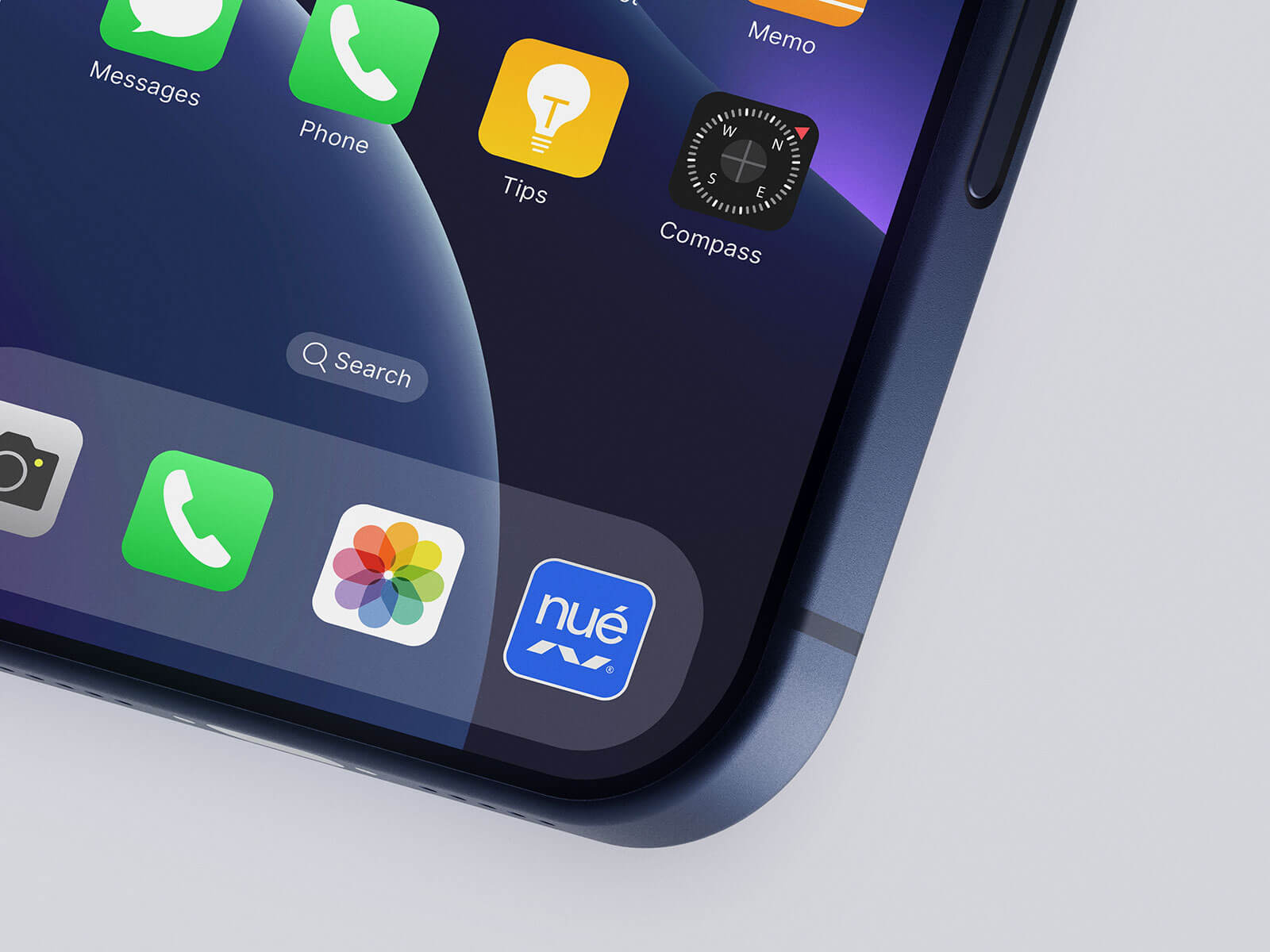
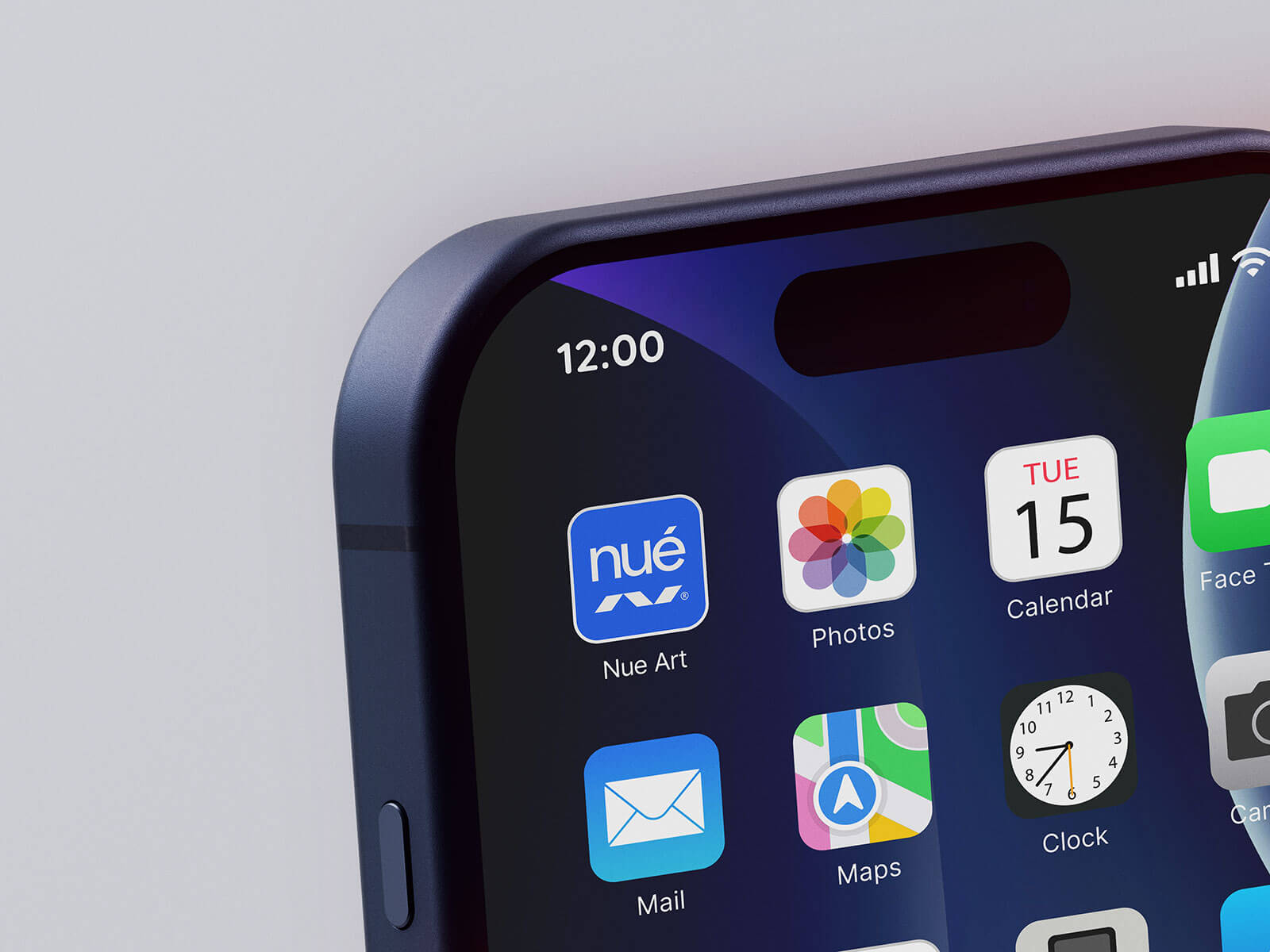
Description:
Available Format: Layered PSD, easy smart object insertion
License: Free for personal use only
7-Zip & .Zip File Includes: 4 Photoshop PSD Files | Extract using Keka for 7-zip on Mac
Mockup Resolution: 4000 x 3000 px
Credit: t.me/vitoramockup | dribbble.com/vitoramockup
Instructions:
1. Place logo / App design on the smart object layer
2. Photoshop requirement: Adobe Photoshop CS5