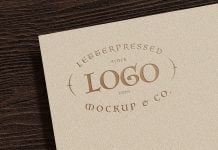
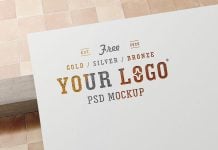
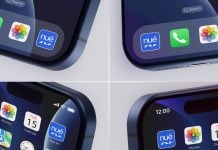
There are three mockup types available on the websites. The first one is generated in 3D softwares such as C4D, Blender & 3DS Max. After generating the 3D model, the post-work is done using Photoshop. Colors can be enhanced, and contrasts can make them look stunning. The second option is photo-based mockups created and preferred by designers who love photography with a DSLR. They go to places and take photos of signage, billboards, display stands, and posters. Raw images can be edited, and then Photoshop is used to create smart ready objects. The third option is Photoshop-based mockups. These are masterpieces created by designers who have been using Photoshop for years, and they know how to make things look real without outsourcing. These are text effects, logo mockups, fabric mockups, and even 3D packaging mockups that are created in Photoshop. There is another category of mockups, but it is still not well regarded, which is AI-generated mockups. They are surprisingly becoming more prominent as the AI can generate a realistic photo, and then it is used to create a mockup. Designers are using the free AI generators to create mockups, but the result is not acceptable. They need to subscribe to a premium package in order to create a realistic outcome or even boost the quality upto 2-3 times.
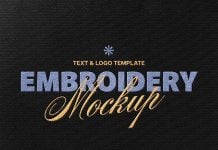
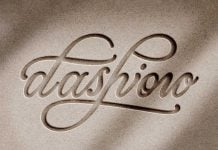
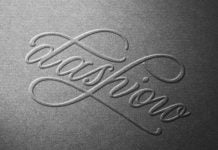
Today, we are sharing Photoshop based embroidered logo mockup in PSD format. Place your artwork on a smart object and get a realistic otucome.
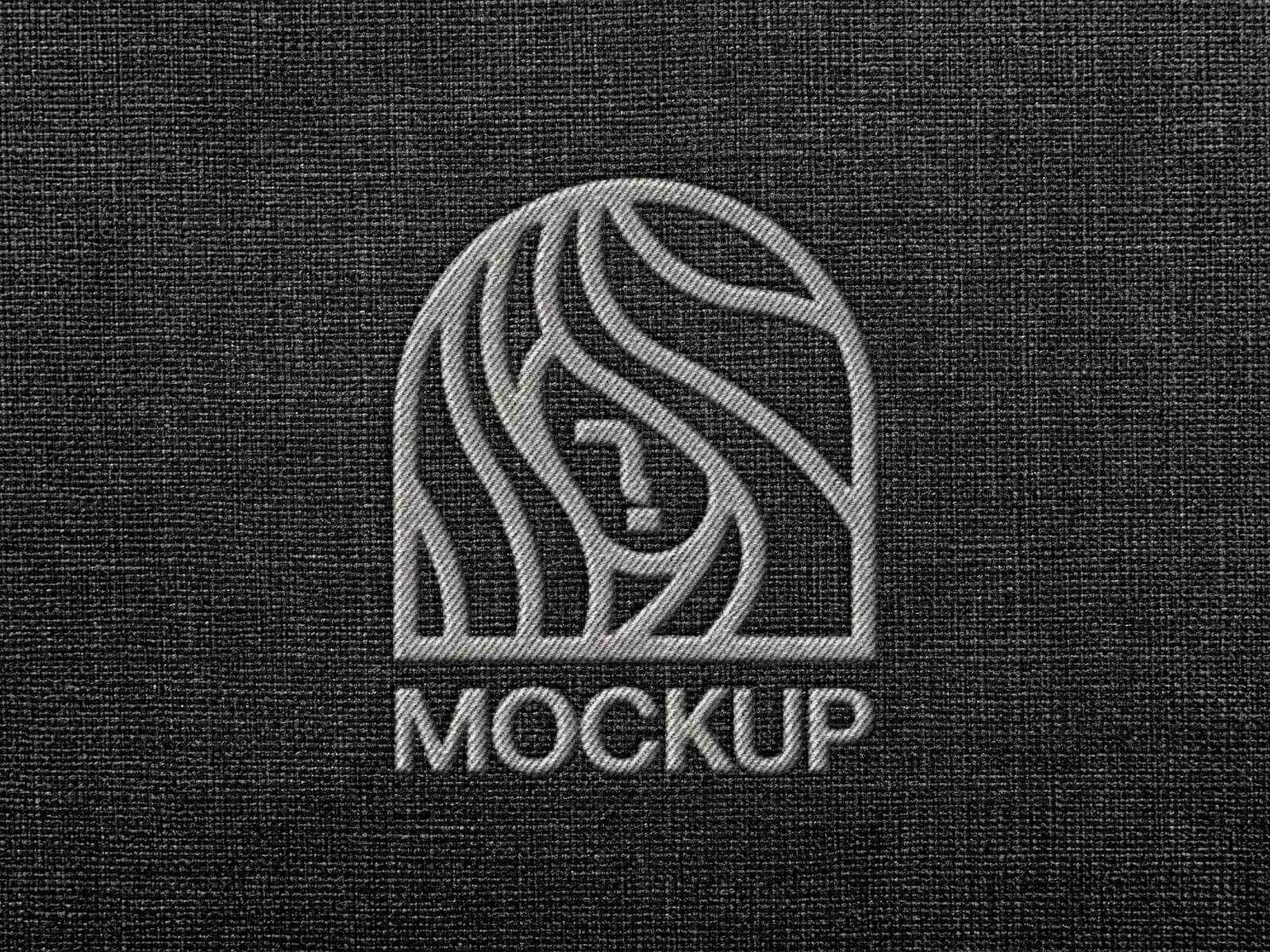

Description:
Available Format: Layered PSD through smart object insertion
License: Free for personal and commercial use
Zip File Includes: Photoshop PSD File
Resolution: 3000 x 2000 px
Instructions:
1. Place your design by using a smart object
2. Photoshop requirement: Adobe Photoshop CS5+