There are many ways to enhance the typography and lettering of your printed documents. The most preferred one is applying varnish to the whole document to prevent it from getting wet, as the varnish makes the paper durable and somewhat waterproof if applied on both sides. It is a type of lamination that does not shine too much. Varnishing is a very thin coat applied once the ink is dried. Secondly, UV coating is applied to the typography, which gives a distinctive shine, but it can only appear after the matte lamination. The third one is embossing, engraving, or letterpressed typography, which helps the letters to extrude or deboss. This also gives a unique appearance to specific lettering. Another quite famous technique is gold and silver foil. Foiling gives a luxury and premium feel to the printed documents.
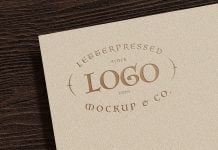
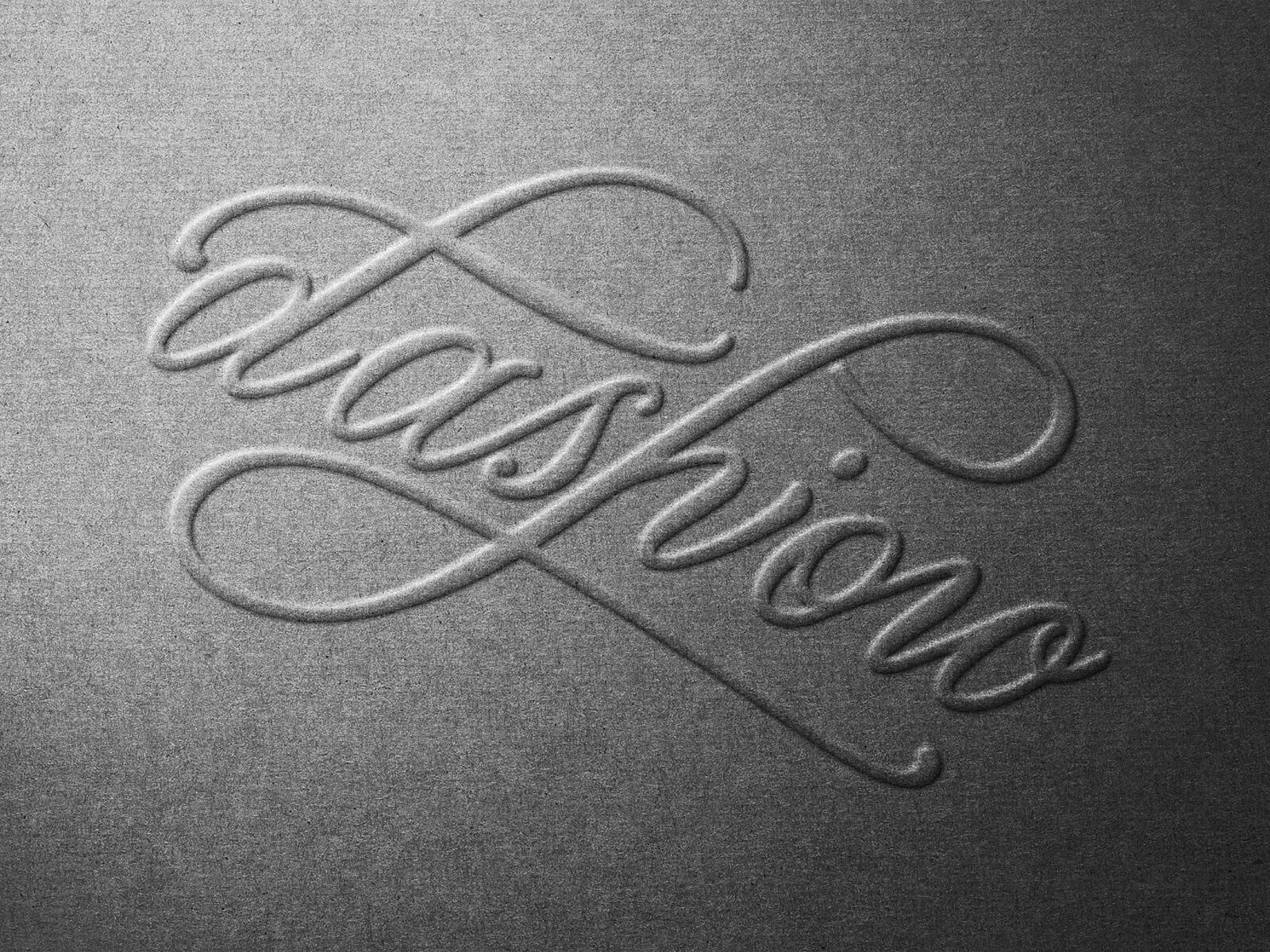
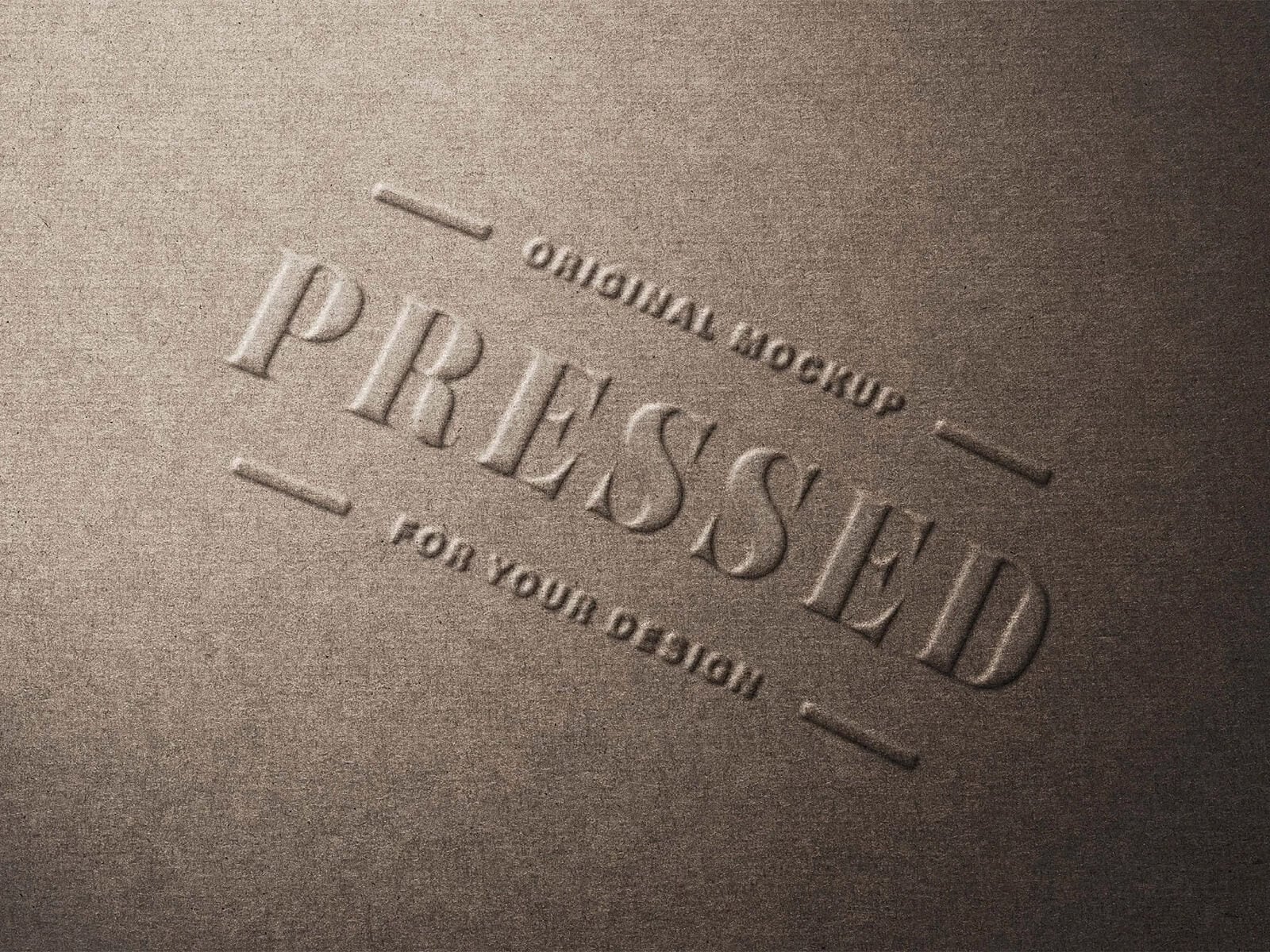
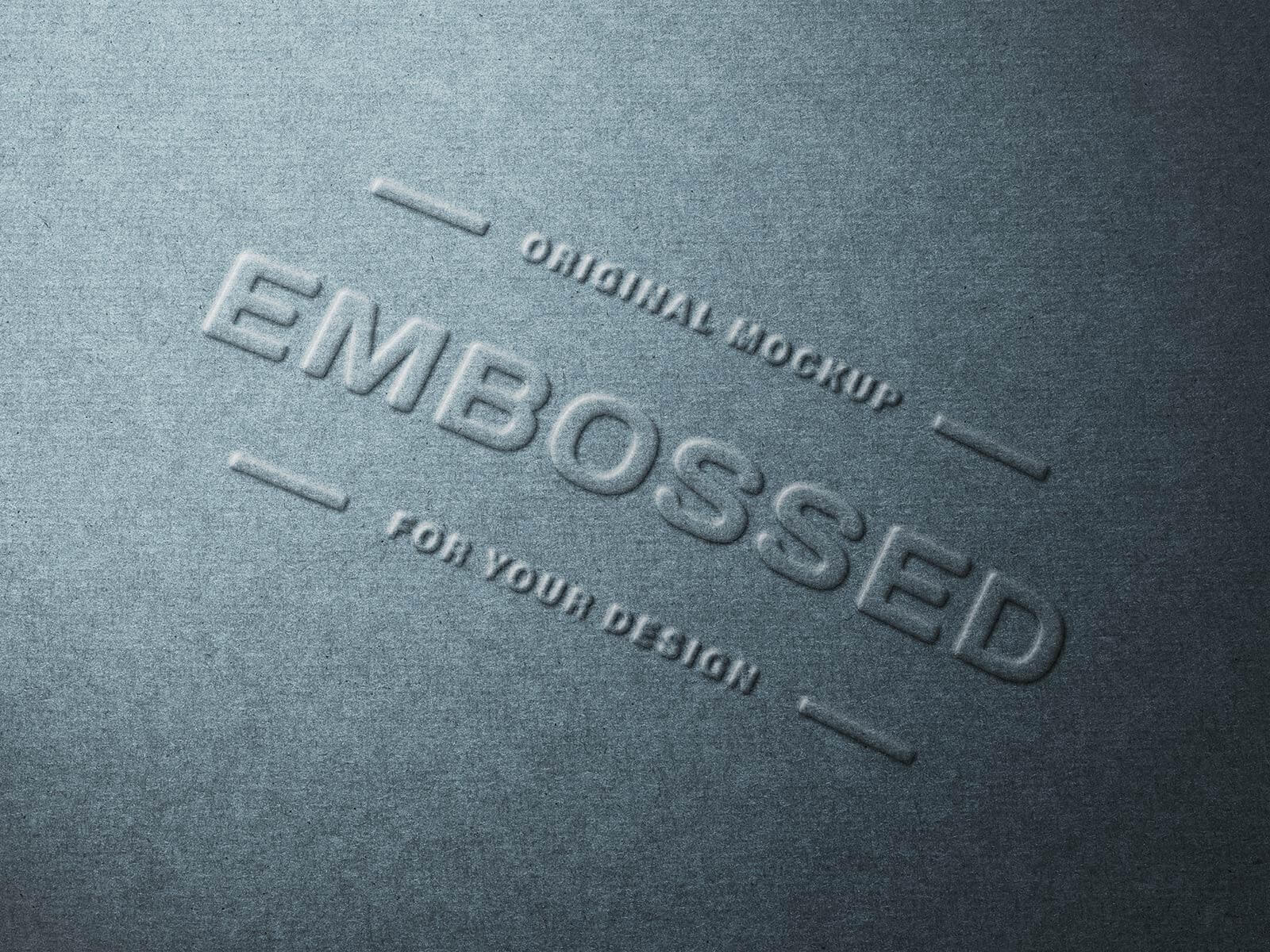
Today, we are sharing an embossed paper logo mockup in PSD format. Place your artwork on a smart object and get a realistic outcome. You can change the paper color as per your choice.
Description:
Available Format: Layered PSD through smart object insertion
License: Free for personal and commercial use
Zip File Includes: Photoshop PSD File
Resolution: 3000 x 2000 px
Instructions:
1. Place your design by using a smart object
2. Photoshop requirement: Adobe Photoshop CS5+