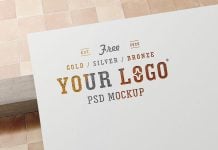
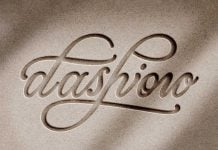
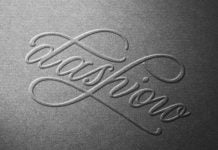
Debossing and stamping are the most desirable techniques used after printing. It gives an engraved effect to hard papers and leather. This technique is only used for cardstock thicker than 300 gsm. Anything less than that may not appear to have the effect. For thinner papers, the preferred choice is matt lamination and then UV coating, which can give a reflective effect. Another choice is foil printing, and you can apply gold, silver, or bronze to lighter papers. Neon foiling is also available as a choice, but it does not give a corporate look, as it offers more of a flashy, shiny effect to titles and printed documents. Another aspect of embossing/debossing is applying both the engraving effect as well as foiling on the same letters or designs. This technique is used for company profiles and book titles.
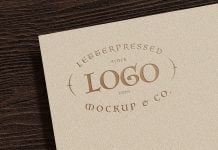
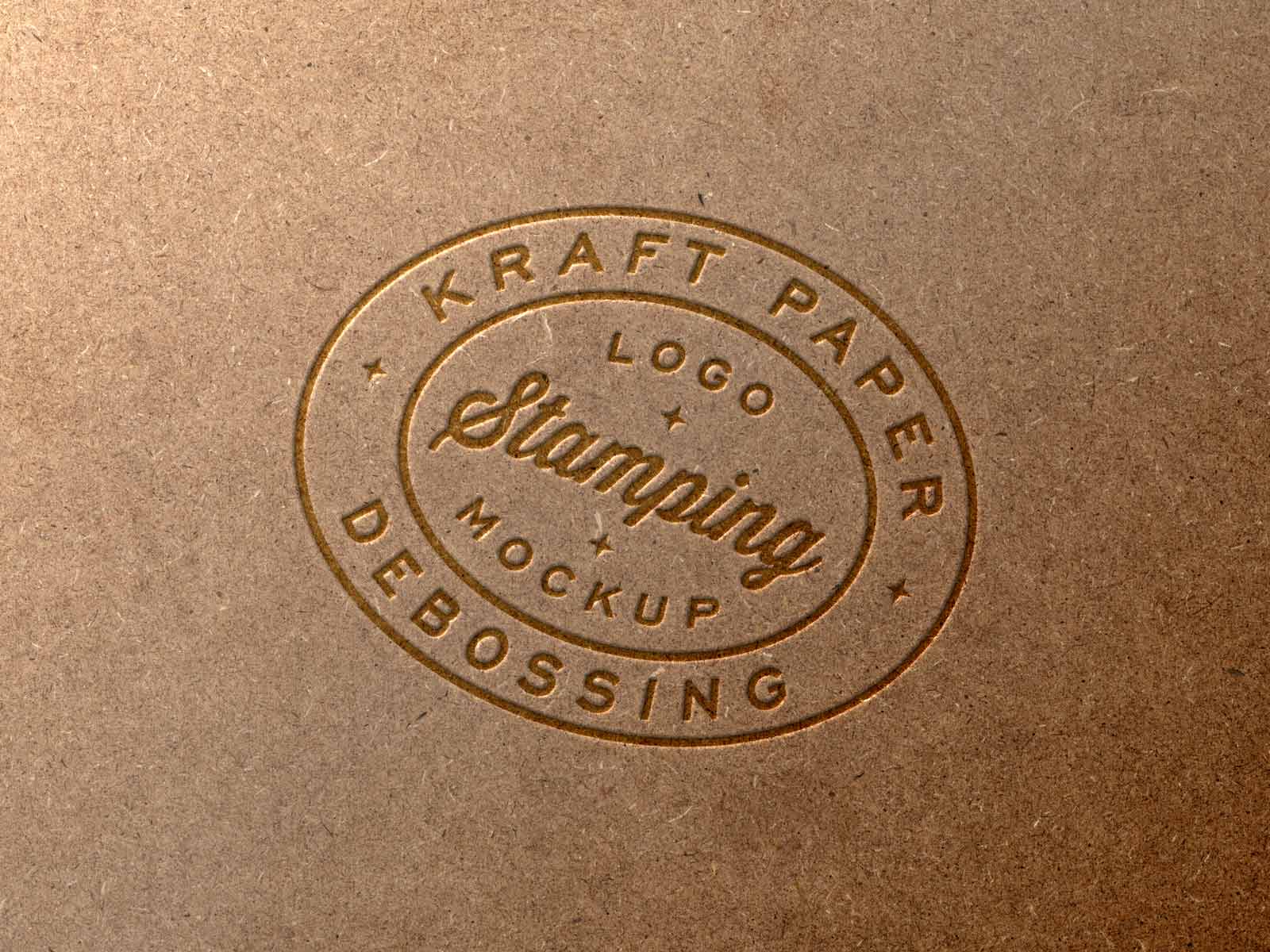
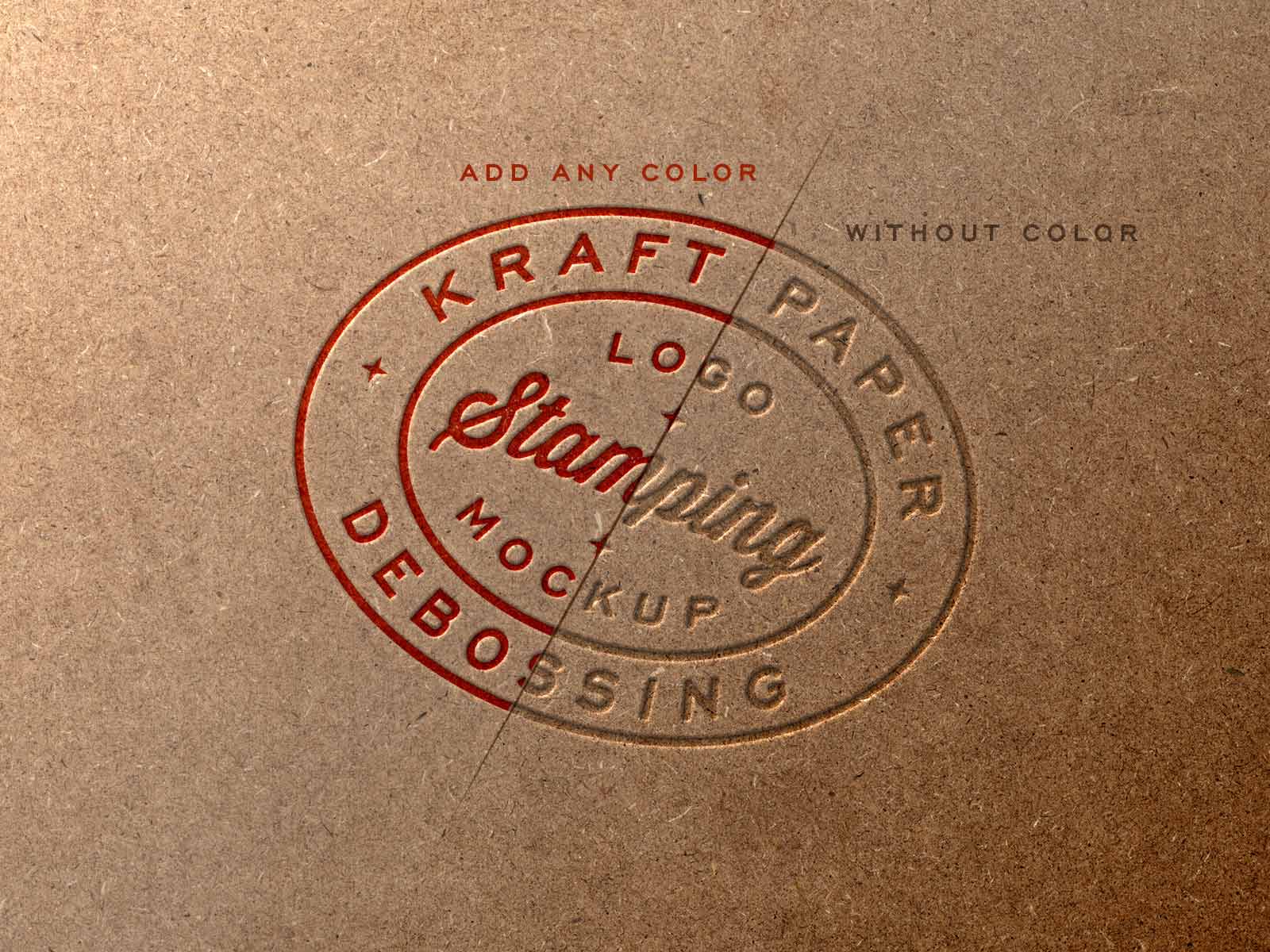
Today, we are sharing a kraft paper stamping logo mockup in PSD format. Place your logotype inside the smart object, use a transparent object or logo to get a similar effect. To change the color of the logo, like the image below you need to only use “color overlay” blending mode should be > linear burn, and change the opacity along with the color. You will get a similar result like the image below.
Description:
Available Format: Layered PSD easy smart object insertion
License: Free for personal and commercial use
RAR File Includes: Photoshop PSD file
Mockup Resolution: 3000 x 2250 px
Created by Goodmockups.com
Instructions:
1. Place your logo design on smart object
2. Photoshop requirement: Adobe Photoshop CS5+