Premium leather is made with the tanning method. There are special salts used to clean the leather, such as chromium. Tanning is the first process where the leather becomes softer and prevents decolorization. Many companies use vegetable tanning, which is a much more organic way of tanning, but in this way, leather becomes slightly hard, which can be used for belts and wallets. Softer leather is used for apparel such as jackets and coats. The second procedure is dyeing and stamping. Companies use a special way to make the leather wrinkle-free and at the same time apply their seal or logo on the leather to make it authentic. There is a third method that makes the leather shiny and gives it a natural color. This is the finishing process that improves the natural appearance of the leather.
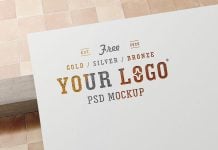
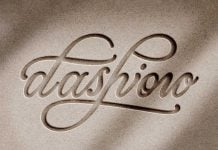
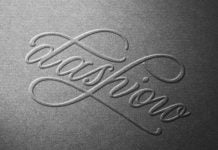
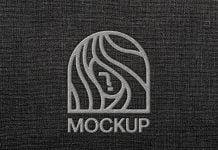
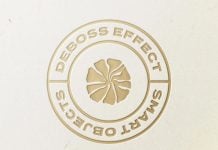
Today, we are sharing a realistic leather logo mockup in PSD format. Place your artwork on a smart object and get a realistic outcome.

Description:
Available Format: Layered PSD through smart object insertion
License: Free for personal and commercial use
Zip File Includes: Photoshop PSD File
Resolution: 3800 x 2534 px
Created by: Goodmockups.com
Instructions:
1. Place your transparent logo design on smart object layer and save the file
2. Photoshop requirement: Adobe Photoshop CS5+