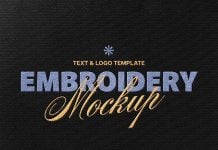
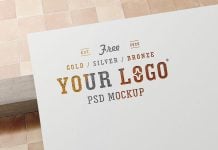
Silver, copper, and gold foil are the three options that you can choose from after the printing process is done. Foil printing is decided after the design is completed and all colors are placed on the computer to check which one will stand apart. Foiling makes the packaging more attractive and premium. It can be the opposite if the foil color is not selected according to the color theme of the design. On the blue background and dark background you should choose silver and on the red, yellow, and orange you can either choose copper or gold as they both go very well. To know which foil you should use we would recommend you download a foil printed logo mockup which can help you a great deal in decision making.
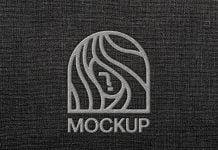
Today, we are sharing grey color / silver foil logo mockup in PSD format. Place your artwork on smart object and get a realistic outcome.

Available Format: Layered PSD easy smart object insertion
License: Free for personal and commercial use
Zip File Includes: Photoshop PSD File
Resolution: 2000 x 1376 px
Instructions:
1. Place your artwork on smart object
2. Photoshop requirement: Adobe Photoshop CS5+