The most prominent factor in text and image-based documents is the title design. It has a significant impact on documents such as company profiles, multi-page brochures, magazines, books, gazette booklets, and annual diaries. The second most important factor is the theme of the brochure and how well it is constructed. Third factor is printing and the quality of the paper. To add more value to the document and the title, several printing techniques are used. The most preferred one is lamination, which prevents the cover design from scratching the surface. Both shine and matte lamination serve the purpose. Then comes the foiling and embossing, which enhances the look of the title and adds great value to the document. Embossing gives the title a more refined look, and foiling makes it more premium.
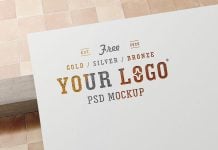
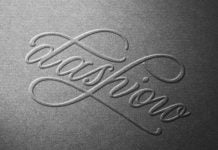
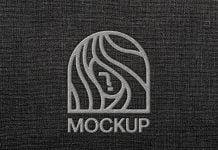
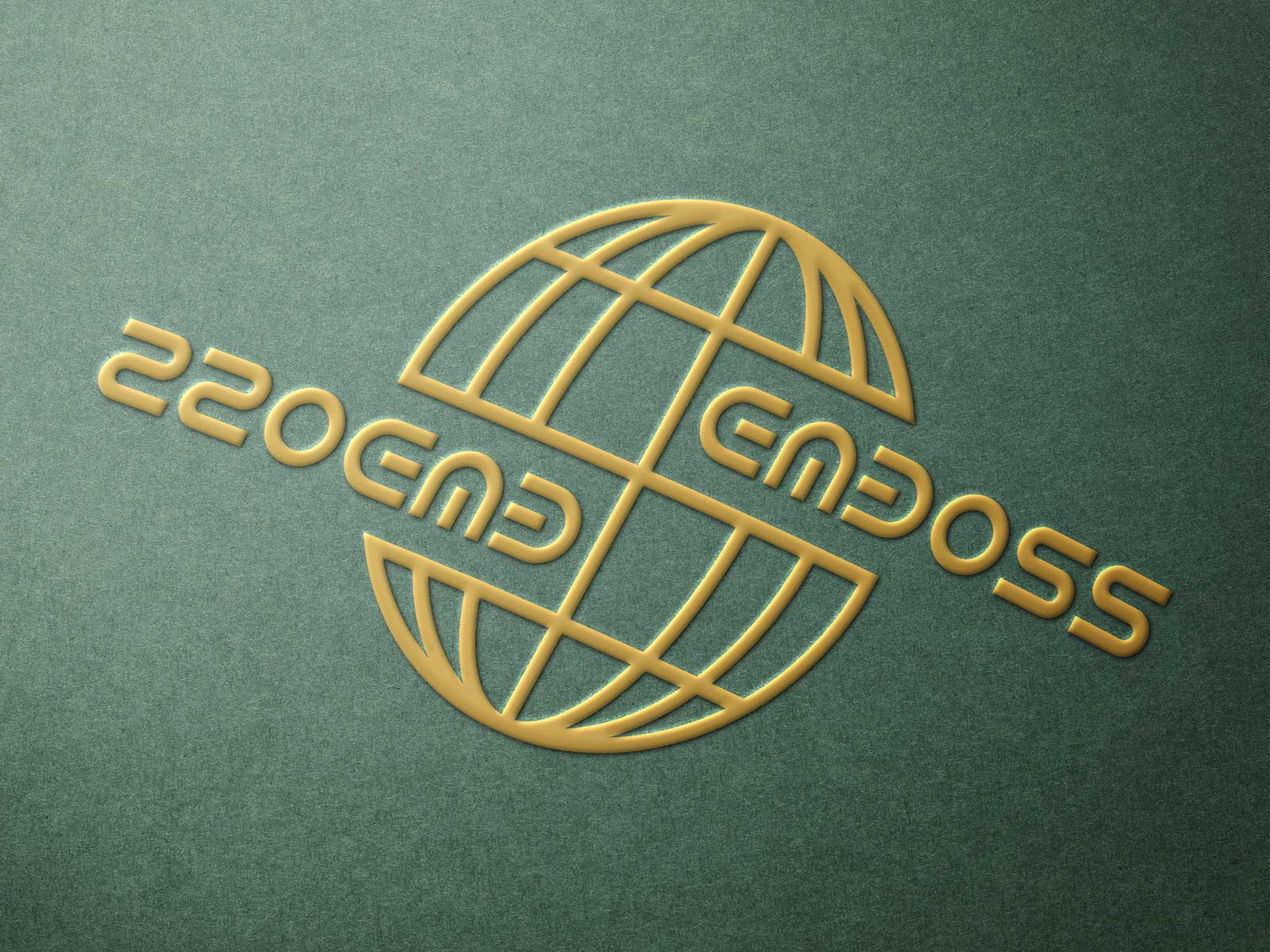
Today, we are sharing a paper emboss logotype / logo mockup in PSD format. Place your artwork on a smart object and get a realistic outcome. You will be able to change the paper color as well as the type color of your choice.
Description:
Available Format: Layered PSD easy smart object insertion
License: Free for personal and commercial use
Zip File Includes: Photoshop PSD file
Mockup Resolution: 3000 x 2000 px
Instructions:
1. Place your typography logo design, logotype or monogram on smart object
2. Photoshop requirement: Adobe Photoshop CS5+