There is no cheat code to create a viral video, but there are some workarounds that people are following, and these steps have yielded outstanding results. Find the video that is already viral and has millions of views. For example, a jingle became famous, and your traffic likes funny videos. You can act in the video and use the same jingle, or do lip-syncing and make it in your own style. You can also place the video in the background for the first few seconds because most visitors leave the video within the first few seconds. So, the first few seconds should be entertaining, informative, somewhat loud, or present the highlight of the video. This makes the people engaged, and they will end up watching the whole video and may share. Viral videos are already famous, and your take on them will receive attention and push the video even further.
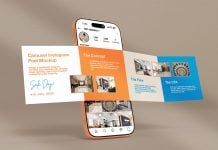
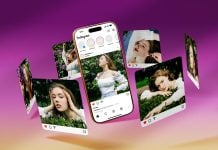
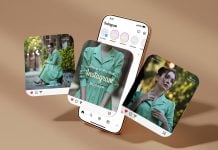
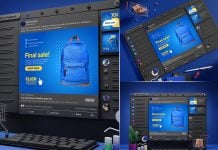
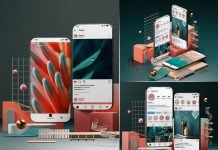
Today, we are sharing an iPhone 17 Pro Instagram Ad Composition mockup in PSD format. Place your artwork on smart objects and get an elegant outcome for your design.

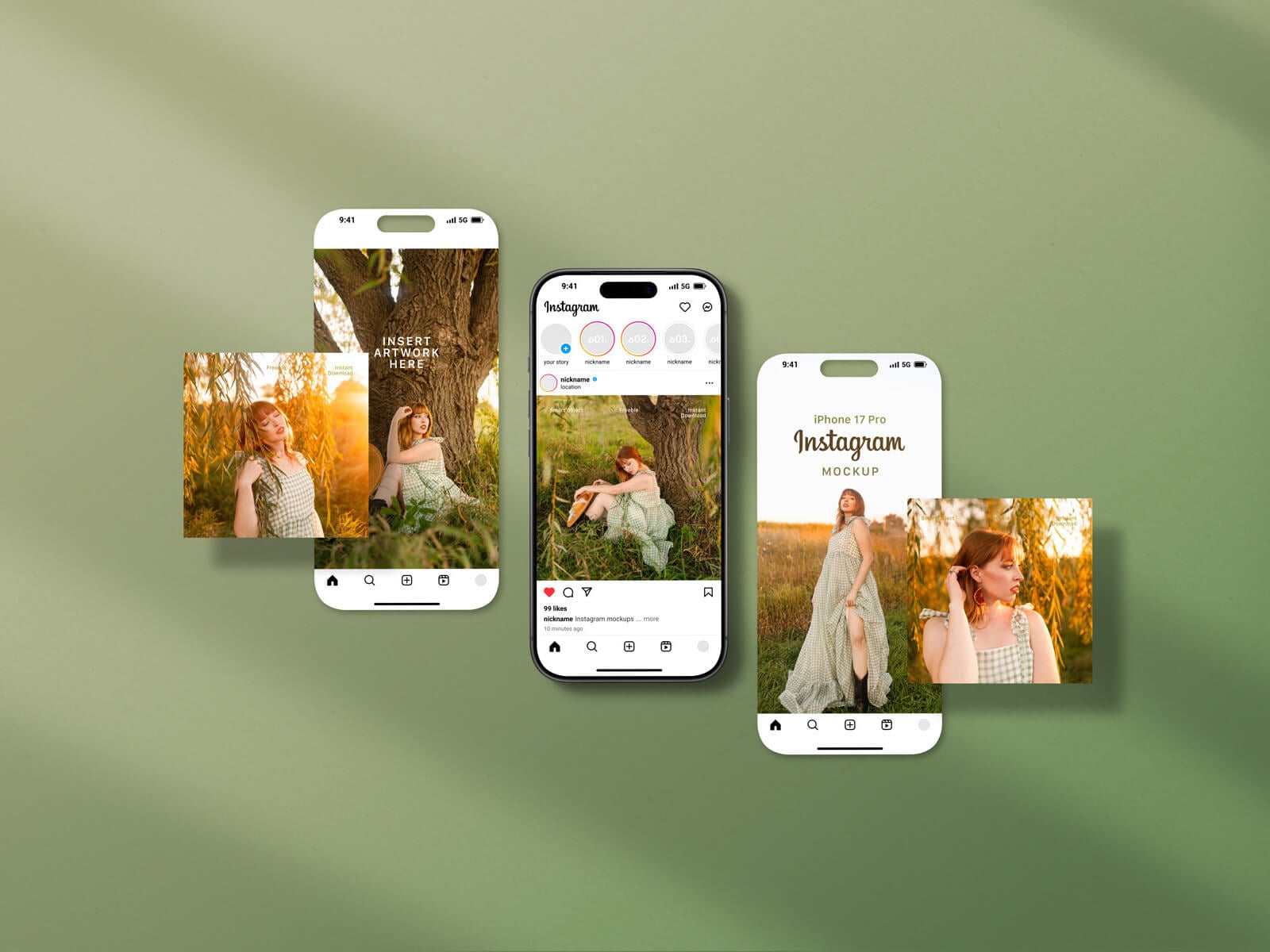
Available Format: Layered PSD through smart object insertion
License: Free for personal and commercial use
RAR File Includes: Photoshop PSD File
Resolution: 6500 x 4333 px
Created by Goodmockups.com
Instructions:
1. Place your design by using smart objects
2. Photoshop requirement: Adobe Photoshop CS5+