Darker UI does not reduce eye strain. However, if you have an OLED screen either on your mobile or laptop, that will help you save some battery points if you continuously use or prefer dark mode. It is recommended to use lighter mode when you are already in a bright environment. If you are sitting in a dim lighting condition and you have less light in your office, then it is better to use darker UI, which will help you reduce eye strain. People who read blocks of text feel that the light version is better and they take less time to read. We, humans, have the habbit to read black text on white paper from printed books, and this is the main reason we like to read black on white screens. When it comes to digital devices, there is a function called reading mode, which decreases the blue light from the screen so you can read easily and read more in any condition.
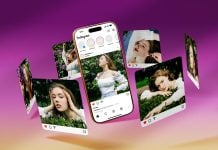
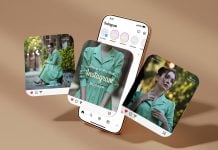
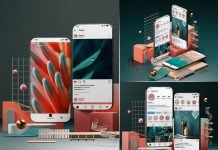
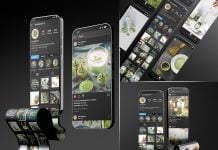
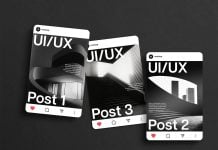
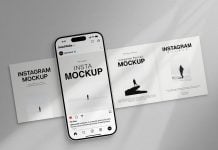
Today, we are sharing a dark UI Facebook post mockup in PSD format. Place your artwork on the smart object and get a realistic outcome.


Description:
Available Format: Layered PSD easy smart object insertion
License: Free for personal and commercial use
Zip File Includes: 2 Photoshop PSD Files
Mockup Resolution: 2160 x 2160 px
Instructions:
1. Place your designs on smart objects
2. Photoshop requirement: Adobe Photoshop CS5+