The first question that comes to mind while pasting a vinyl sticker is how to avoid wrinkles and bubbles while pasting the sticker on glass. The simplest and easiest way is to clean and dry the surface with alcohol and water. Mix alcohol in the water and clean the surface with kitchen tissues. Make sure there are no dust particles, oil, or adhesive left on the surface from the previous sticker to get a smoother outcome. If the sticker is a box or rectangle shape, then paste both corners first on the surface. Then slowly peel off the sticker backing under the sticker. This way, you will paste the top-most area of the sticker first and avoid the bubbles. Use a squeegee to help paste the vinyl slowly and carefully. If you have already pasted both corners along with the top area, then it will be easy for you to paste without much trouble. Just keep using the squeegee and wipe left and right in a horizontal fashion, peel off the sticker slowly if there is any bubble, and repaste it. You will end up pasting the whole sticker, no matter how big the piece is. Similarly, small stickers on the glass are easy to paste. You can follow the above technique and paste the stickers without wrinkles.
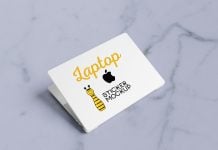
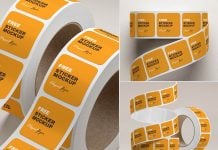
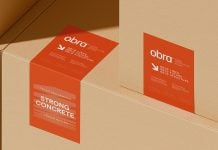
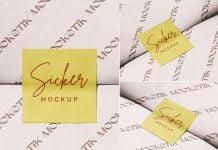
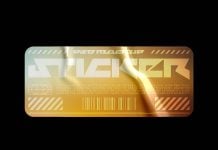
Today, we are sharing a glued and worn rounded square sticker mockup in PSD format. Place your artwork on a smart object and get a realistic couture.

Description:
Available Format: Layered PSD easy smart object insertion
License: Free for personal and commercial use
Zip File Includes: Photoshop PSD Files
Mockup Resolution: 4500 x 3000 px
Instructions:
1. Place artwork on smart objects
2. Photoshop requirement: Adobe Photoshop CS5+