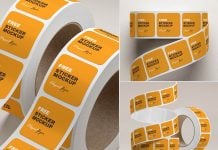
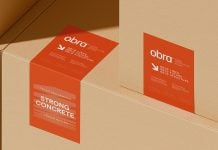
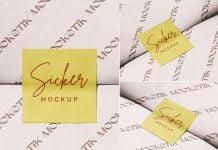
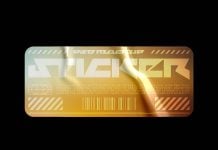
Let’s talk about sticker design instead of mockup today. Sticker designs seem to be a very simple task; you need to place the logo at the center and maximize it as much as you can and give some breathing space before the edge comes. This is what everyone thinks, but here are a few more things you can do to make the sticker design more valuable and attractive for the viewer. If you happen to know the “type on the path” tool, then you can write text around the sticker when you use circular or oval shape, which would look much better with a text surrounded by a logo. You can write a premium quality product or tagline of the company by using the type on the path tool. You can also add small icons to make the sticker more appealing. Add a white layer at the edge of the sticker, and wherever you paste it will easily be noticed.
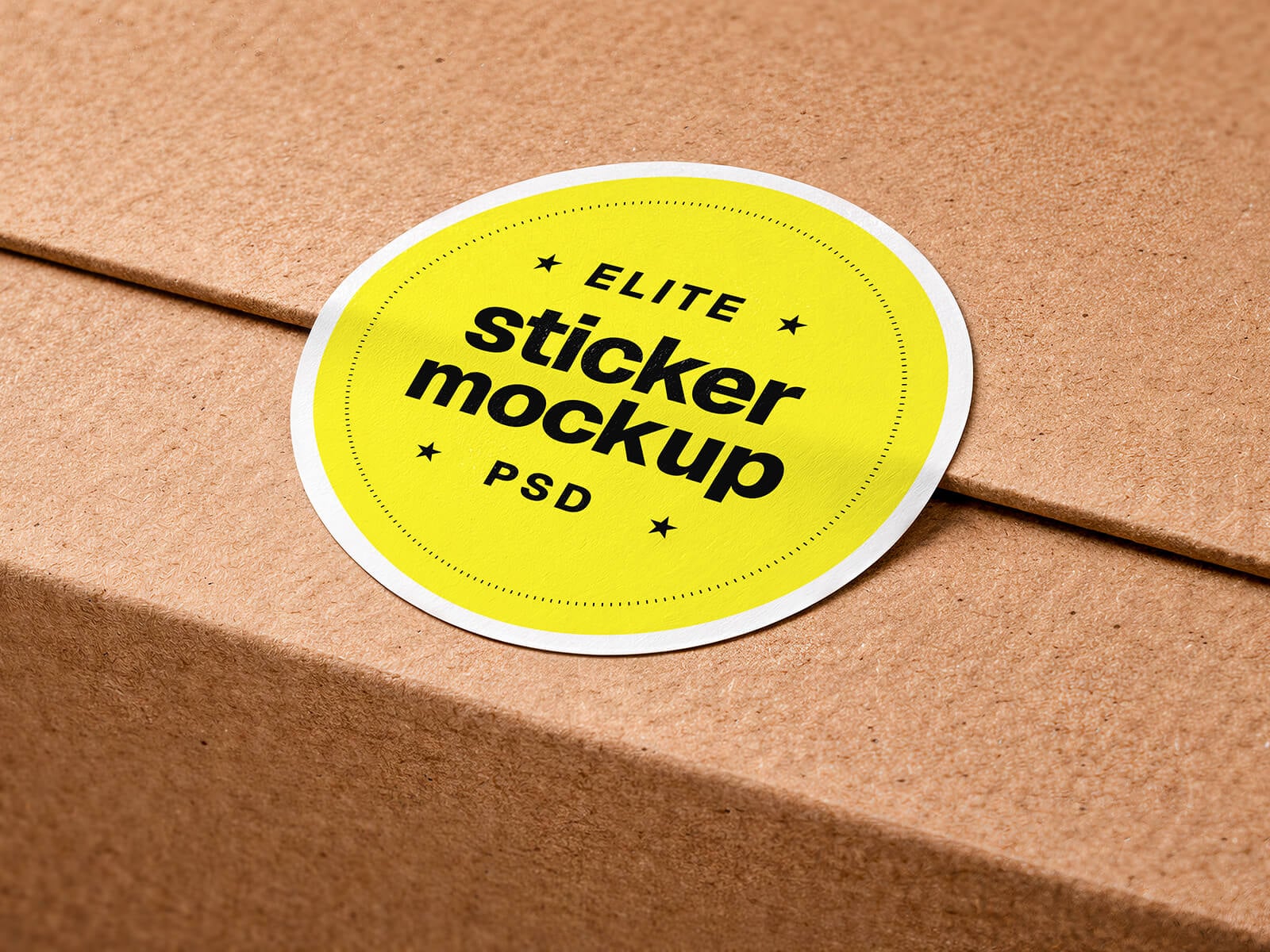
Today, we are shariing corrugated box round sticker mockup set in PSD format. Place your artwork on a smart object and get a realistic outcome.
Description:
Available Format: Layered PSD easy smart object insertion
License: Free for personal and commercial use
Zip File Includes: Photoshop PSD Files
Mockup Resolution: 6144 x 4096 px
Instructions:
1. Place artwork on smart objects
2. Photoshop requirement: Adobe Photoshop CS5+