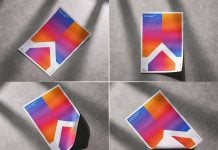
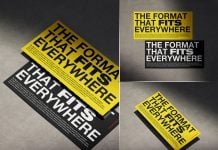
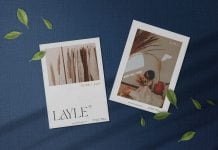
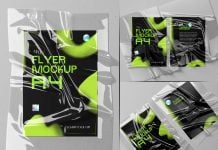
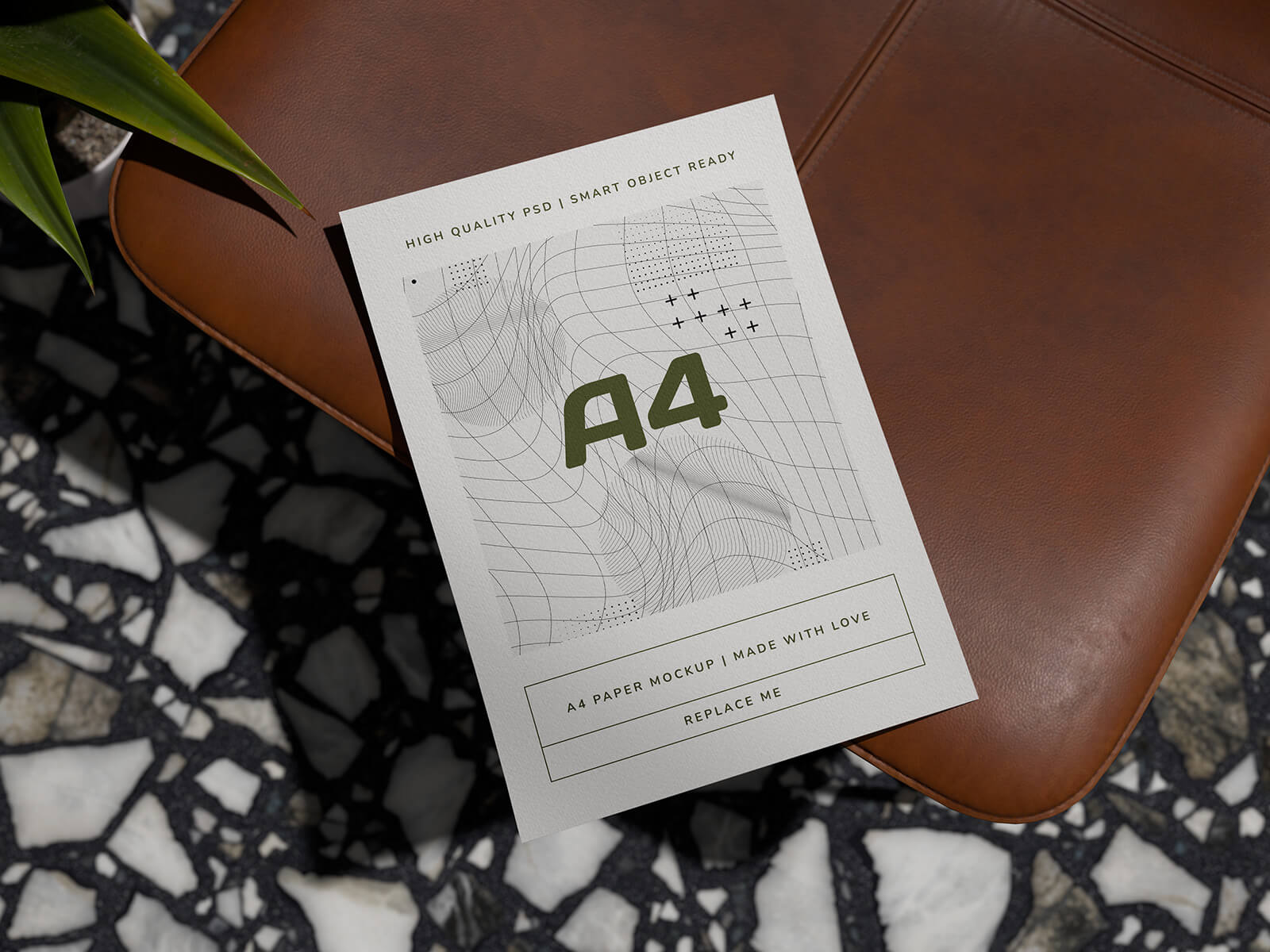
Another day, another good mockup, and this time I created this free mockup in Blender. So what really inspires me to create a flyer mockup? I have been using Blender for quite some time and found out that there are many free models available that I can play with, so I decided to compile them and render. I used a plane and applied a modifier, which is bend. I manually placed it on the leather chair, and then I imported a realistic plant.
Everything was created within minutes. The only time I took was to remove the glow shining on the floor because the light was placed above all the objects. One light source was enough to get the desired result because all models were premade with texturing. I rendered with cycles and got a premium look. After opening the image in Photoshop, I created a smart object, and the result is superb.
This free flyer mockup was created in 2-3 hours with the help of two softwares. Download details are available below, along with dimensions.
Description:
Available Format: Layered PSD, easy smart object insertion
License: Free for personal and commercial use
Zip File Includes: Photoshop PSD file
Resolution: 4500 x 3000 px
Paper Size: A4
Created by goodmockups.com
Instructions:
1. Place your letterhead, resume, or flyer design on a smart object
2. Photoshop requirement: Adobe Photoshop CS5+