Let us design a letterhead and learn the whole process, including CMYK printing. Every design needs planning, and letterhead is no exception. Letterhead is usually empty in the center, which means it is divided into three parts: the header, footer, and empty center. Most companies only focus on the header. Place their logo on the left side, center, or right side and compose the address and contact details accordingly. If your logo is typographic and can be placed landscape, then you can use the footer for the address, which is also a desirable design. For official companies, they need to add legal details such as TAX ID and registration number. After designing, you need to prepare the letterhead for process printing. If you haven’t used any Pantone color in your design and your logo has multiple basic colors, then you can go for CMYK printing. If you have special colors, then make them spot colors in Illustrator or InDesign or even CorelDRAW. At the end, use trim marks of .125 inches on all sides for the cutting guidance, and you are ready to send the file to the printer. Make sure you are sending the print-ready high-resolution PDF and source file. Include the fonts, or better yet, make them outlines so there won’t be any trouble if the file is opened on multiple systems.
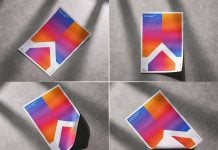
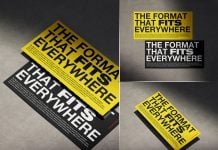
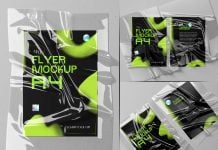
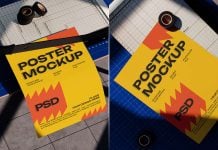
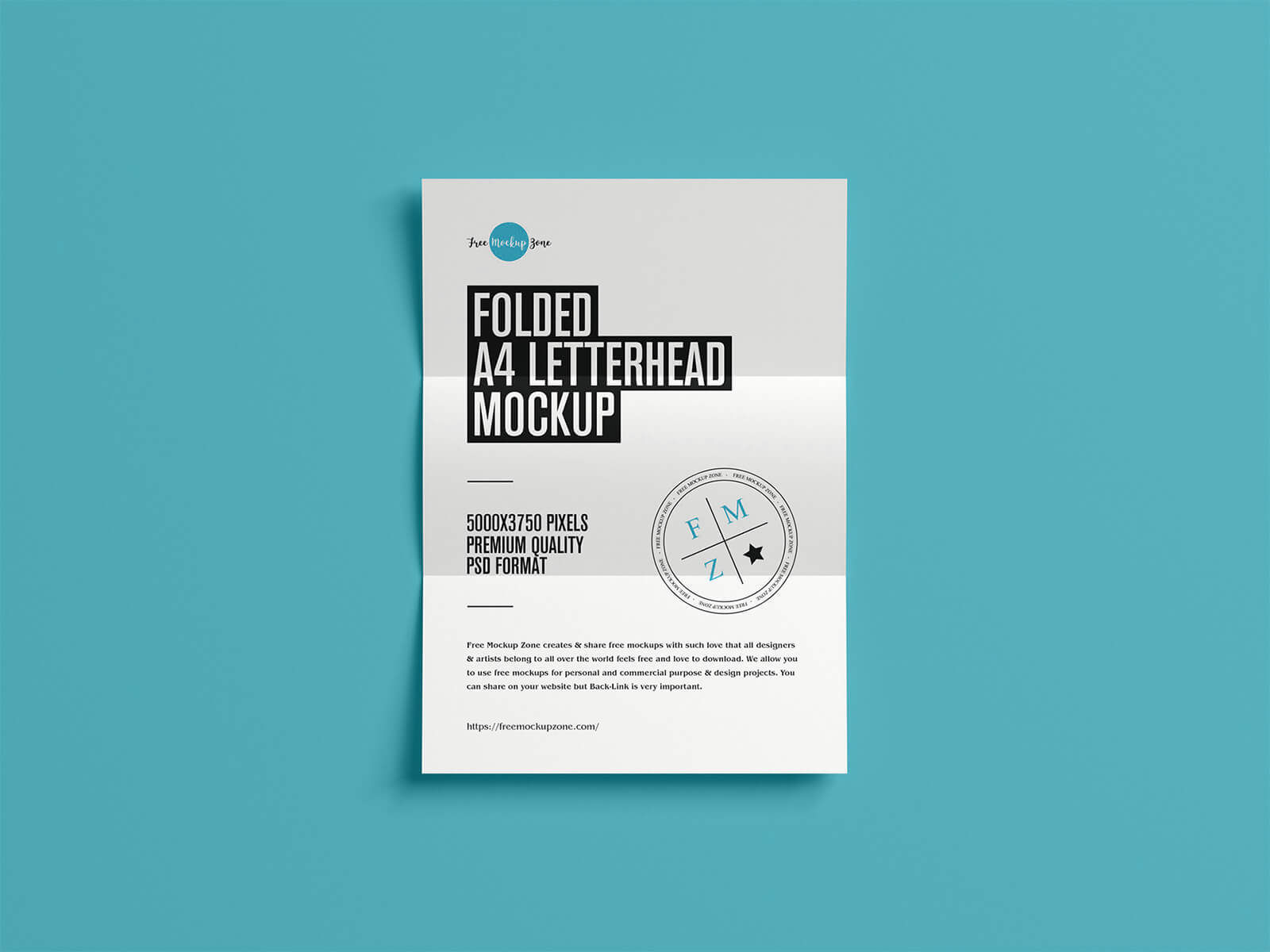
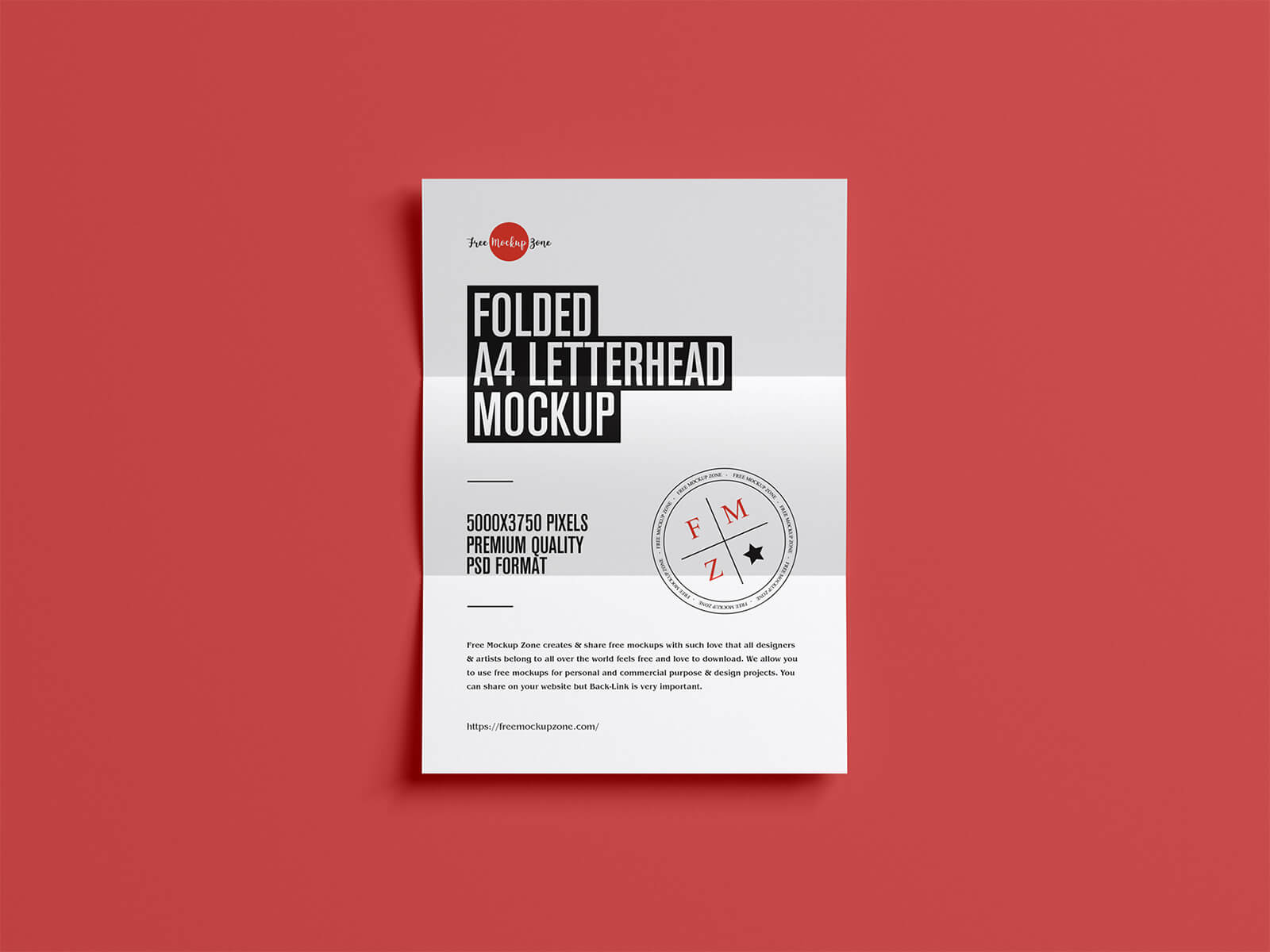
Today, we are sharing a folded A4 letterhead mockup in PSD format. Place your artwork on the smart object and get a realistic outcome.
Description:
Available Format: Layered PSD, easy smart object insertion
License: Free for personal and commercial use
Zip File Includes: Photoshop PSD Files
Mockup Resolution: 5000 x 3750 px
Instructions:
1. Place your designs on smart object
2. Photoshop requirement: Adobe Photoshop CS5+