Creating a ChatGPT prompt is as simple as it looks. You can directly ask an AI, and you will instantly receive a reply with a prompt. However, training the prompt to your needs is quite a challenging task. It may take a lot of time due to wrong angles of the product, extra words that do not need any explanation. Overexplaining the prompt and, most importantly, not getting the desired result, and keep on wasting the daily quota of generating images from ChatGPT. There is always a little compromise in every prompt, but it gives you almost 90-95% of your desired result. Then the coding part, making exactly what you require, is also challenging. I have been creating ChatGPT prompt generators, and it takes half of the day to get the result I am looking for. This time I have come up with a close-up shot of a t-shirt with a logo superimposed, and it can be customized according to your chosen selection from the fields below. You can also change the base color of the t-shirt along with the type of t-shirt you prefer. At the end, select the sizing and then visit the ChatGPT images link mentioned below. Once you are there, just upload your logo and paste your formatted prompt to get a realistic outcome.
Close-Up Logo On T-Shirt ChatGPT Prompt Generator
🚀 Free Generation Steps:
- Click the Copy Formatted Prompt button above.
- Open chatgpt.com/images in a new browser tab.
- Upload your original transparent graphic logo directly onto ChatGPT.
- Paste your prompt and press enter to generate the image.
- Save this link by using our extension.
- 2x your image from the Upscale tab.
(Anti-Aliasing, Sharpening & Denoising)
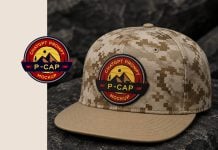
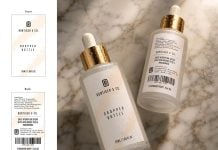
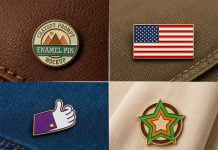
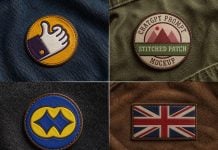
ChatGPT builder, Upscaler, AI prompt training; all the above-generated images and icons are created by goodmockups.com