Our website categorizes into 2 types of mockups. Ready-to-use PSD mockups and, secondly, prompt mockups. If you are a designer and would like to use ready to use then you should directly go to any category, find the mockup you like, and download the PSD files. This process is for professionals who are willing to use these mockups in their print files as well as presentations to provide great in-depth details.
If you are a social media manager, brand owners & AI enthusiast, and manage many different pages at the same time, then you need a quick solution. You should consider prompt mockups and quickly make mockups by copy paste method, which is the easiest and fastest. We have a very simple layman product generator. Just choose the options, and it will create the best product mockups for your social media presentations and reels. For your ease, we have provided 4 different cap colors and the base color of the bottle. You can choose your preferred background and get an instant, AI-powered, high-quality, photorealistic mockup in seconds by using our product mockup maker. This mockup is generated to perfectly fit the front and backside of label designs.
Dropper Bottle ChatGPT Prompt Generator
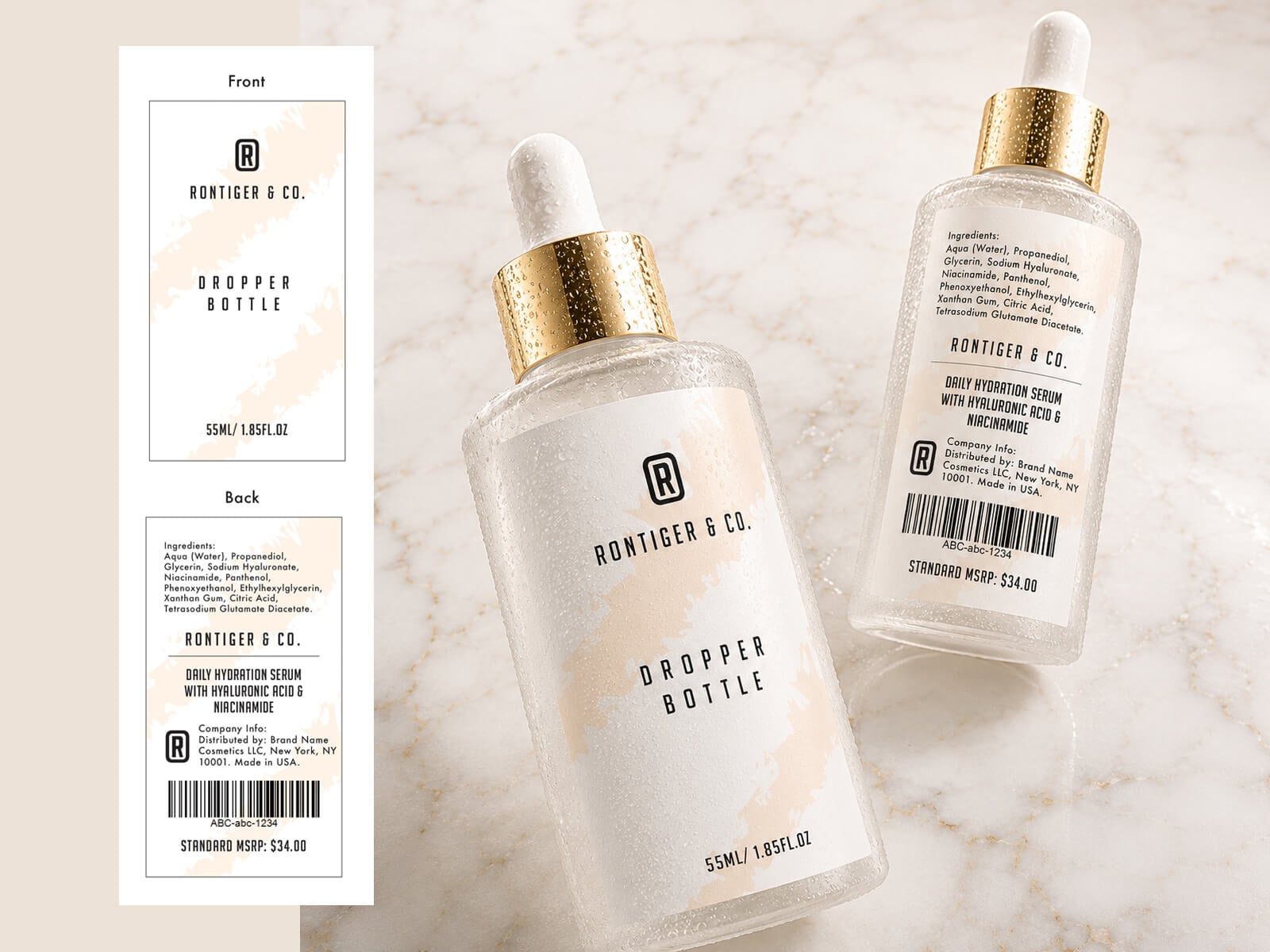 STYLE EXAMPLE: DENIM JACKET
🚀 Free Generation Steps:
- Download our template to perfectly fit the front and back design of dropper bottle.
- Click the Copy Formatted Prompt button above.
- Open chatgpt.com/images in a new browser tab.
- Upload your front and back dropper bottle design onto ChatGPT.
- Paste your prompt and press enter to generate the image.
- Save this link by using our extension.
- 2x your image from the Upscale tab.
(Anti-Aliasing, Sharpenering & Denoising)
ChatGPT builder, Upscaler, AI prompt training, all the above generated images and icons are created by goodmockups.com