Whenever you are choosing a paper for desktop printing, you should consider color printing paper, which needs to be 90 gsm. Anything below 90 gms will not be suitable for full color printing. Paper should be made for offset printing, and premium papers have coating, brightness, and do not have opacity. Thinner paper can also leave an impression, so double-sided printing can be tricky, and they do not dry as quickly as thicker papers. 90 gms, on the other hand, makes you feel a good choice as they can be held in the hand without being folded. Printing on the 90 gsm paper looks better than on lighter papers. If you would like to run a flyer campaign and you will print on both sides of the paper, then 90- 100 gsm should be your first choice.`
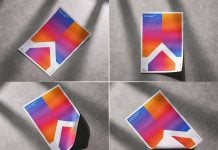
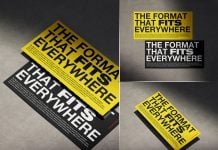
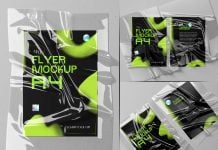
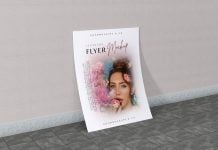
Today, we are sharing a premium A5 flyer/paper mockup set in PSD format. Place your artwork on a smart object and get a realistic outcome.

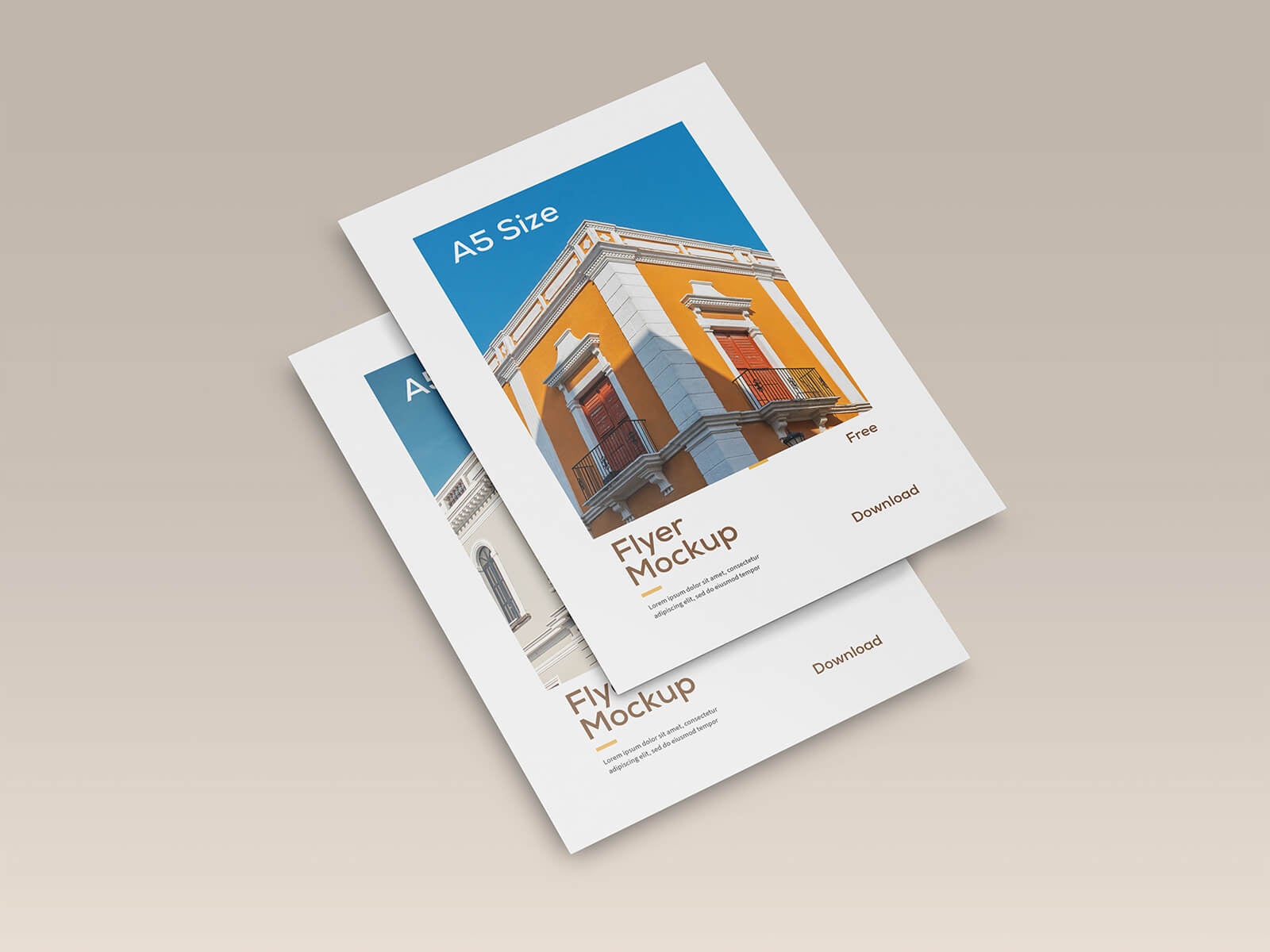

Description:
Available Format: Layered PSD easy smart object insertion
License: Free for personal and commercial use
Zip File Includes: 3 Photoshop PSD files
Resolution: 5000 x 5000 px
Instructions:
1. Use smart object to place your design
2. Photoshop requirement: Adobe Photoshop CS5+