Printing paper needs to be selected carefully before making a decision, such as if you are printing a tri-fold brochure that is pictorial and a good number of photos are going to print on both sides, then choose a thicker paper which should be close to 100lb. You can also ask for varnishing at the end of the printing, which protects the inks and prevents smudging. Paper around 100lb folds perfectly and does not erect on its own if folded properly. Creasing helps the brochure to fold perfectly. If you are going to distribute the brochures or flyers, then you should consider 80lb and go for bulk printing. For a single fold, you should consider matte or gloss lamination, which helps the brochure have a professional look. But these brochures should only be given by hand to customers or include them in their new purchase.
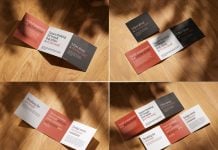
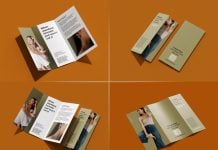
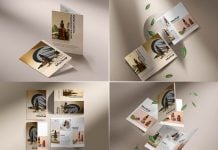
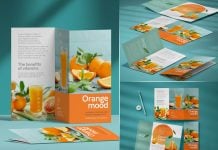
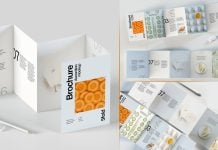
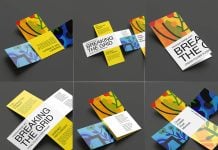
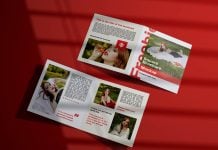
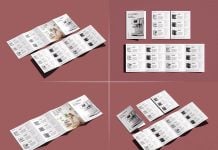
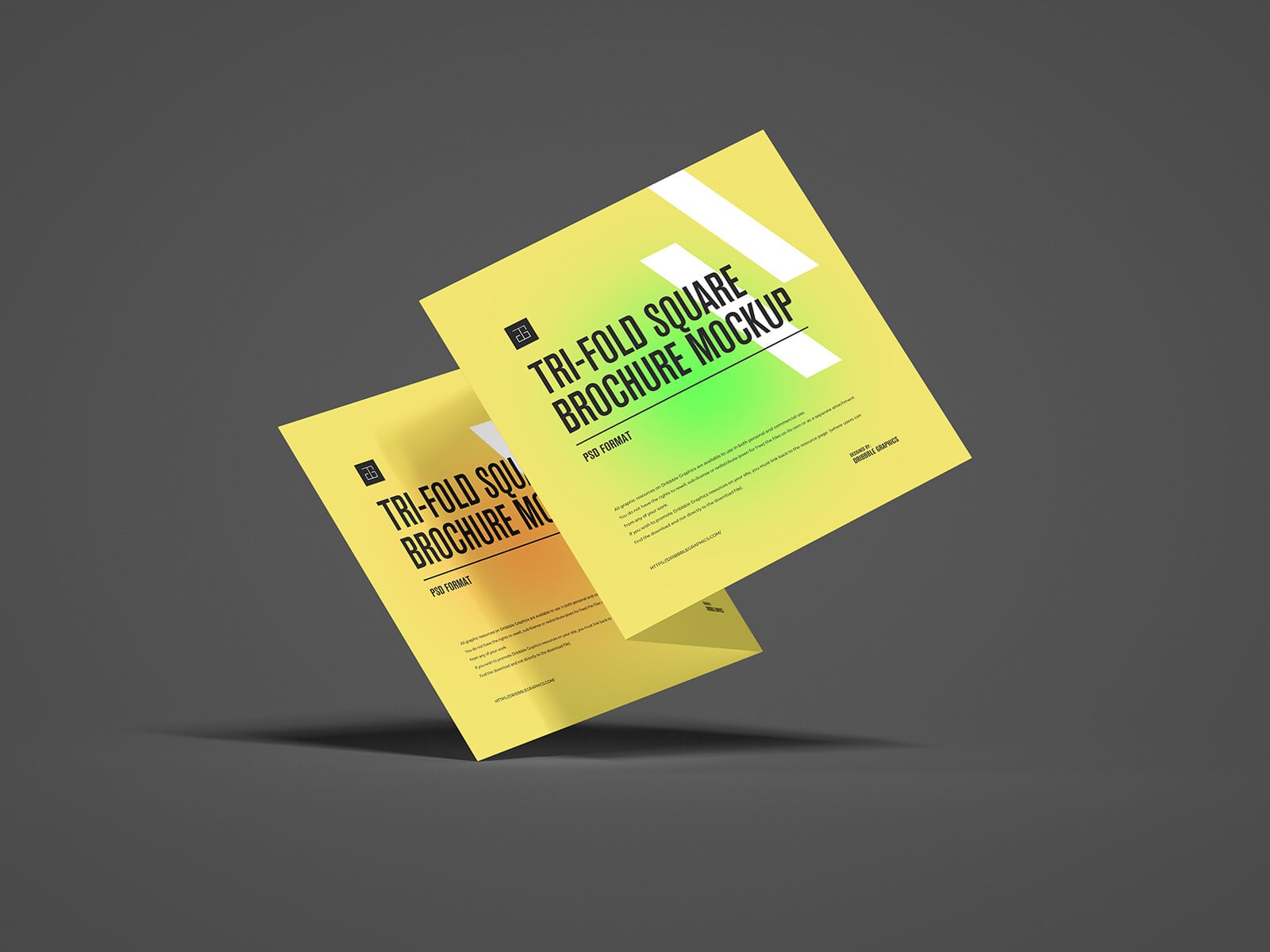
Today, we are sharing a tri-fold square brochure mockup in PSD format. Place your artwork on smart objects and get a realistic outcome.
Description:
Available Format: Layered PSD, easy smart object insertion
License: Free for personal and commercial use
Zip File Includes: Photoshop PSD File
Mockup Resolution: 5000 x 3750 px
Instructions:
1. Place your designs on smart objects
2. Photoshop requirement: Adobe Photoshop CS5+