The browser is the middleman between the customer and the provider. A browser can take you from one website to another if you keep finding what you are looking for. The main business lies in the browser, and this is the main reason every browser asks you to make it the default. Google Chrome is one of the most preferred browsers that most of us use. For Max OSX, the preferred browser is Safari. Safari is the default browser that comes with the operating system, and the latest version is 18, which was released on September 16, 2024. You can update your browser to the latest beta version, which is 18.3. Apple is also planning to launch a completely new version, which is going to be called Safari 26. It is going to be released in fall 2025 with iOS 26 and iPad OS 26. The browser has been redesigned with a liquid glass design. The number 26 comes from the number of years Safari has been around, instead of the version number.
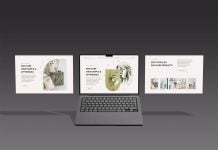
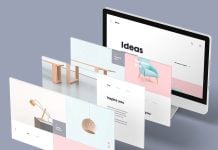
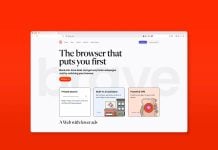
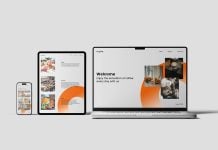
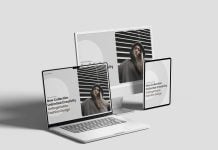
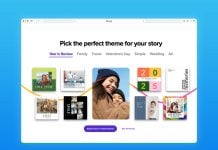
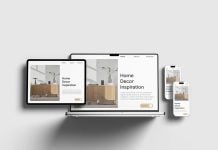
Today, we are sharing a Safari 18 web browser mockup in PSD format. There are two options (light & dark). Background color is changeable too.


Description:
Available Format: Layered PSD UI Design smart object insertion for browser
License: Free for personal and commercial use
Zip File Includes: 2 Photoshop PSD files
Resolution: 4000 x 3000 px (expandable design) 2x Supported
Instructions:
1. Place your web or UI design by using smart object
2. Photoshop requirement: Adobe Photoshop CS5+