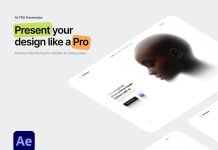
For a web designer, nothing is more staisfying then looking at a smooth transition of a website loading and adjusting according to the size of the device. The main idea behind the fluid or responsive web design is to adapt to the screen size regardless of the device. It looks for the browser size so the specific css or styling is loaded. Recently, WebP images have been used, and they are quite small in size, which makes the web page lighter, even for portfolio websites where images are the main focus and dozens of them need to load when the page is opened. Similarly, vector objects should be used for logos and other design elements, and svg does the job perfectly. You can either use an SVG file directly on the web page or use the code of the svg—both load with ease.
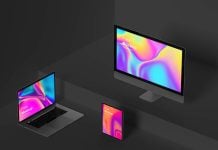
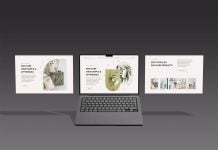
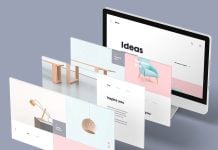
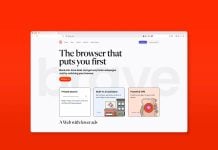
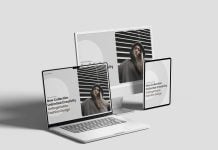
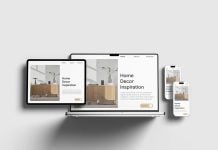
Today, we are sharing a multi-device responsive web design mockup in PSD format. Place your artwork on a smart object and get a realistic outcome. You can change the color if you would like.

Available Format: Layered PSD through smart object insertion
License: Free for personal and commercial use
Zip File Includes: Photoshop PSD File
Resolution: 4500 x 3000 px
Instructions:
1. Place your web designs on smart objects
2. Photoshop requirement: Adobe Photoshop CS5+