M1, M3, and M4 iMacs are all perfectly configured for graphic designers, especially if you have confined your projects to Photoshop, Illustrator, and InDesign. M4 comes with 512 GB of space and 16 GB of RAM, which is enough to handle multiple softwares at the same time and load high resoluiton 16 bit files. You can open many browser tabs at once and even run browser softwares without clogging your RAM. However, if you are into video editing and 3d rendering, then you should consider high RAM and 10 core GPU, which is better in producing high-end 3D files and helps in video editing to a great degree. When it comes to video editing, you may need extra space that can be managed through external hard drives. The size of the iMac and the resolution are also perfect for professionals.
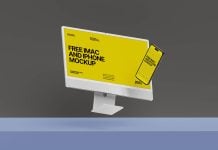
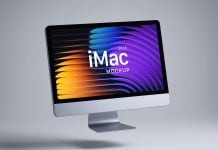
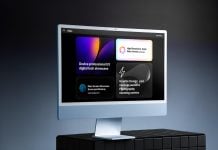
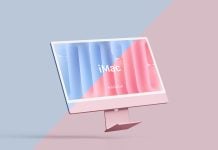
Today, we are sharing Retina iMac mockup in PSD format. Place your artwork on a smart object and get a realistic outcome. Background color is changeable. Download details are available below.
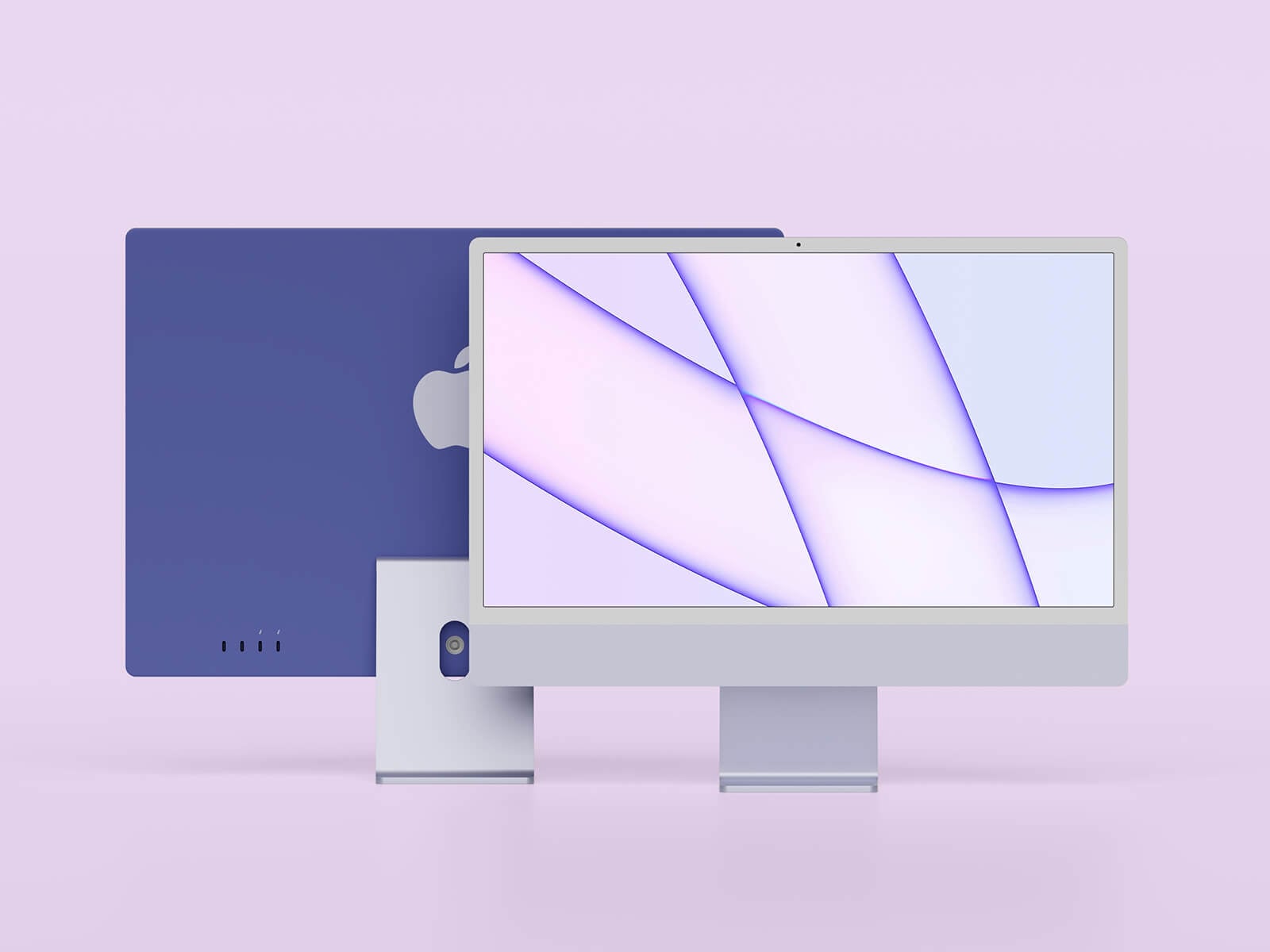
Available Format: Layered PSD easy smart object insertion
License: Free for personal and commercial use
Zip File Includes: Photoshop PSD File
Mockup Resolution: 3500 x 2350 px
Instructions:
1. Place your web designs on smart object screen layer
2. Photoshop requirement: Adobe Photoshop CS5+