Before designing any multipage document, there should be a rough sketch so the composition does not take time. The most important aspect of designing a multipage layout is the division of each panel. When it comes to a tri-fold, the first inner page is the start of the brochure. Every panel should be considered a whole page, and all panels should complement each other. There are three options in tri-fold brochures: Z-fold, Tri-fold, and gate fold. All can carry the same amount of text, but gate gatefold is slightly different, and it has a different approach to the design. It is used to display and highlight the top-of-the-line product or service at the center that carries value or a prestigious event of the company, such opening of a new outlet.
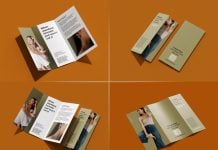
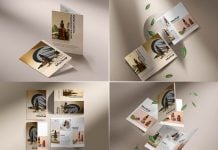
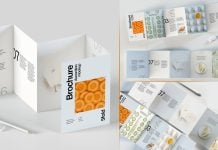
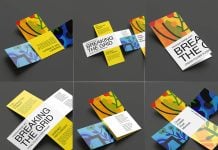
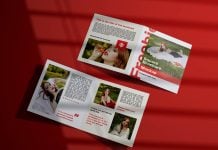
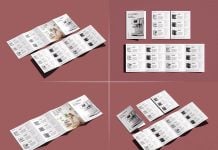
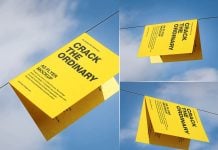
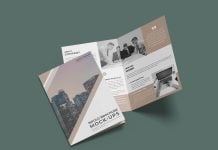
Today, we are sharing a perspective tri-fold brochure mockup in PSD format. Place your artwork on a smart object and change the background color as per your design.
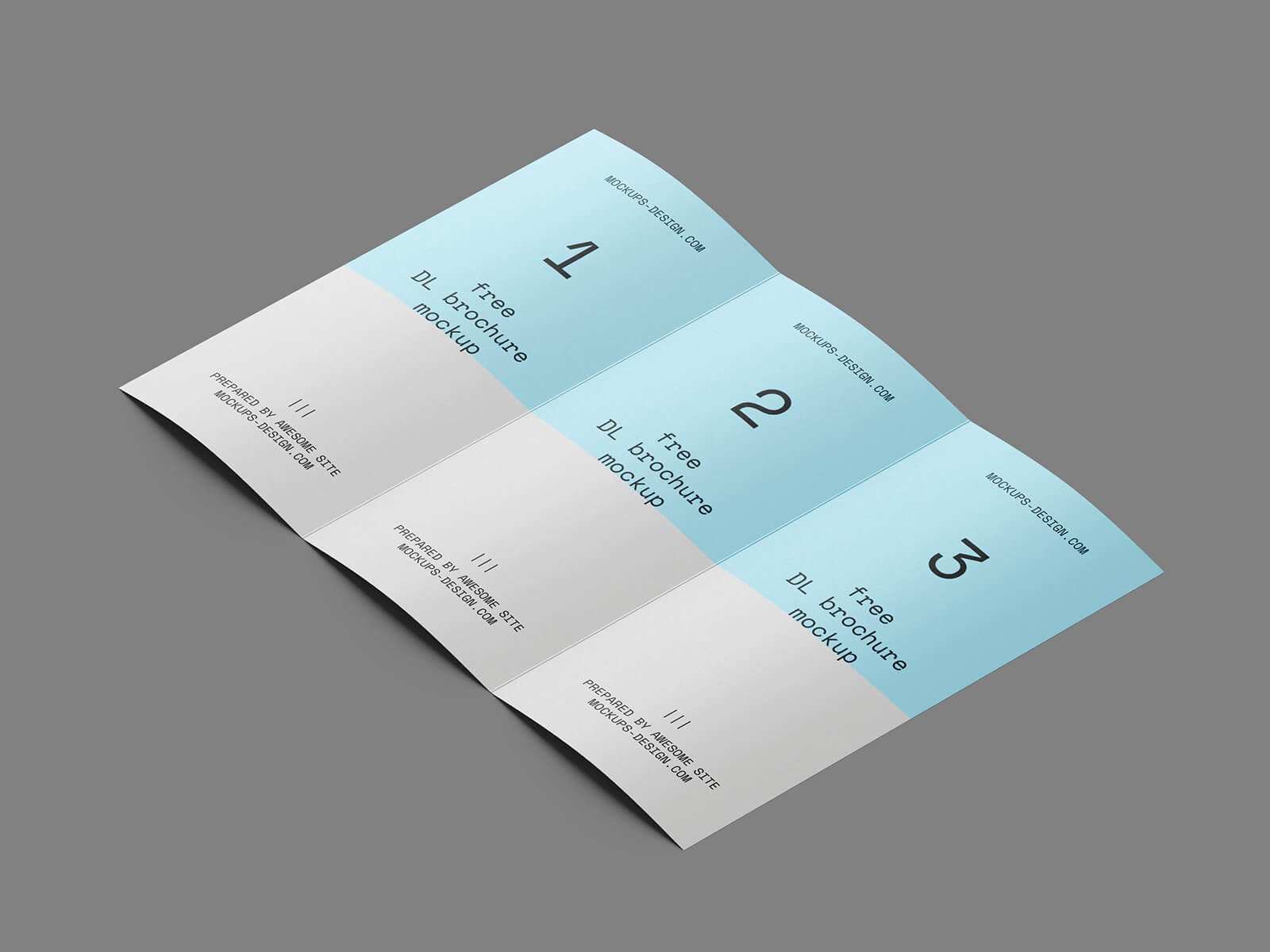
Available Format: Layered PSD through smart object insertion
License: Free for personal and commercial use
Zip File Includes: Photoshop PSD File
Resolution: 3000 x 2250 px
Instructions:
1. Place your design by using smart object layers
2. Photoshop requirement: Adobe Photoshop CS5+