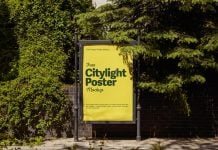
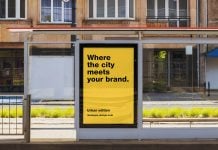
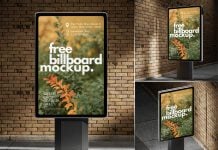
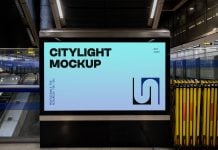
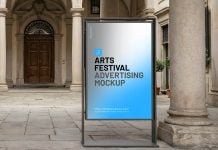
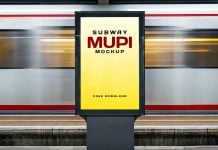
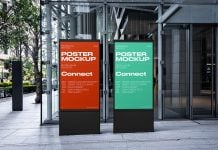
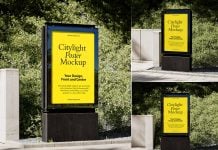
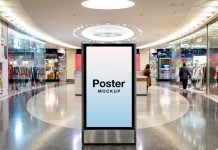
This time, we explored a dark environment and came up with a citylight mockup, which can be used in your branding and poster displays. This mupi is created in C4D and then exported to Photoshop to make it smart object ready. We will also share few more angles in the future with a bright environment. When it comes to C4D, you can learn it in a few months of dedication. You can buy a student license for approximately 10 dollars, but you need to log in from your college or university website email address and prove that you are an art student. This can give you access to one of the world’s most extensive 3D software where you can create models, environments and animations. If you are planning for getting the student package then we would suggest you to get yourself ready by watching the basic tutorials on youtube or udemy. This way, you will be prepared and quickly get used to the tools. It is quite overwhelming in the beginning to see all the options and tools all around the screen, but sooner or later, you will get used to all the options and will know how to use and when to use them. Just keep on practicing and keep up the pace.
Today, we are starting our roundup with a mupi citylight poster mockup created with love by our team of Goodmockups. You will be able to change the background wall color and place your artwork on a smart object.

Available Format: Layered PSD easy smart object insertion
License: Free for personal and commercial use
Zip File Includes: Photoshop PSD File
Mockup Resolution: 4500 x 3000 px
Artwork Resolution: 850 × 1250 px
Created by Goodmockups.com
Instructions:
1. Place your design on smart layer and save the file
2. Photoshop requirement: Adobe Photoshop CS5+