It has been quite an amazing yet enjoyable journey of using the 3D softwares. I have tried both C4D and Blender. C4D is much easier initially, and if someone already has 2D graphics experience, they should try C4D. You will quickly get used to the options and learn to make shapes. However, it is not free; you may try the trial, but you need to buy the subscription, which is, as of today, $59.91–$69.91/month if you subscribe annually. If you are already generating some good money and can afford the subscription and are also ready to jump into the world of 3D, then we would suggest that you not think twice and keep yourself fully immersed in C4D. There is no better renderer than Octane, and you will come up with lifelike renders with speed.
If you are a student, then you can subscribe for $80-$100 per year, which is lterally $8/month. If you are neither a student nor a 3D enthusiast but still want to explore the opportunity of working in 3D, then install Blender, which does have some good renderers, such as Cycles. You will also get a good result out of it, but the learning curve of Blender is deep and you may many times feel overwhelmed due to its options and features. It is sometimes quite difficult to decide which one to use. It is more like a manual 3D creation software where you need to learn from the hard surface modeling. The biggest benefit is that it is completely free.
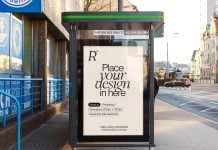
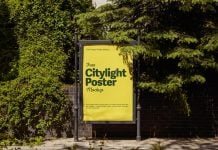
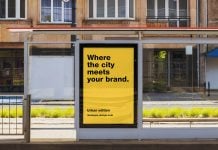
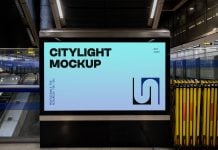
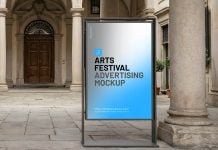
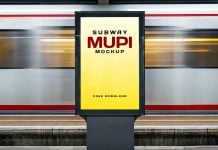
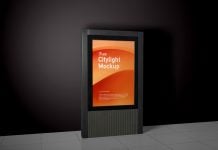
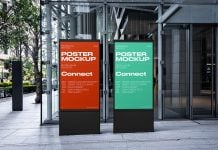
Today, we are sharing the nightview citylight mupi poster mockup set in PSD format. It is created in Blender and generated in Cycles. Download all three mockups and place your artwork to get a realistic outcome.
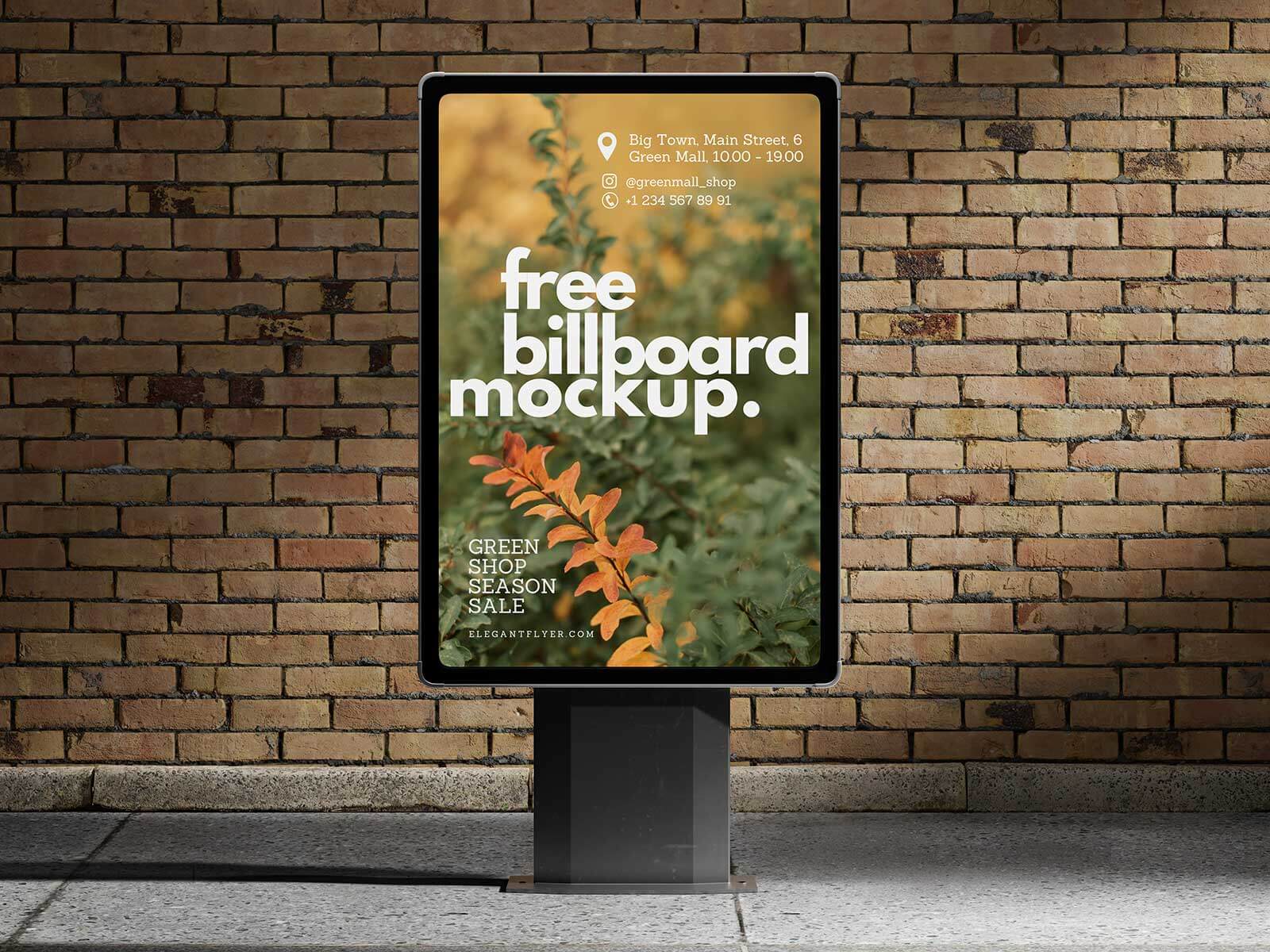

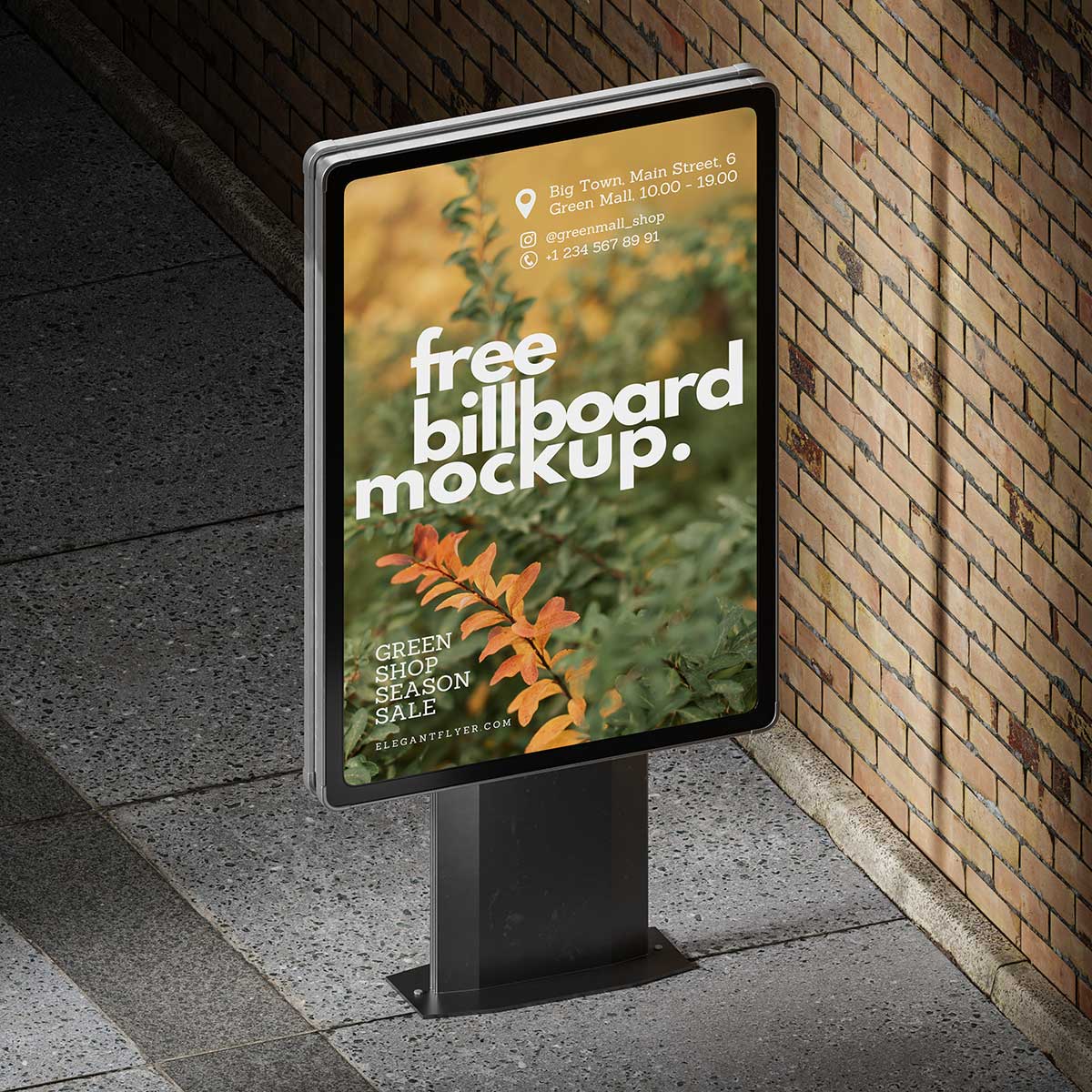
Available Format: Layered PSD easy smart object insertion
License: Free for personal and commercial use
Zip File Includes: 3 Photoshop PSD Files
Mockup Resolution: 4000 x 4000 px
Credit: sketchfab.com/olgasardykova
Instructions:
1. Place your design on smart layer and save the file
2. Photoshop requirement: Adobe Photoshop CS5+