Browsers are the gate to the digital world. You can read any news from any country in any language and on any topic by simply using a browser. You can subscribe to a new channel and receive the latest and trending news directly in your inbox. You can watch live channels and podcasts just by visiting the websites. It is always a good idea to create your own bookmarks every time you visit and revisit the website. Instead of typing the whole URL, just tap on the icon and the browser will take you there. This saves time, and you also remain undistracted by ads and offers from website owners. Browsers also take us to the world forums, latest technology reviews, and even the deepest historical facts by visiting websites that compile this information. Wikipedia is one of the best examples.
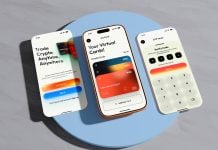
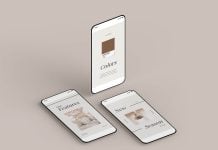
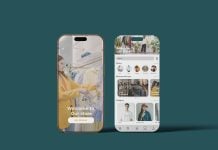
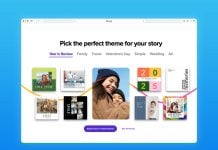
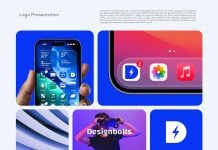
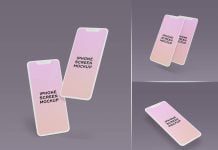
Today, we are sharing an iOS 26 Google Chrome Browser website mockup in PSD format. Place your artwork on a smart object and get a realistic outcome.

Available Format: Layered PSD easy smart object insertion
License: Free for personal and commercial use
RAR File Includes: Photoshop PSD File
Mockup Resolution: 4000 x 3000 px
Instructions:
1. Place your app designs on smart object screen layers
2. Photoshop requirement: Adobe Photoshop CS5+