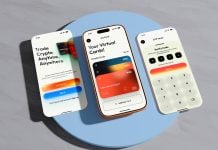
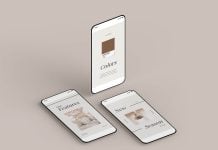
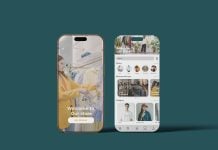
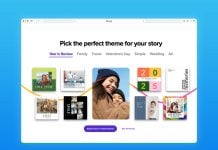
Logo presentation is another mockup category that needs to be explored. Designers should come up with different layouts and ideas in UI where several mockups are placed in the same file, with the logo becoming prominent in all different portions of a single image, as shown in the image below. You can also add printed logo mockups or even include a favicon to enhance the presentation. If you see the image below, there is a mockup which shows the logo placed in the mobile screen, then a macro close-up of an application for iOS 26, then any other 3D rendered matching image which enhances the overall look, then the logotype, and at the end reverse logo to complete the presentation. You can even add more previews below the images and make a line-up of printed logos if the client requires.
Today, we are including the iOS 26 Bento Grids App logo presentation mockup in PSD format. Place your artwork on a smart object and present your app logo in a UI mockup.

Available Format: Layered PSD easy smart object insertion
License: Free for personal and commercial use
RAR File Includes: Photoshop PSD File
Mockup Resolution: 4000 x 3000 px
Instructions:
1. Place your app designs on smart object screen layers
2. Photoshop requirement: Adobe Photoshop CS5+