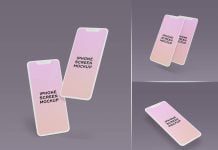
iOS 26 UI is based on a clear glass look. It gives a clean look to the user interface, and it can be achieved easily by using some effects. If you would like to get the same effect in Photoshop, then you can do it by playing with opacity and masking the background where you would like the blurred background to appear. Another copy in the background should be below all the layers.
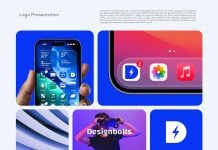
It is easy to achieve in a few steps, and you can find tutorials on the same topic on YouTube. Some of them will guide you to get the same effect and save the effect to use on other shapes for later use. If you are a UI designer and are looking for an App logo mockup, then today’s mockup can be a perfect choice. You can not only place your UI icons but also change the background separately. The background color can be matched with the UI design.

Available Format: Layered PSD easy smart object insertion
License: Free for personal and commercial use
Zip File Includes: Photoshop PSD File
Mockup Resolution: 4500 x 3500 px
Instructions:
1. Place your app designs on smart layers
2. Photoshop requirement: Adobe Photoshop CS5+