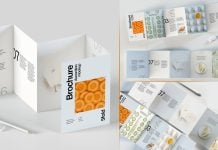
Tri-fold is considered as 6-panels, and it is designed one per page, and the theme is then repeated to make it subtle. It does not mean that a tri-fold cannot be designed in any other way. You can extend your artwork to two pages and even three if the image is attractive and has some space on which you can put text on it. For example, if you have an office building, you can extend it to two pages and in the sky write the title and description. Similarly, you can place clouds on the images and write on them in black text, so in the printing it won’t be a problem. Make sure you are using combnation of 2 colors, such as red, which is made with yellow and magenta. This makes the printing easy and looks much crisper and neater.
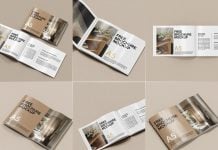
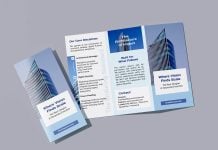
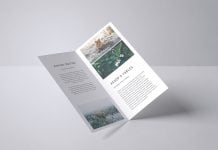
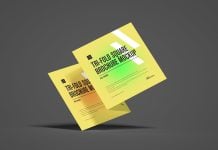
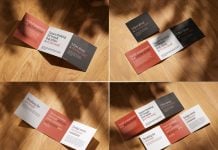
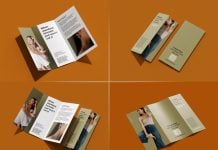
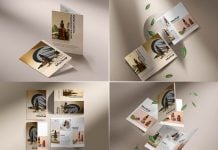
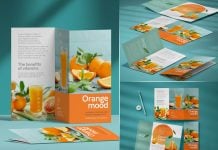
Today, we are sharing a tri-fold brochure mockup in PSD format. Place your artwork on a smart object and get a realistic outcome.

Available Format: Layered PSD through smart object insertion
License: Free for personal and commercial use
Zip File Includes: Photoshop PSD File
Resolution: 4500 x 3000 px
Instructions:
1. Place your design by using smart object layers
2. Photoshop requirement: Adobe Photoshop CS5+