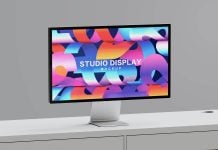
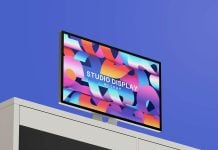
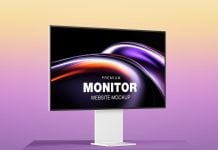
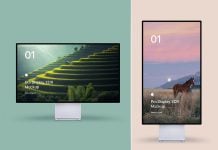
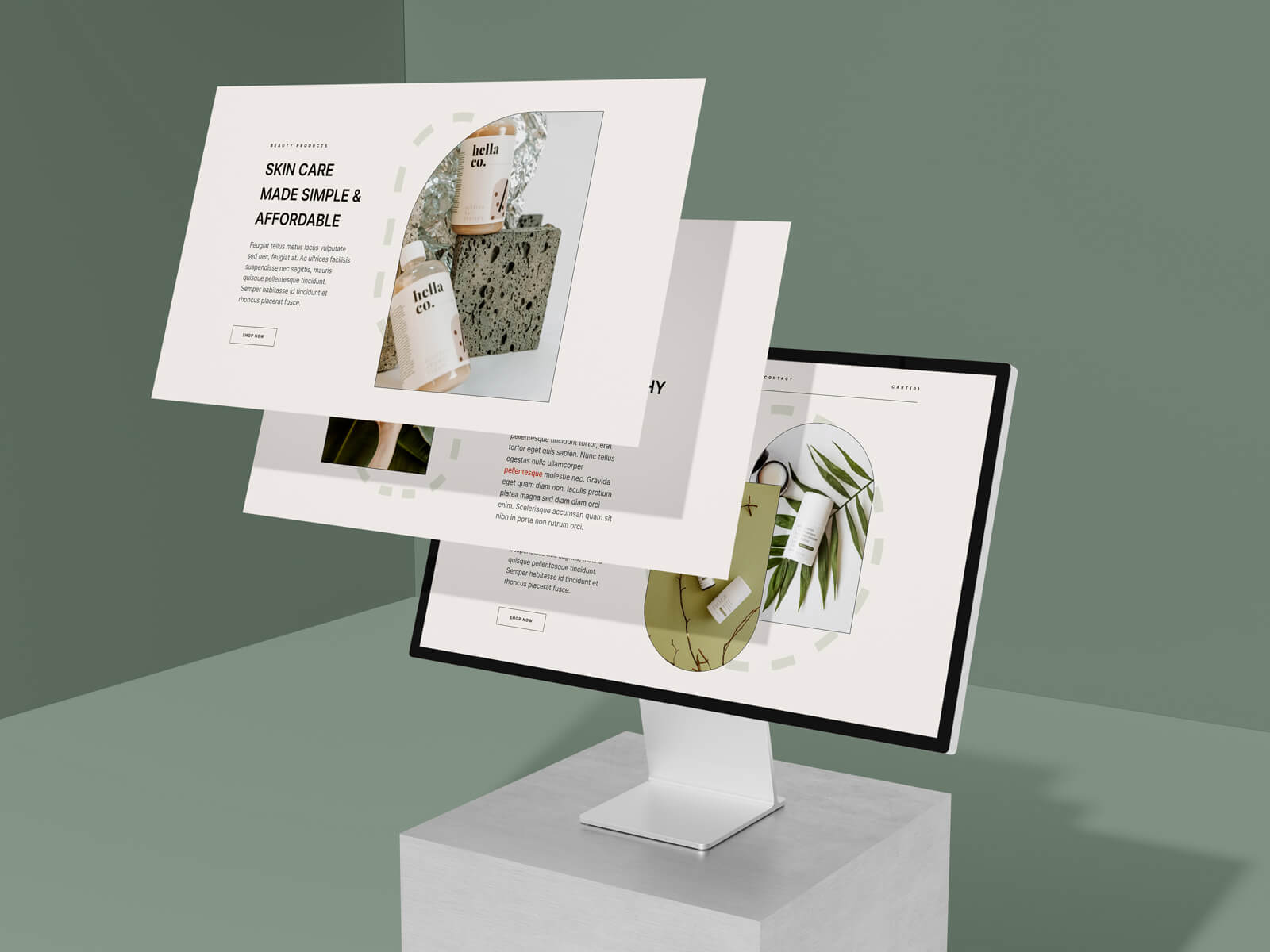
As a UI designer, I have been continuously looking for a mockup that can display my web and app UI. I do not usually display my web design on any mockup. Just a long web preview is good enough to give an idea to the client of the whole process and other pages of the web templates. For the portfolio, there is always a need to show off the work, and for that reason, multiple-screen mockups are always useful to have in the library. I have designed many different types of longer web screens, but this time I created something new. This mockup can be used for displaying the theme and web templates. If you do not need a multiple-screen mockup, then choose Apple Studio Display XDR, which is hidden in the layer panel as a group. You can hide the screen group and unhide the without screen mockup. This free website mockup is created with Blender and rendered in Cycles. Background is separated into three. You can change according to your theme color schemes.

Description:
Available Format: Layered PSD, easy smart object insertion
License: Free for personal and commercial use
Zip File Includes: Photoshop PSD File
Resolution: 4500 x 3000 px
Created by Goodmockups.com
Instructions:
1. Place your website design on the smart object layers
2. Photoshop requirement: Adobe Photoshop CS5+