When it comes to a premium solution for your computing needs, the first company that comes to mind is Apple. However, it comes with a high price tag. If you are the luckiest one who grabbed the M4 Mac Mini this year and bought it for $400 this black friday, then you must have been thinking of buying a portable monitor or a display dedicated to the Mini. The hard truth is that it can only support an Apple display. There are some workarounds for Android displays, but there is always a very small lag that will break your heart. So what should you do to buy a portable monitor that does not break the bank? If you are a student, then we would suggest you write “Z1RC” monitor on search and buy it without thinking too much, as it is the best value for your money and have 2 years warrenty. If you are a professional, then hands down, the Apple Studio Display without second thoughts.
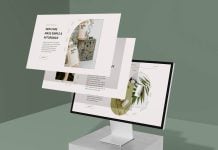
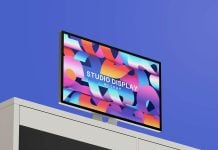
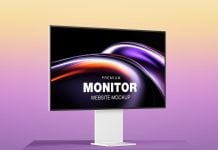
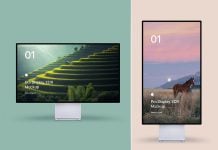
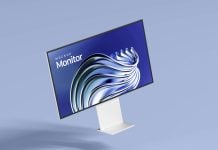
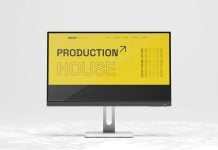
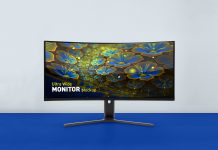
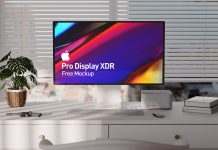
Today, we are sharing the workspace Apple Studio Display Mockup in PSD format. Place your artwork on a smart object and get a realistic outcome.

Description:
Available Format: Layered PSD easy smart object insertion
License: Free for personal promotion and non-commercial use
Zip File Includes: Photoshop PSD Files
Mockup Resolution: 6000 x 4000 px
Instructions:
1. Place artwork on smart object
2. Photoshop requirement: Adobe Photoshop CS5+