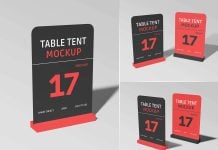
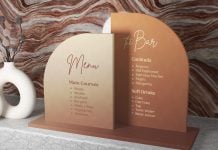
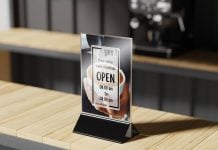
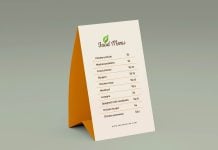
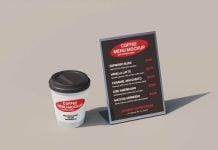
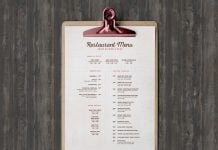
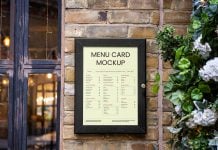
Printed mockups are not as common these days as they used to be. The main reason for this is to reduce paper use, and other options are much easier and more economical. For example, you will see table menu stands instead of printed menus. You will also see only QR code or even a mounted menu on the wall. Printed menus with real photos require many steps. The biggest one is the professional photography of food. A photographer has to come to the restaurant many times and take some natural photos of chefs cooking the dishes or make a setup at the restaurant to take good photos with perfect indoor lighting. Photos then need to be edited to perfectly balance the colors, and then they can be used for printed menu design. Printing also has a good cost to it, and menus need to be updated often due to changing dishes and pricing. If possible, make the price list separately and attach it with the menu design at the end.
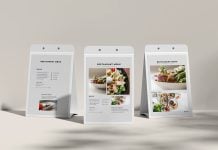
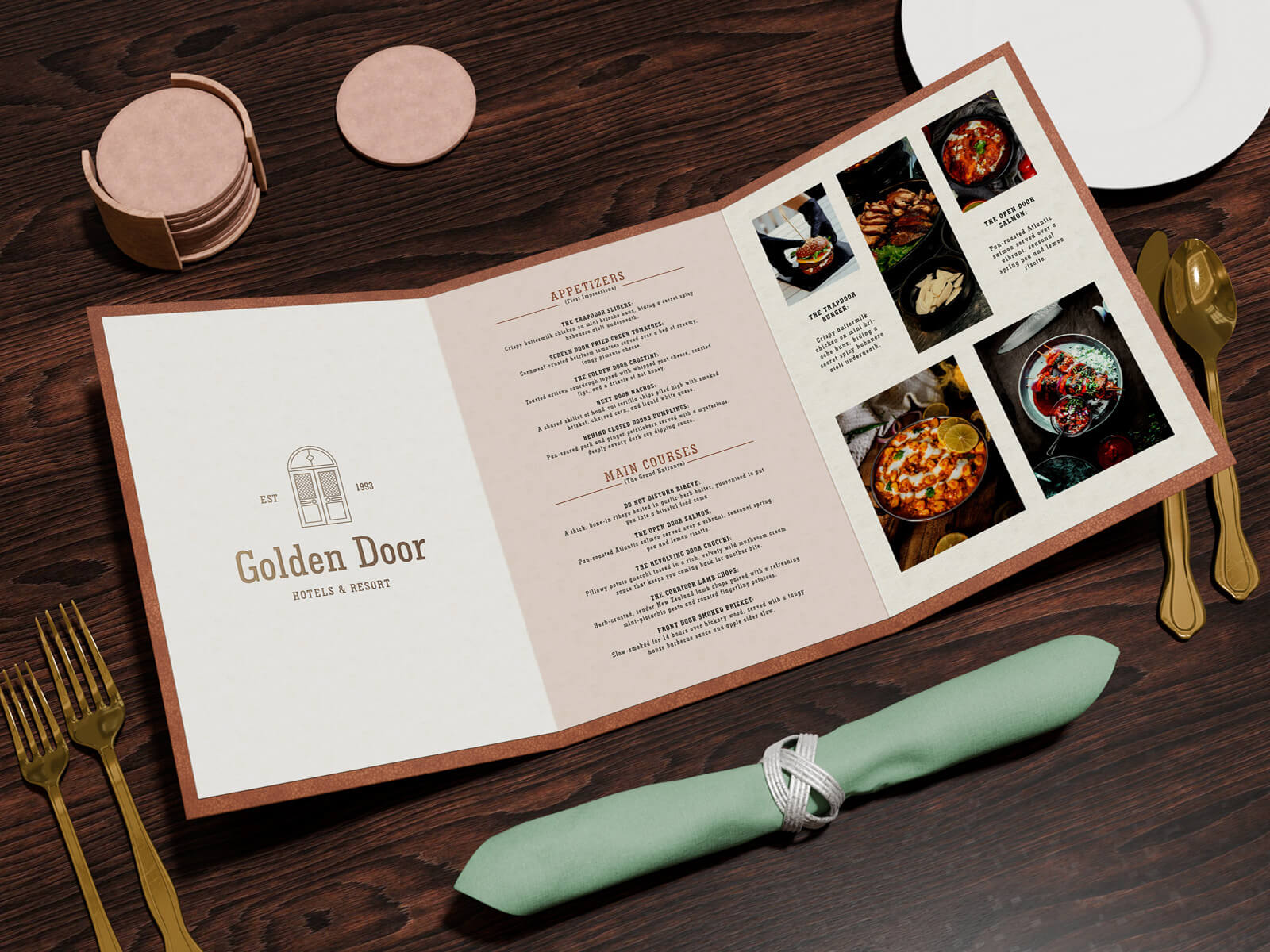
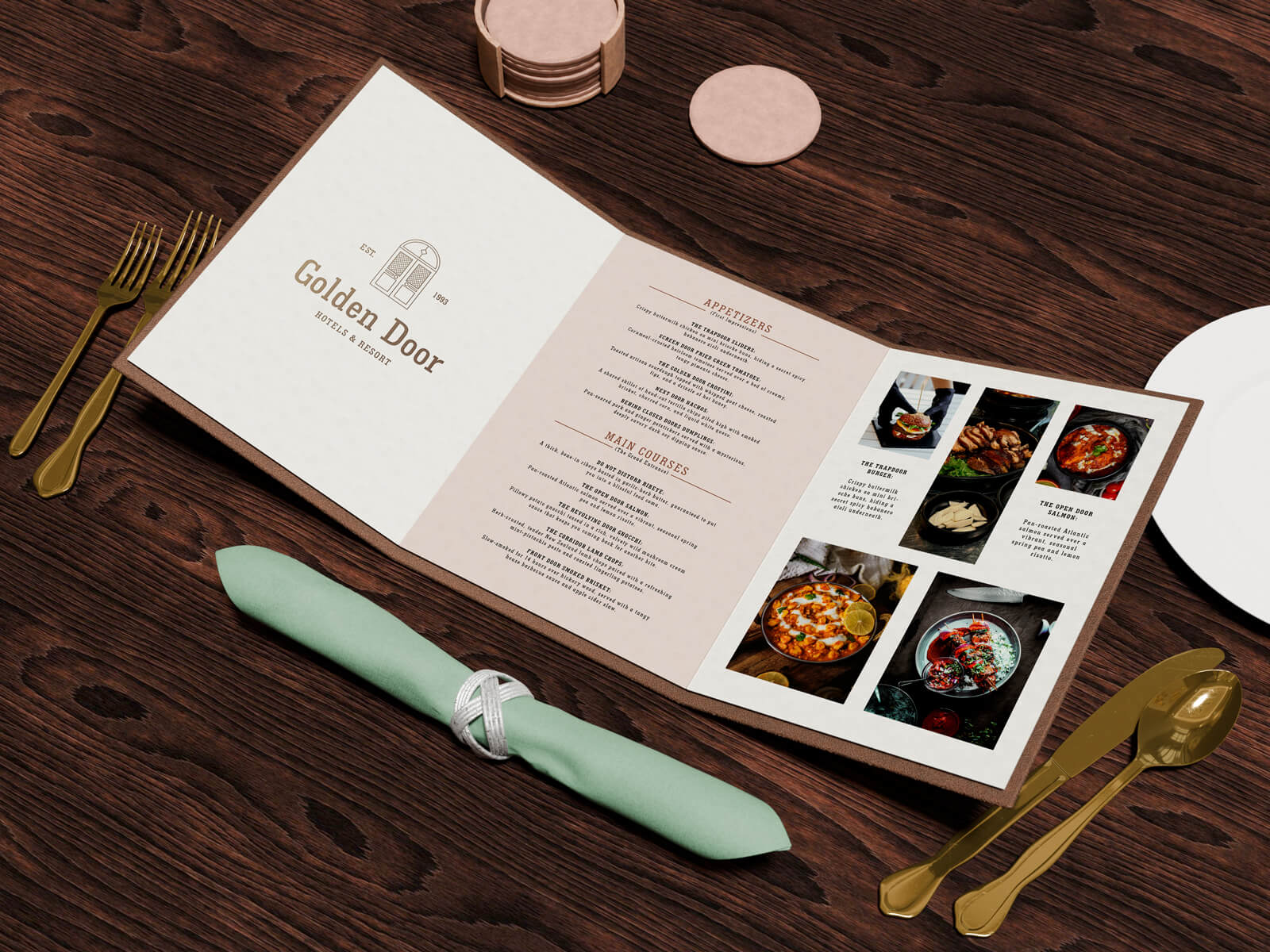
Today, we are sharing an A4 tri-fold menu mockup set in PSD format. Place your artwork on the smart object and get a realistic outcome.
Description:
Available Format: Layered PSD easy smart object insertion
License: Free for personal and commercial use
7-Zip File Includes: 2 Photoshop PSD files | Use 7-zip or Keka for Mac
Resolution: 4500 x 3000 px
Created by goodmockups.com
Instructions:
1. Place your design on the smart object
2. Photoshop requirement: Adobe Photoshop CS5+