Last night we went to a McDonald’s fast food newly opened recently to order coffee and a burger. We entered from the drive-through and went to the first order signage. It was written scan your code, we started talking to the booth, but no one replied, and then we had to come out and give the order. They guided us to go to the second signage where you can give your order, and 3rd signage to receive your order. This was new to us as we had never ordered with a QR code. So if there is a new McDonald’s open near your place, you should be ready as you can add your order online with their local app and scan the code so they can start preparing your order, and meanwhile, you can wait in the queue.
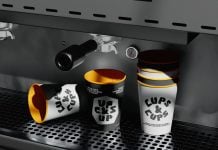
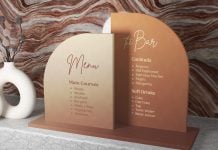
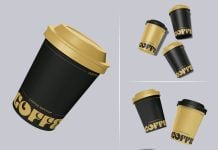
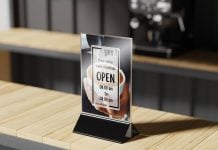
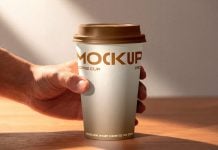
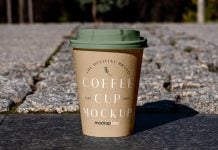
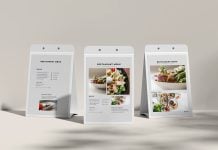
Today, we are sharing a coffee cup with a table menu mockup in PSD format. Place your artwork on a smart object and get a realistic outcome. Background color is changeable.

Available Format: Layered PSD through smart object insertion
License: Free for personal and commercial use
Zip File Includes: Menu mockup
Mockup Resolution: 4000 x 3000 px
Instructions:
1. Place your design on a smart objects
2. Photoshop requirement: Adobe Photoshop CS5+