Tri-fold, 3-fold, or z-fold brochures are designed in panels. They should be treated as 6 canvases to display design, but the challenge is to make it thematical. Before designing a brochure or multi-page document, you need to first make a draft and decide which picture and which text will be assigned to which panel. This way, you will not end up fixing the text formatting and reducing the size of the picture. It is recommended to use fewer pictures and describe more about the topic. Don’t overdo anything in tri-fold brochures, as they are only used to provide the necessary information. Tri-folds have two sides and a total of 6 panels; companies prefer a tri-fold style instead of a z-fold. The information inside the tri-fold is hidden, and once it is opened, it can be read. It works like a gate and trigger curiosity, so people can head over to the brochure holder and grab one to read. If the brochure is not product-based, then you should consider a white background.
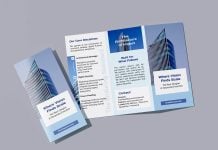
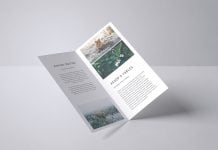
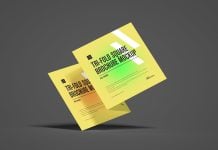
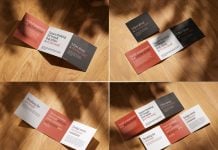
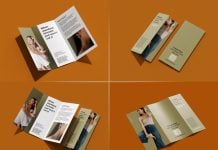
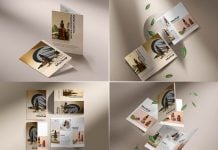
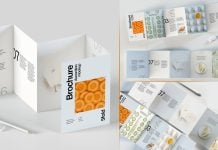
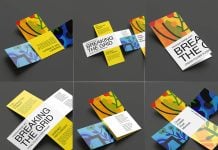
Today, we are sharing an ultra-realistic tri-fold brochure mockup set in PSD format. Place your artwork on smart objects and change the background of your choice.

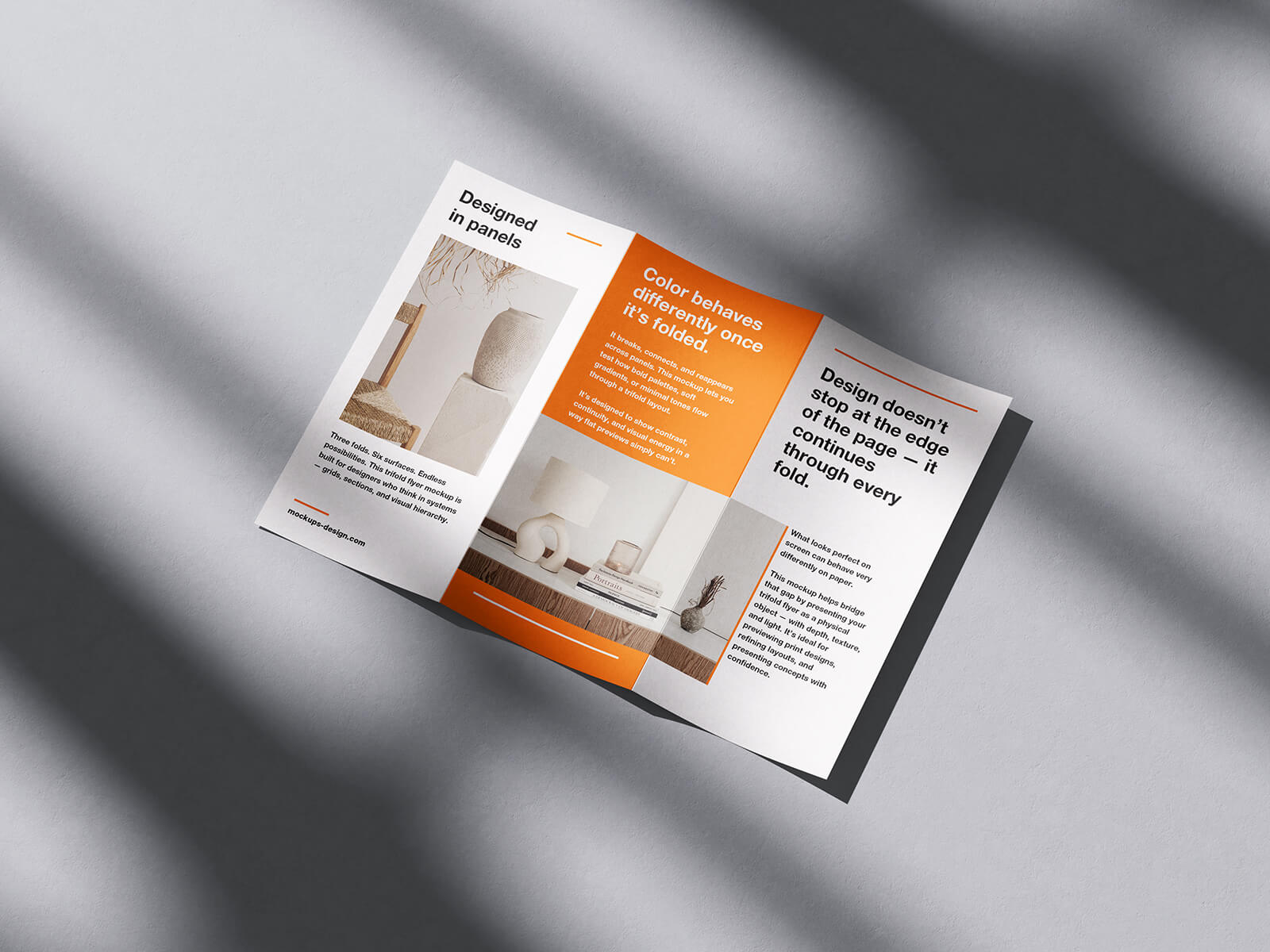
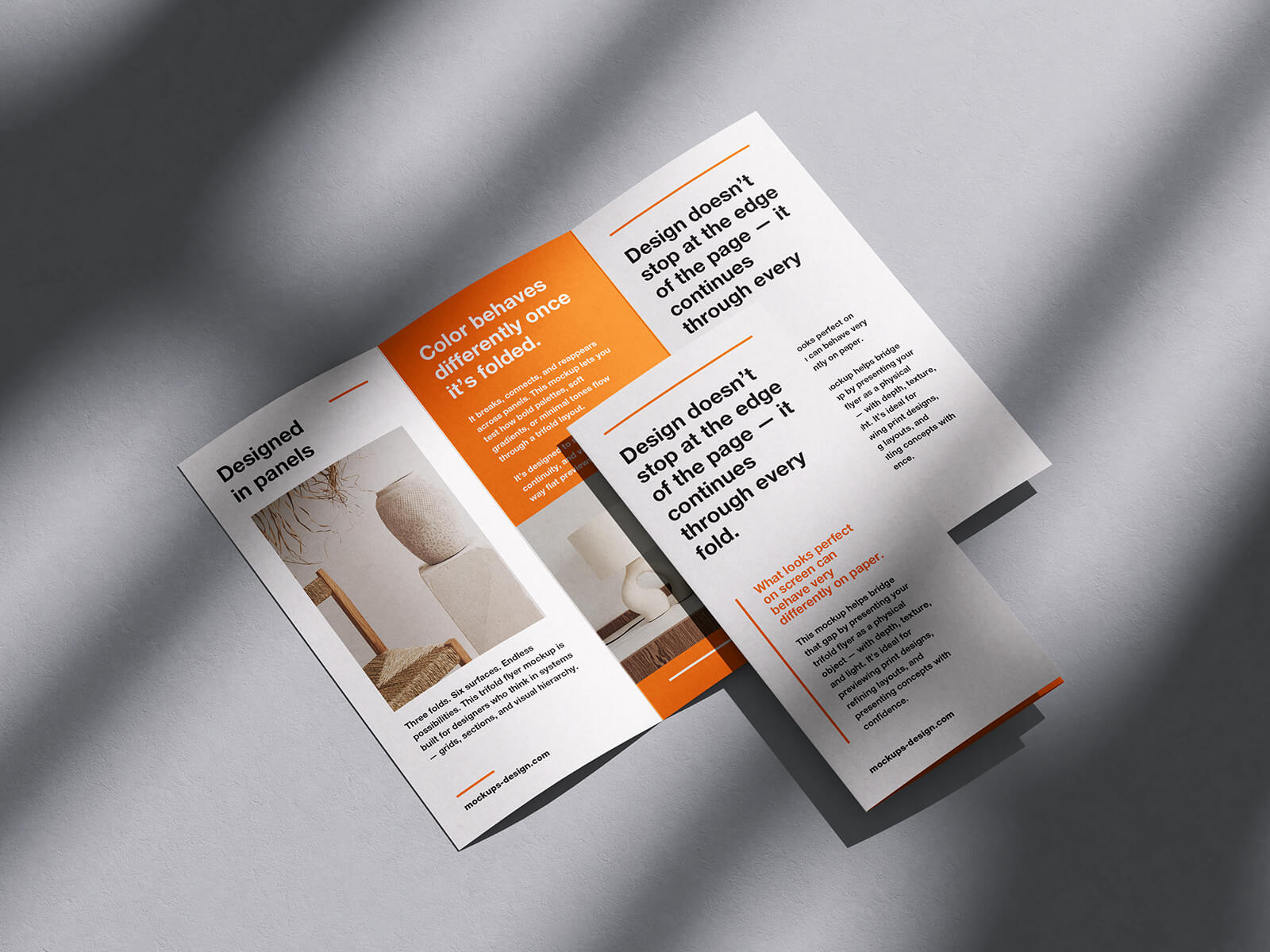
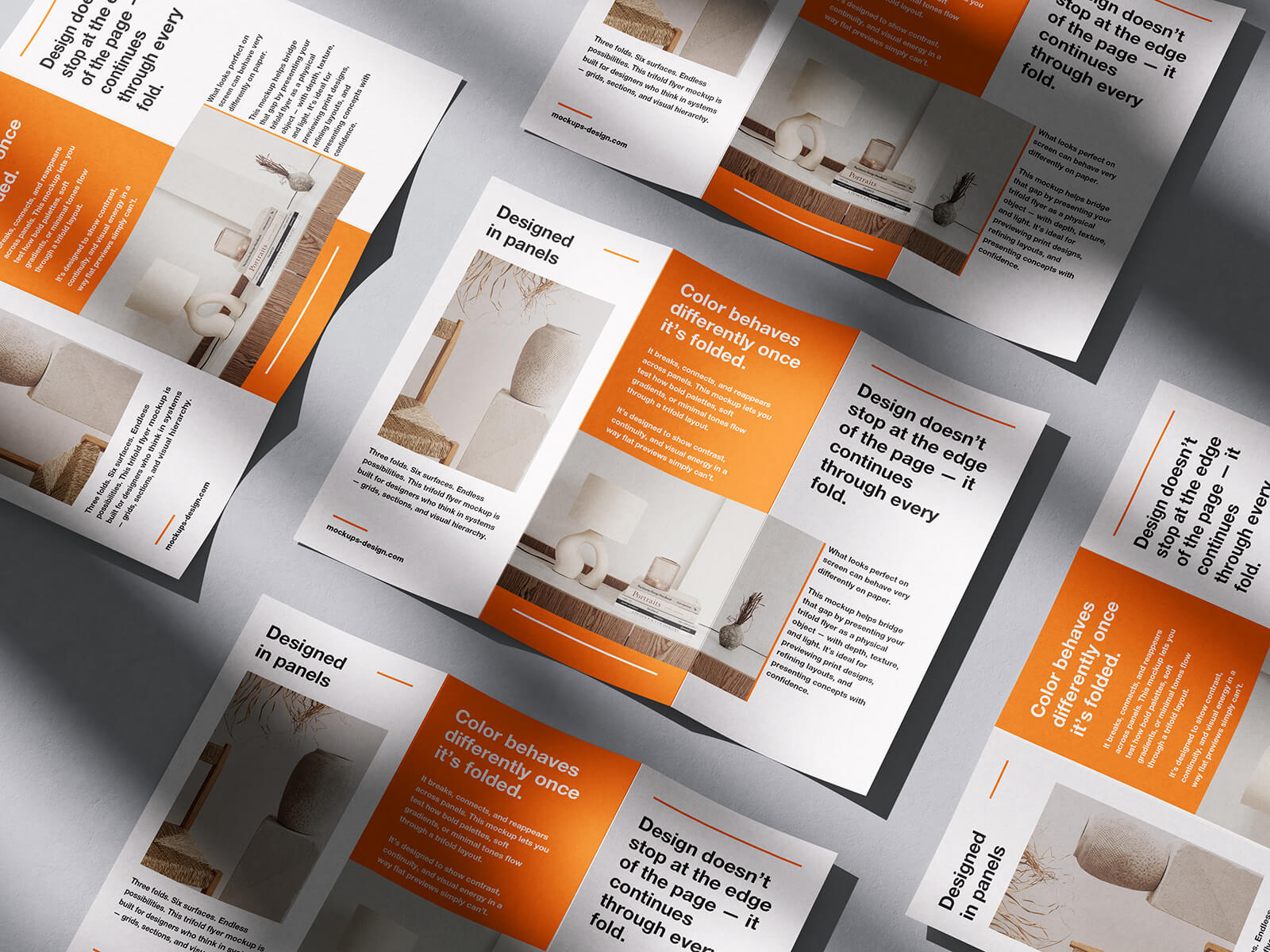
Available Format: Layered PSD through smart object insertion
License: Free for personal and commercial use
Zip File Includes: 4 Photoshop PSD Files
Resolution: 4000 x 3000 px
Instructions:
1. Place your design by using smart object layers
2. Photoshop requirement: Adobe Photoshop CS5+