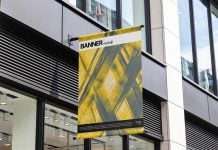
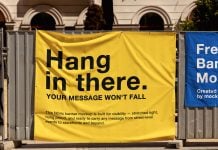
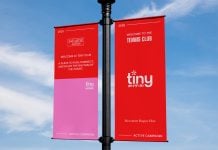
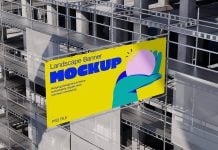
Roll-up banners are economical to buy and can be placed inside and outside the office. Make sure there are no windy areas, as they are light and can fall even with a light wind. Put them against a wall if there is any necessity outdoors. Use them in your office settings, trade shows, near stall displays, corridors of the office building, beside the meeting table, take them out on exhibition day, and use them in your annual meetings. When it comes to designing these banners, you can make pointers instead of explaining anything. For example, add a title and then describe it with more points, such as 5-7 points highlighting the services your company provides or a project that your company is working on. Make sure you are using as simple language as possible to demonstrate the highlights.
Today, we are sharing a twin roll-up banner mockup in PSD format. Place your artwork on smart objects and get a realistic outcome.
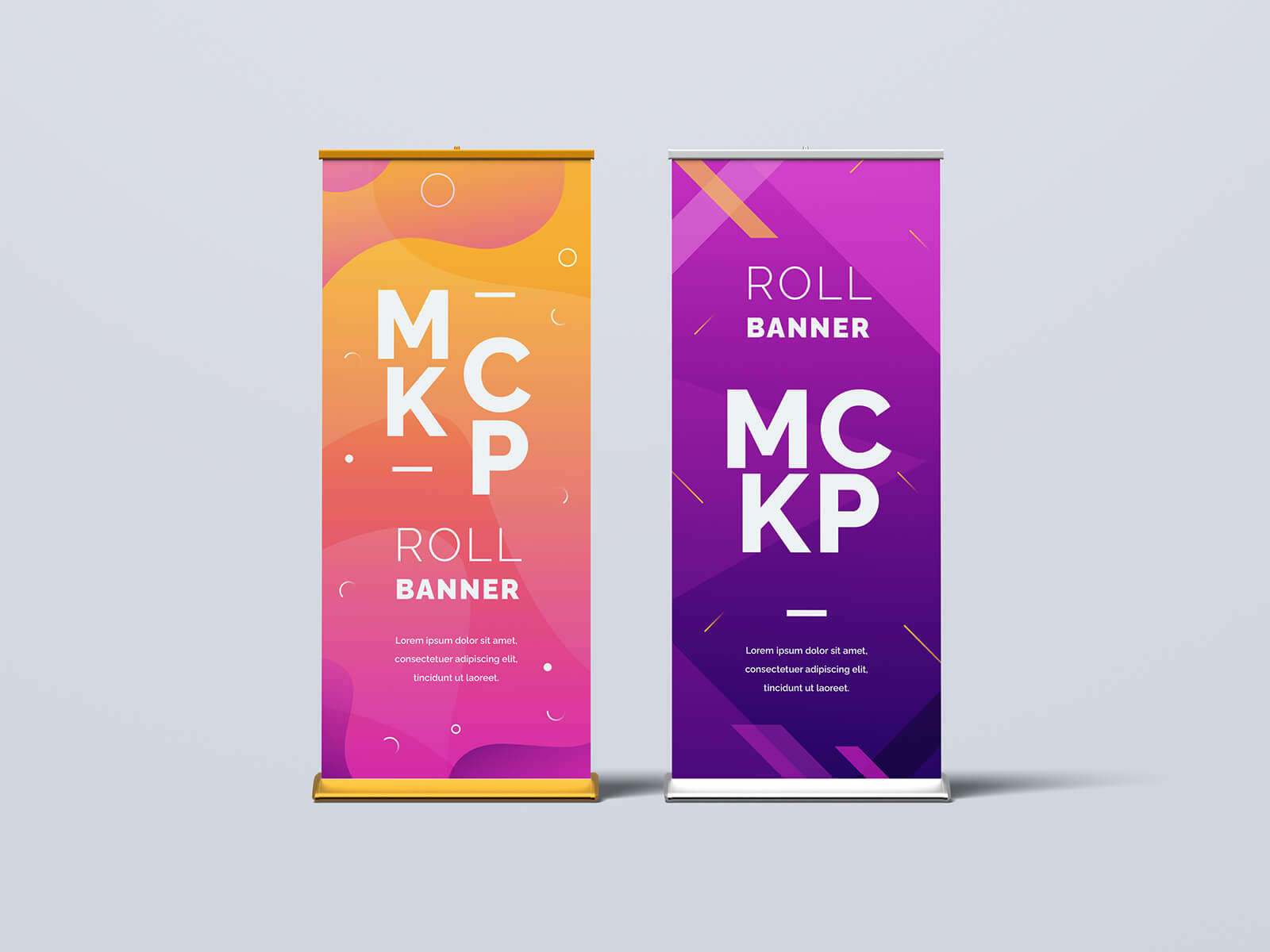
Available Format: Layered PSD through smart object insertion
License: Free for personal and commercial use
Zip File Includes: Photoshop PSD File
Resolution: 4000 x 2667 px
Instructions:
1. Place your logo design on a smart object
2. Photoshop requirement: Adobe Photoshop CS5+