This is one of the proudest moments for me that I am sharing in this article. I have been creating 3D mockups for the last 5 years, and I started using C4D and then switched to Blender due to its open-source and free renderer. After continuously using it for 8 months, this is the first render that actually looks like a real-life render. I struggled a lot in attacking nodes, as it was completely new for me to make a realistic texture. It does take time, and I am still hesitant. It’s trial and error in the beginning, but once you know how it works, you feel much more confident. When we learn something new, we copy it and start from the basics. If you are on the journey of something new, you should continue believing in the process, as it does take time to reach a good level, and the result will be great if you stay consistent.
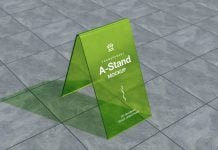
Today, we are sharing a translucent acrylic display A-stand mockup in PSD format. Place your artwork on the smart object and change the base color as well as the shadow color of your choice to get a realistic outcome.
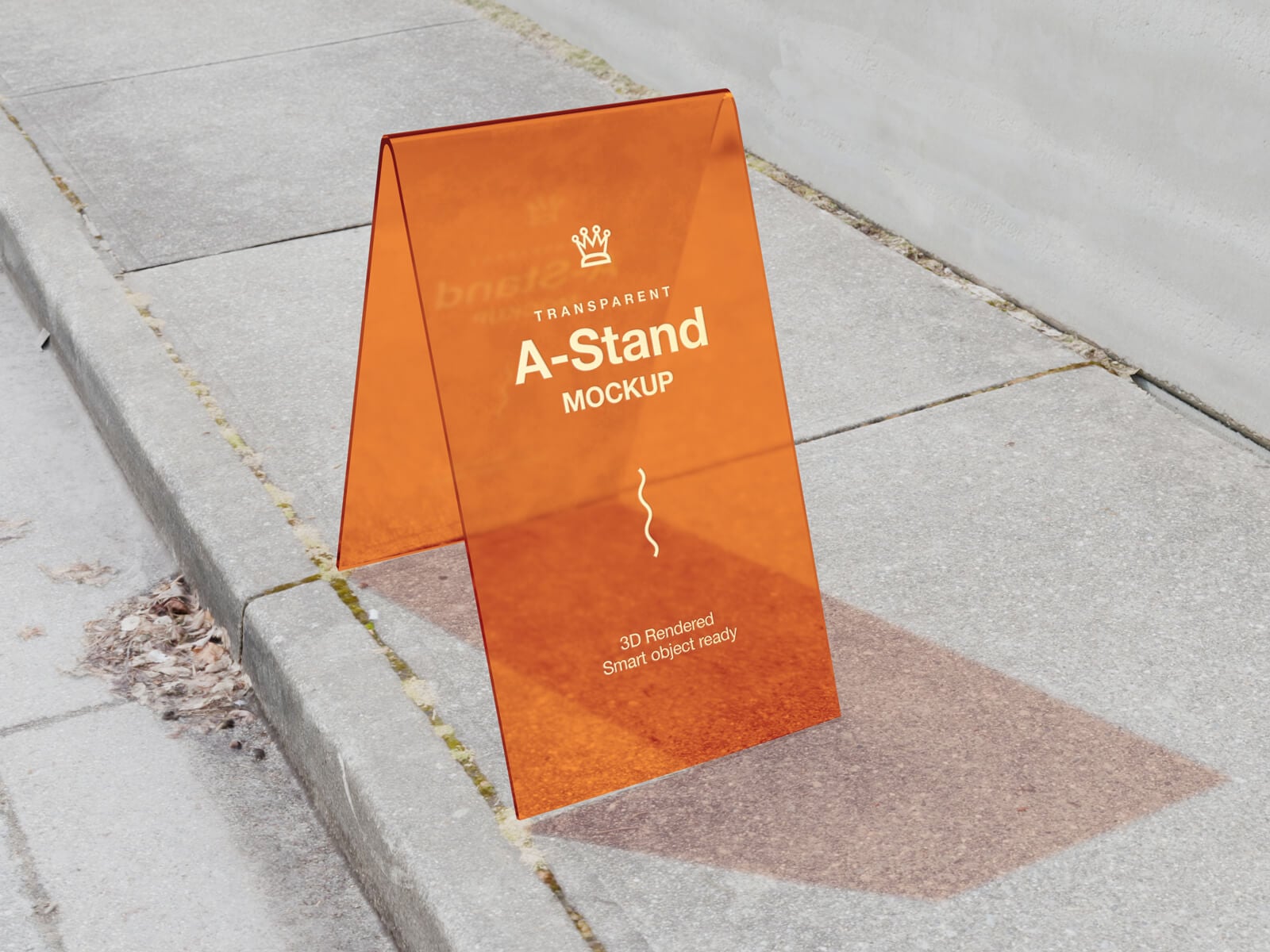
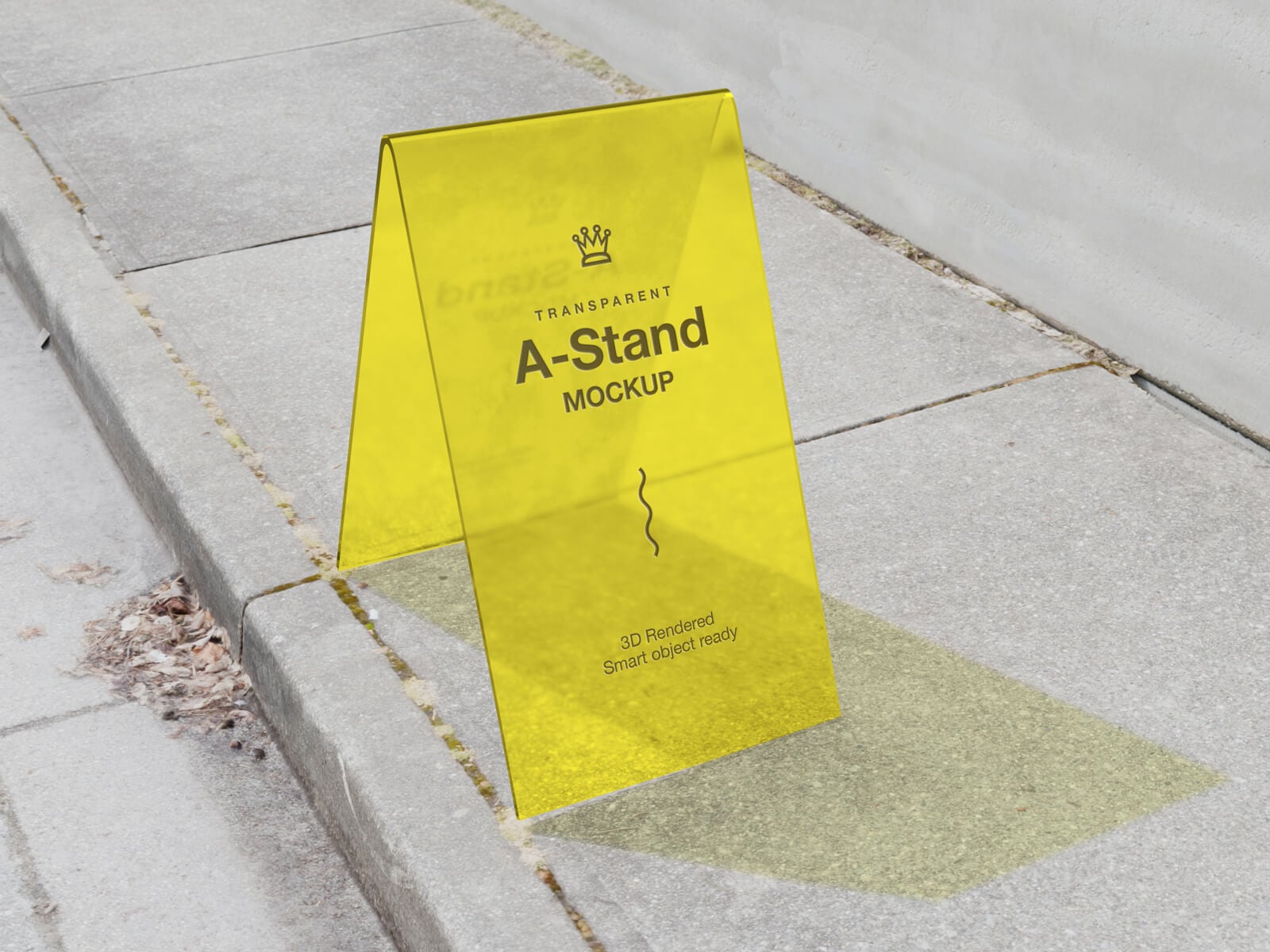
Description:
Available Format: Layered PSD, easy smart object insertion
License: Free for personal and commercial usage
Zip File Includes: Photoshop PSD File
Mockup Resolution: 4500 x 3000 px
Created by goodmockups.com
Instructions:
1. Place the design on the smart object layer
2. Photoshop requirement: Adobe Photoshop CS5