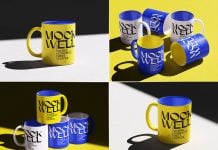
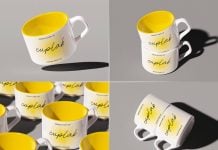
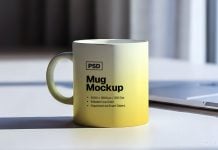
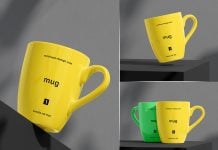
I have been creating mockups every day, and they are fun to make. I have recently learnt many new techniques in lighting and how to create a studio lighting template. These templates will be shared in the near future for free, so if you are willing to create similar lighting, you can just use the template. You only need to place a 3D model and get a realistic outcome. This will save a lot of your time.
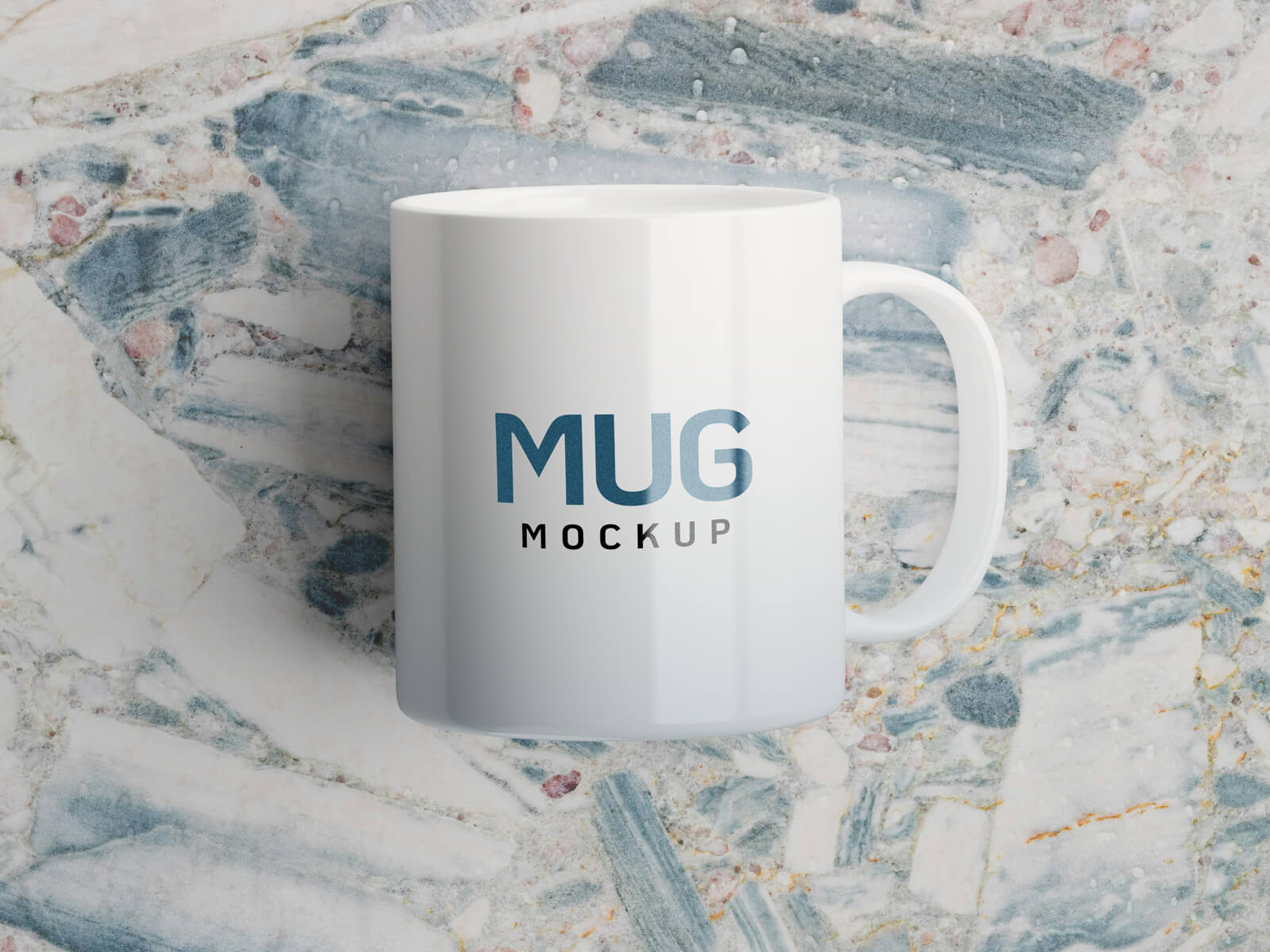
I usually place 3-point lighting for each product, which makes it look lit up from all angles. However, for a more detailed and dramatic preview, you can use two lights opposite each other. For equal lighting, there are many different techniques used to light up the object, and this is where many different lights are used in a studio setup. I nearly used a 6-light setup for the mug below.
This free mug mockup is created in Blender and Photoshop. Place your artwork on a smart object and make sure you are using a transparent logo. Background is changeable.
Available Format: Layered PSD through smart object insertion
License: Free for personal and commercial use
Zip File Includes: Photoshop PSD File
Resolution: 4500 x 3000 px
Created by Goodmockups.com
Instructions:
1. Place your coffee cup/mug design on a smart object
2. Photoshop requirement: Adobe Photoshop CS5+