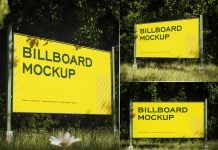
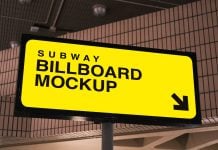
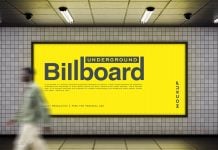
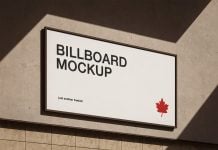
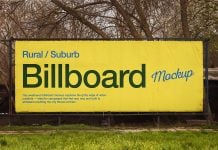
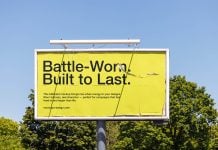
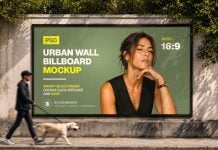
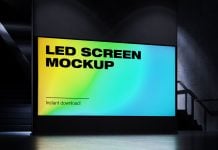
In a few days of practicing Blender, I came up with another render, which is a graffiti wall-mounted billboard mockup. I hardly took 1 hour to create this freebie. Most of the time was spent on finding the right maps and UV mapping so everything looks sharp and crisp. There are 5 objects placed in the 3D file, and the background is transparent. You can add any image, such as sky, or leave it like this. Creating mockups has never been easier, and the quality of the mockup has also become extremely high due to the cycle renderer. Though it took nearly 25 minutes to render the whole image on a Mac Mini.
After creating the object, just change the lighting to ray tracing and render with Cycles to get a realistic outcome. You do not need to change anything. The biggest challenge is lighting. Make sure you are using sky lighting, which gives it a little more realistic look. Use a directional or area light that gives a subtle shadow, and you will come up with a render you will be proud of. You may need to fix some contrast and brightness in Photoshop to get the desired result. Do you want me to create more angles of this mockup? Send us an email, and we will be happy to hear you out.

Available Format: Layered PSD easy smart object insertion
License: Free for personal and commercial use
Zip File Includes: Photoshop PSD File
Mockup Resolution: 4500 x 3000 px
Created by Goodmockups.com
Instructions:
1. Place your design on smart layer and save the file
2. Photoshop requirement: Adobe Photoshop CS5+