Notebooks are really handy, and you should have multiple of them for each topic. For example, if you are learning a new software, you can write short keys and make a list that you are going to remember. This will help you make a good habit. Similarly, if you are learning a new language and would like to write new words, you should have a separate notebook. Buy the smaller pocket size and write the topic of the notebook on the title, so if you have multiple notebooks, you can easily find the one you are looking for. I usually buy different flat colors and thin single-line pages, which usually last for a few months. I have many notebooks for each topic. Many people divide their pages into different topics, which is not a good choice; they can be really messy. It is always better to buy multiple notebooks at the same time and make a different topic for each notebook.
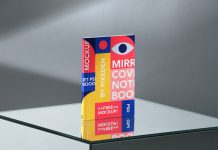
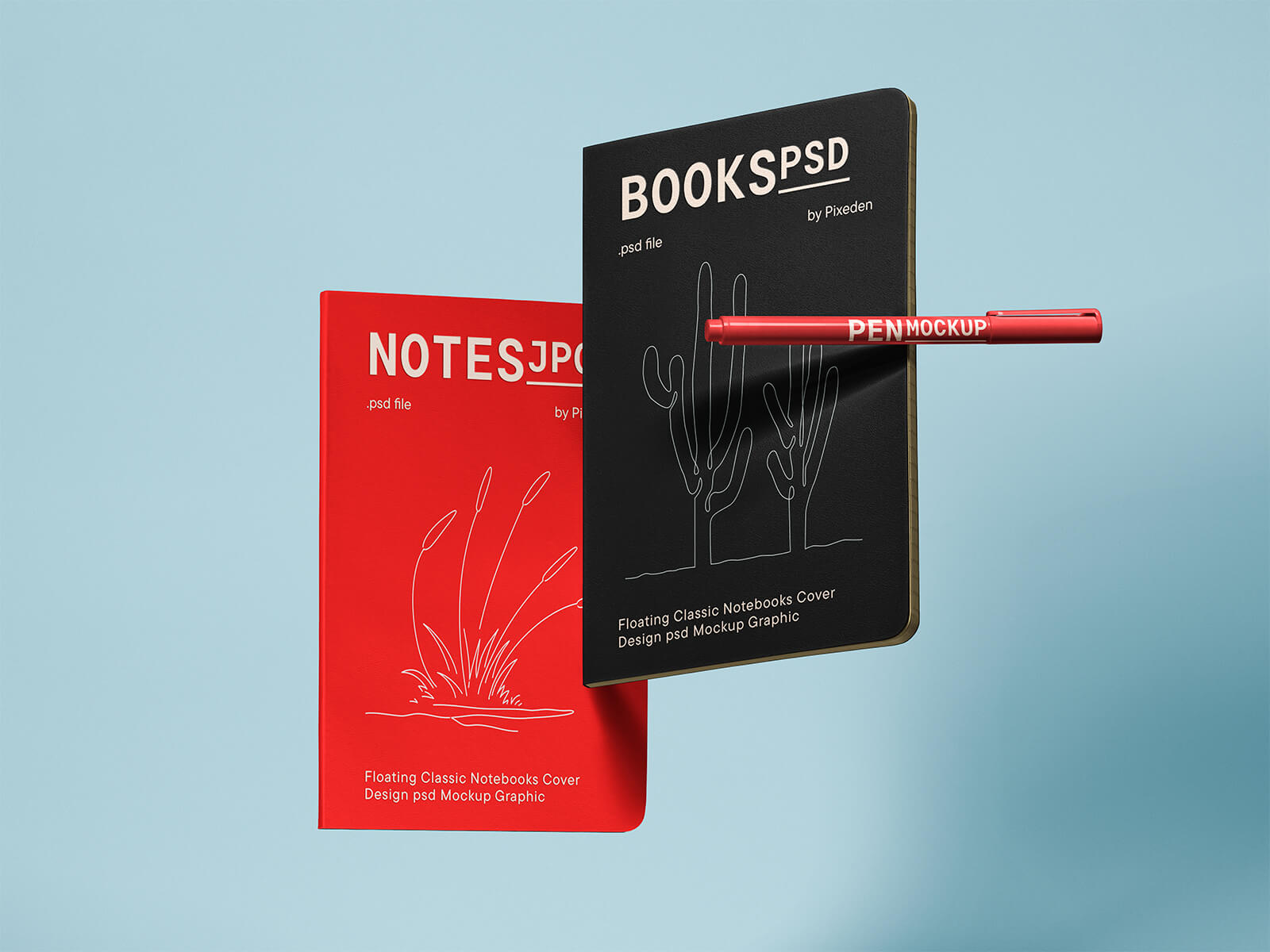
Today, we are sharing a foating paper notebook cover design mockup in PSD format. Place your artwork on smart objects and get a realistic outcome.
Description:
Available Format: Layered PSD easy smart object insertion
License: Free for personal and commercial use
Zip File Includes: Photoshop PSD file
Resolution: 8000 x 6000 px
Instructions:
1. Use smart objects to place your designs
2. Photoshop requirement: Adobe Photoshop CS5+