Creative elements and designs emerge from experimentation and a skilled hand with tools. Every day is a new day to design something new as a designer. If you have already created numerous designs in your life and have the experience to create something unique for new customers, then you are no longer a designer; you have turned yourself into an artist. Designers usually plan their designs on a rough sketch notebook. This seems to be a wise idea because you are always going back to your basics whenever there is a mental block, and if things are not smooth. New artworks require new dimensions to explore. Sometimes, we need to consume new books, new trends, and appreciate good work that has already been done by others. This helps our mind to accept a certain taste and push the boundaries to come up with unique ideas.
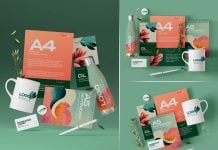
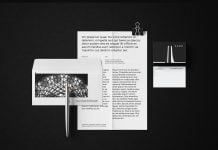
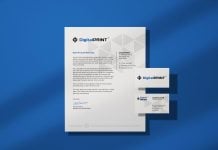
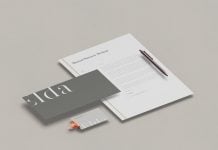
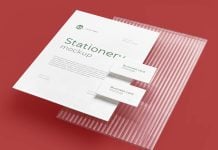
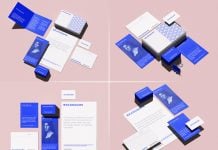
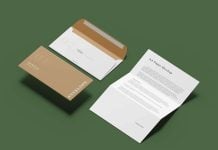
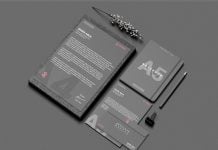
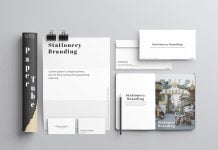
Today, we are sharing a stationery mockup in PSD format. Place your artwork on a smart object and get a realistic outcome.

Description:
Available Format: Layered PSD easy smart object insertion
License: Free for personal and commercial use
7-Zip File Includes: Photoshop PSD file | Install Keka to extract the file on Mac
Resolution: 4500 x 3500 px
Credit: Graphiclist.com is unavailable since 2025 | Temporary link is available below
Instructions:
1. Place your design on smart object
2. Photoshop requirement: Adobe Photoshop CS5+