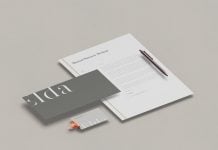
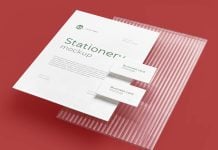
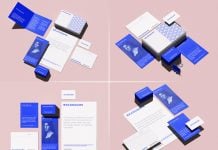
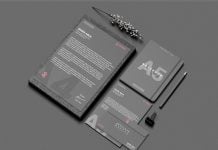
Producing a high-quality mockup can take a good amount of time. Many mockups created with 3D softwares need attention to detail. After modeling lighting and shadow settings, a realistic image is rendered at a higher resolution. Many 3D artists render the scene elements separately, so it becomes easier to customize the scene in Photoshop further. A clean mockup is generated in high resolution, and then a smart object for each object is prepared for the user to insert their designs effortlessly. It is a lengthy process to acheive and a lot of experience is required. If you would like to achieve it in quick succession, then you need to learn these techniques from the professionals who have already spent years and years in training and bringing lifelike objects.
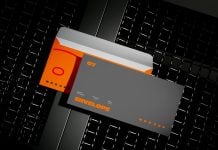
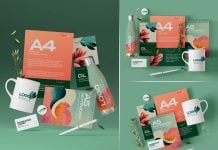
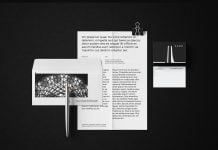
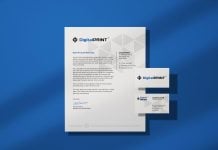
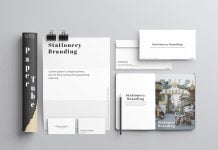
Today, we are sharing a clean A4 letterhead and envelope mockup in PSD format. Place your artwork on smart objects and get a realistic outcome. Background color is changeable.

Available Format: Layered PSD through smart object insertion
License: Free for personal and commercial use
Zip File Includes: Photoshop PSD File
Mockup Resolution: 4500 x 3000 px
Credit: graphicdeal.gumroad.com
Store Links: creativemarket.com/graphicdeal | graphicriver.net/user/graphicdeal/portfolio
Instructions:
1. Place your envelope & letterhead design by using a smart object layer
2. Photoshop requirement: Adobe Photoshop CS5+