Coffee sleeves are technical to design. Due to its arc shape, you may need to use your design elements and typography to wrap or bend it according to the percentage of the arc. It may be tricky, but once you create it, you need to take several printouts to check if it looks good on the coffee cup. So, how to easily achieve the best result? Create a rectangle and use a wrap tool and arc; bend the rectangle to the shape of the sleeves. Here you must be asking how to first make those sleeves. This is what you should do in software that supports wrap. The bend magic number is 15-17%. You may need to print the same-size rectangle and then print it. To make it accurate according to the coffee cup size, you can check the video and design accordingly: Link: youtube.com/watch?v=r4T_r0zK0-Y
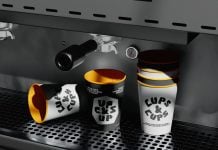
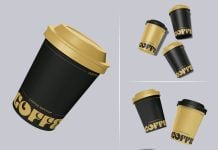
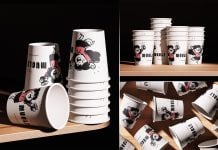
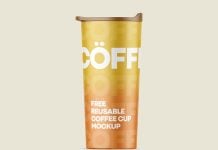
Today, we are sharing a coffee sleeve mockup in PSD format. Place your artwork on the smart object and get a realistic outcome.
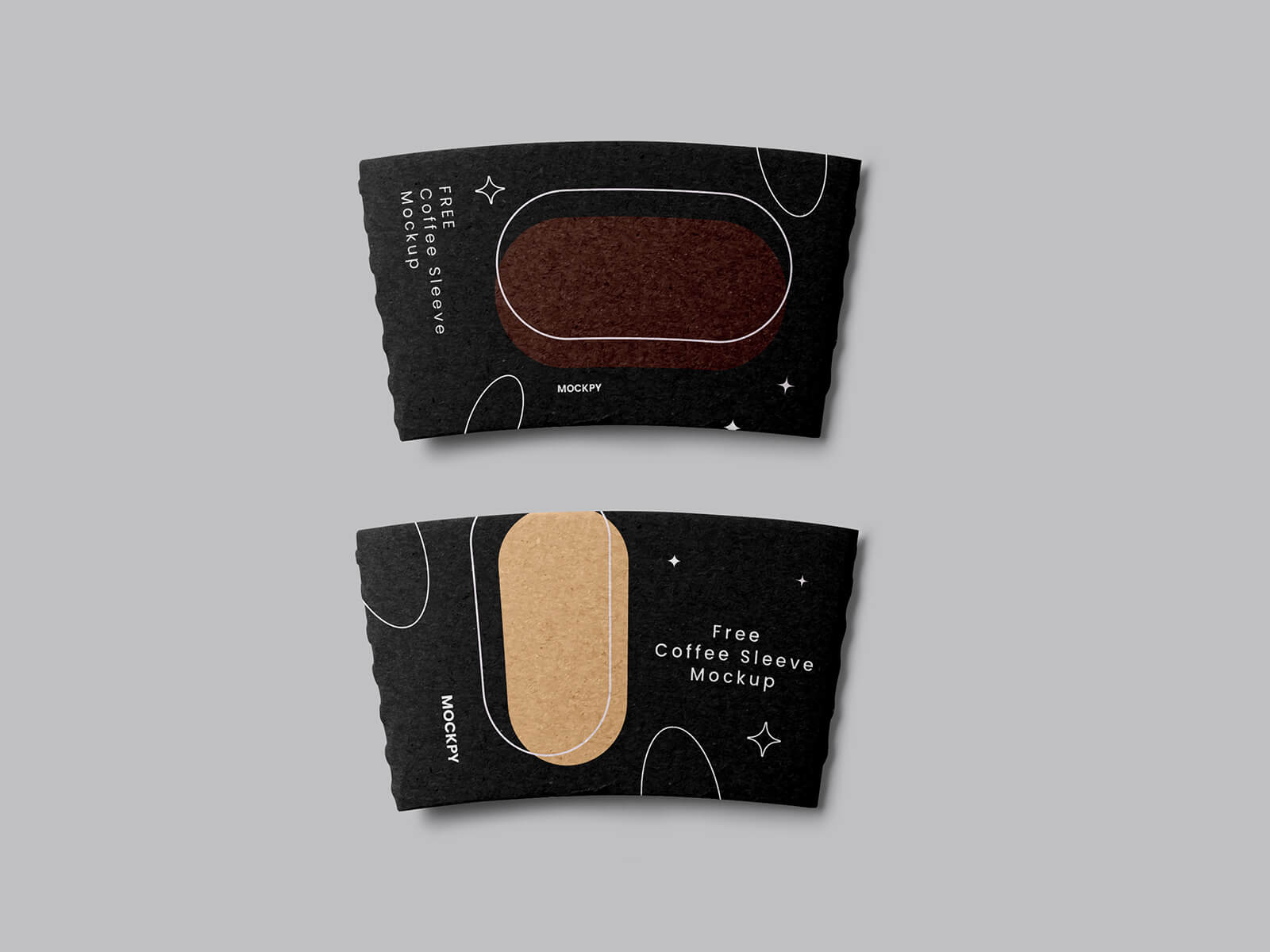
Description:
Available Format: Layered PSD, easy smart object insertion
License: Free for personal and commercial use
File Includes: Photoshop PSD File
Mockup Resolution: 4500 x 2912 px
Instructions:
1. Place artwork on a smart object
2. Photoshop requirement: Adobe Photoshop CS5+