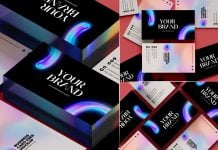
To make a business card memorable, you need to consider all these important steps. Before starting to design, you need to choose the shape. You will most probably end up choosing the regular shape, but this will make a run-of-the-mill approach. Consider a unique shape that resembles or complements your logo design. Secondly, choose a beautiful yet unique typography. Stay away from regular styles such as “Times news roman” or Helvetica. The third step is something eye-catching that needs to be added; it can be a unique shape, UV coating, foil printing, or even a cutout. Organize your information in a grid and balance the composition. You can also add QR code and place it in a unique shape instead of a square. Use a QR code as a creative opportunity to show your art.
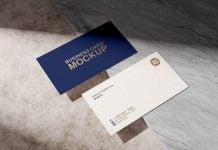
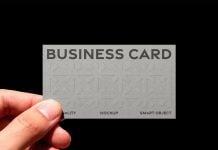
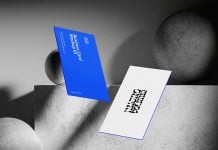
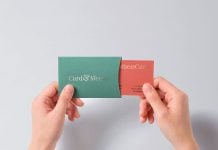
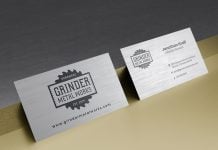
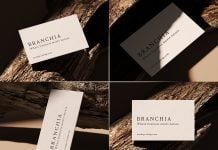
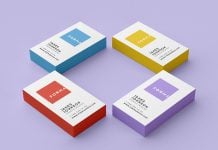
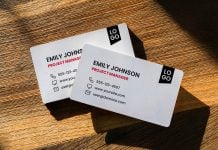
Today, we are sharing a single-sided business card mockup in PSD format. Place your artwork on a smart object and get a realistic outcome. Download details are given below.

Description:
Available Format: Layered PSD, easy smart object insertion
License: Free for personal and commercial use
Zip File Includes: Photoshop PSD Files
Mockup Resolution: 3000 x 2000 px
Instructions:
1. Place the artwork on a smart object
2. Photoshop requirement: Adobe Photoshop CS5+