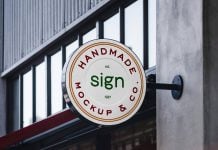
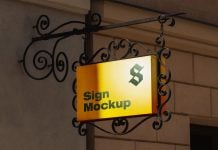
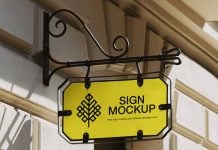
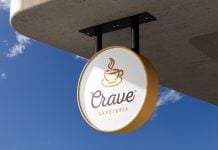
Yesterday, I tried something new: a shop shelter that looks more like it’s straight out of a 3D video game. I never created this before, so I was quite intrigued to complete it. I already created this sign mockup a few days back and implemented it in the current render. I am learning how to make the scene more realistic in Blender and creating many new advertising mockups to share on Goodmockups for free. I am also planning to use this same scene to create more advertising displays. I also need to add some human element to make the scene more realistic, so next time there will be a removable human. This mockup has three smart objects: one for the header, one for the shutter, and one for the signage. You can also play around with different color combinations to make the shop branding presentation.
This free shop shelter mockup is available in high resolution and rendered in cycles, and the image depth is crisp. Place your artworks using the smart layers highlighted in red to get a 3D shop branding presentation.

Available Format: Layered PSD, easy smart object insertion
License: Free for personal presentation use
Zip File Includes: Photoshop PSD File
Mockup Resolution: 4500 x 3000 px
Instructions:
1. Place your design on the smart layer and save the file
2. Photoshop requirement: Adobe Photoshop CS5+