I went out to buy trousers and a t-shirt to layer up because we are having the coldest winter and it is close to 0 degrees. I usually layer up with a t-shirt under my sweatshirt and then a jacket or blazer. I usually buy two types of t-shirts one that is basic, which is either black, white, grey, or blue, depending on the colors I already have, and I can pair them with my existing color scheme. The second type that I like to buy is graphic t-shirts, which mostly have graphical elements and typography on both sides of the t-shirts, and they are usually from high-quality brands because I would like to wear them on sunny days, and they can get dirty quickly and need a wash. Good-quality t-shirts have premium printing colors that don’t fade, and their graphics also remain vibrant.
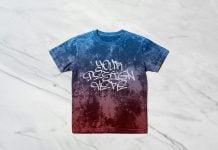
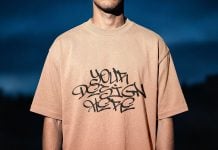
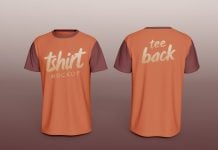
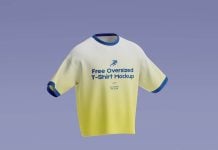
Today, we are sharing an oversized backside t-shirt mockup in PSD format. Place your artwork on a smart object and get a realistic outcome. You will be able to change the background color to your choice.
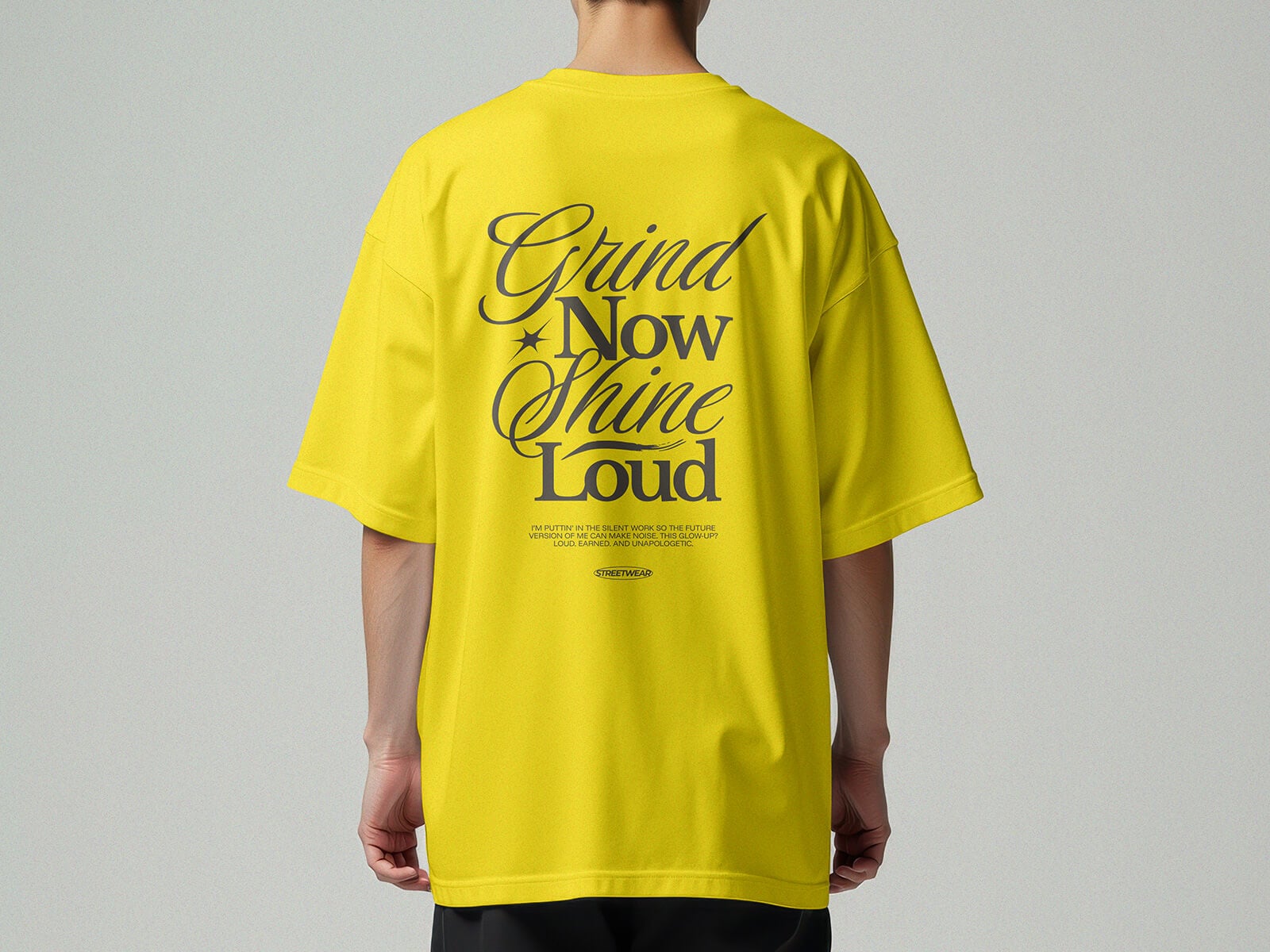
Available Format: Layered PSD through smart object insertion
License: Free for personal and commercial use
Zip File Includes: Photoshop PSD File
Resolution: 4096 x 4096 px
Instructions:
1. Place your design by using smart object
2. Photoshop requirement: Adobe Photoshop CS5+