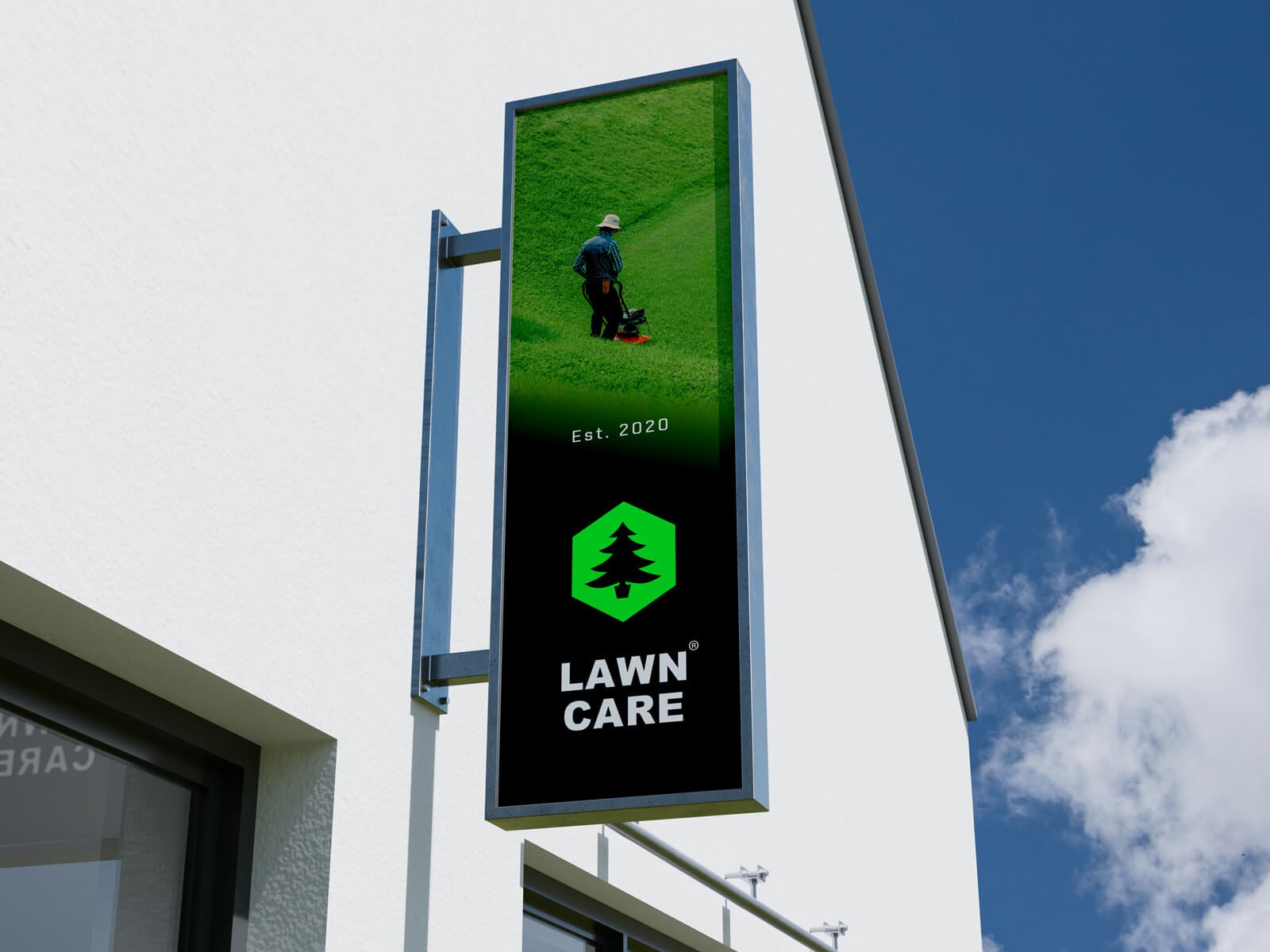
A longer vertical sign can convey more detail; however, we should first consider where it will be mounted. For example, if your building is taller, there is no other signboard around, and the wall is flat, you should use the space. Moreover, if your street or road is narrow, you can also use a vertical signboard, which can cover a larger area. This allows the signboard to be noticed instantly after looking up. When it comes to designing these signboards, you can either use them as a vertical font orientation, or if your logo allows you to place one by one letter from top to bottom, then it is the perfect choice. If not, then you can add an image on the top and the logo at the bottom. You can also design your typography logo from bottom to top vertically. These are a few options you can explore, or visit Pinterest for vertical sign inspiration.
Today, we are sharing a mounted vertical sign mockup in PSD format. I created this mockup in Blender and rendered it with Cycles. The sky in the background is changeable.
Available Format: Layered PSD through smart object insertion
License: Free for personal and commercial use
Zip File Includes: Photoshop PSD File
Resolution: 4500 x 3000 px
Created by Goodmockups.com
Instructions:
1. Place your logo design on a smart object
2. Photoshop requirement: Adobe Photoshop CS5+