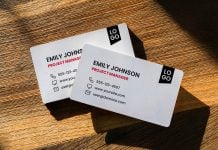
Designing a business card is as simple as making a document in a word processor. You should have a PNG logo of your company. Divide the business card into two halves by using a guide. Place the logo on the left half of the business card and scale it so that it has enough breathing space. The second half, which is on the right side, needs to be composed in a way that the name and designation stay on top, and the bottom part can have contact details, email, or web URL, along with contact information. This is the most desirable design that looks elegant and does not give a congested look. If your address is long and you would like to add social profiles, then we would suggest a two-sided design. One side can have a logo design, and the other side can be arranged with designation, card holder name, and address.
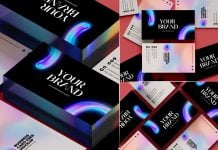
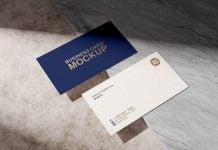
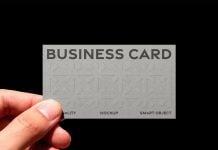
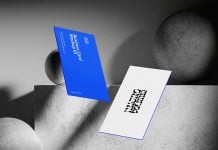
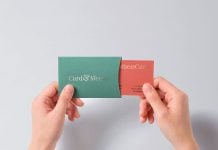
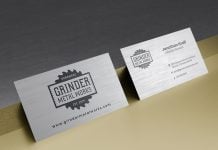
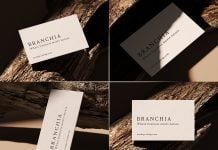
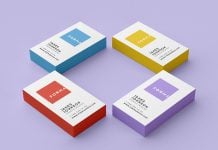
Today, we are sharing high resolution business card mockup in PSD format. Place your artwork on a smart object and get a realistic outcome.

Available Format: Layered PSD, easy smart object insertion
License: Free for personal presentation use
Zip File Includes: Photoshop PSD File
Mockup Resolution: 4500 x 3000 px
Instructions:
1. Place your design on smart layer and save the file
2. Photoshop requirement: Adobe Photoshop CS5+