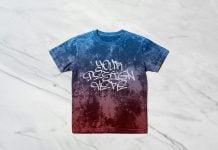
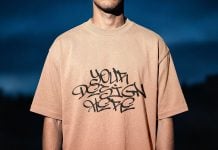
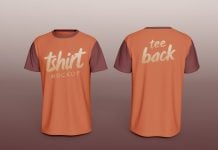
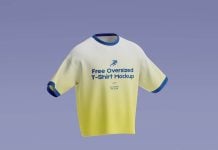
Static files can be boring sometimes, and they do not have the same importance as animated objects. However, if you are a designer who never likes animated objects and still prefer creating static designs, then you should consider giving them some kind of floating effects, which can draw attention and stand apart from the rest of the lot. Play around with objects and compose the main product in a way that the attention can be received by the product itself. Use gray tones around the product or in a dark environment, which can also help to pop up the product. Moreover, if the design is for an apparel brand, then use ghost mockups or mannequin mockups; they are interesting and can sometimes be more captivating than real humans.
Today, we are sharing a floating polo t-shirt mockup in PSD format. Place your artwork on a smart object and change the background color of your choice.
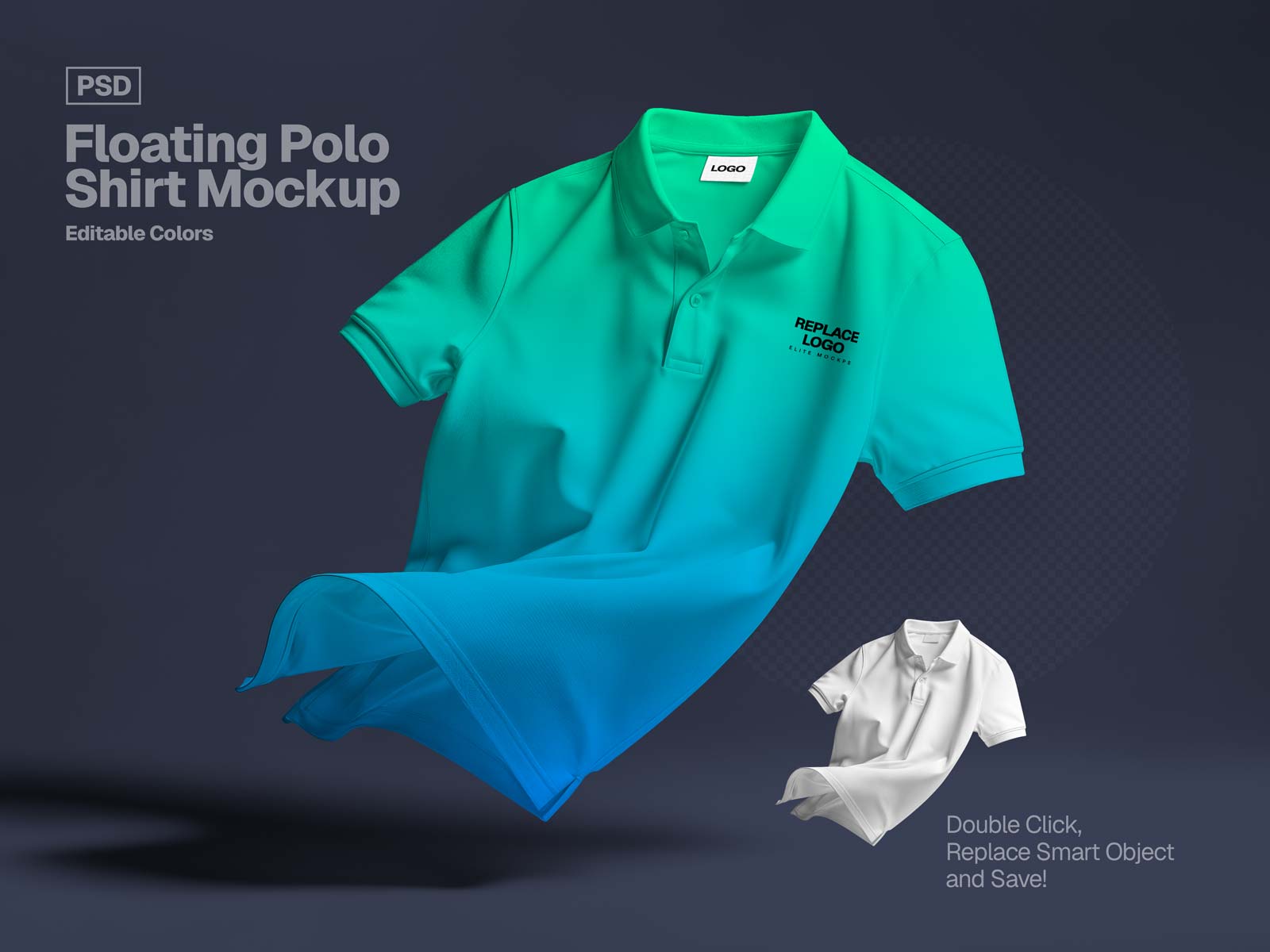
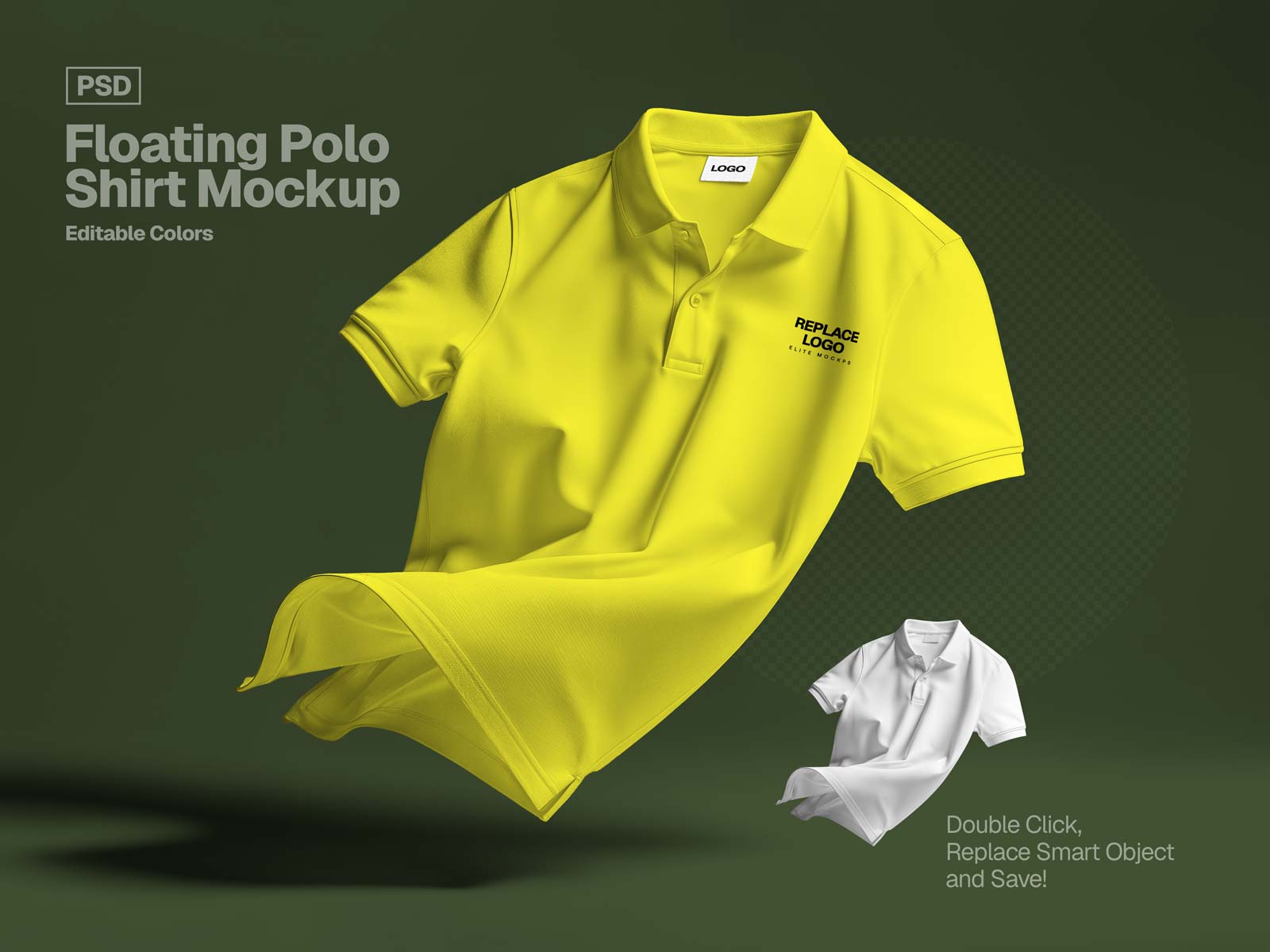
Available Format: Layered PSD through smart object insertion
License: Free for personal and commercial use
Zip File Includes: Photoshop PSD File
Resolution: 4096 x 3072 px
Instructions:
1. Place your design by using a smart object
2. Photoshop requirement: Adobe Photoshop CS5+