Yesterday, I left the house and made up my mind to buy a few t-shirts, and boy oh boy, how difficult it has become to find ones that look good on you. I have tried nearly 10+ t-shirts and jeans, and it was never that difficult to choose. First of all, the prices are on the higher side because it is the start of the summer, and new arrivals are like buying a luxury item. The cheapest ones are crewnecks, and you may find them for 10-12 USD per t-shirt. The expensive ones are with a collar and short sleeves, with a tight hem. Prices vary because some are with thicker and premium fabric, and a few are more breathable and look like thicker net fabric. Finding that suits your body can be a tough nut to crack, so trying on is the only choice. I was able to find a slim-fit, dark blue, horizontal-lining t-shirt with comfortable fabric. It costs around 10 USD. I was happy to come back home with it but found it more difficult this time than any other summer shopping.
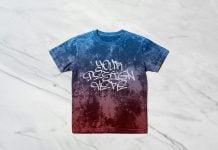
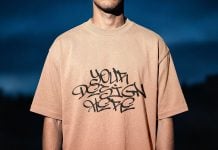
Today, we are sharing a close-up angle of a crewneck t-shirt mockup from a front angle. Place your artwork on the smart object and get a realistic outcome.
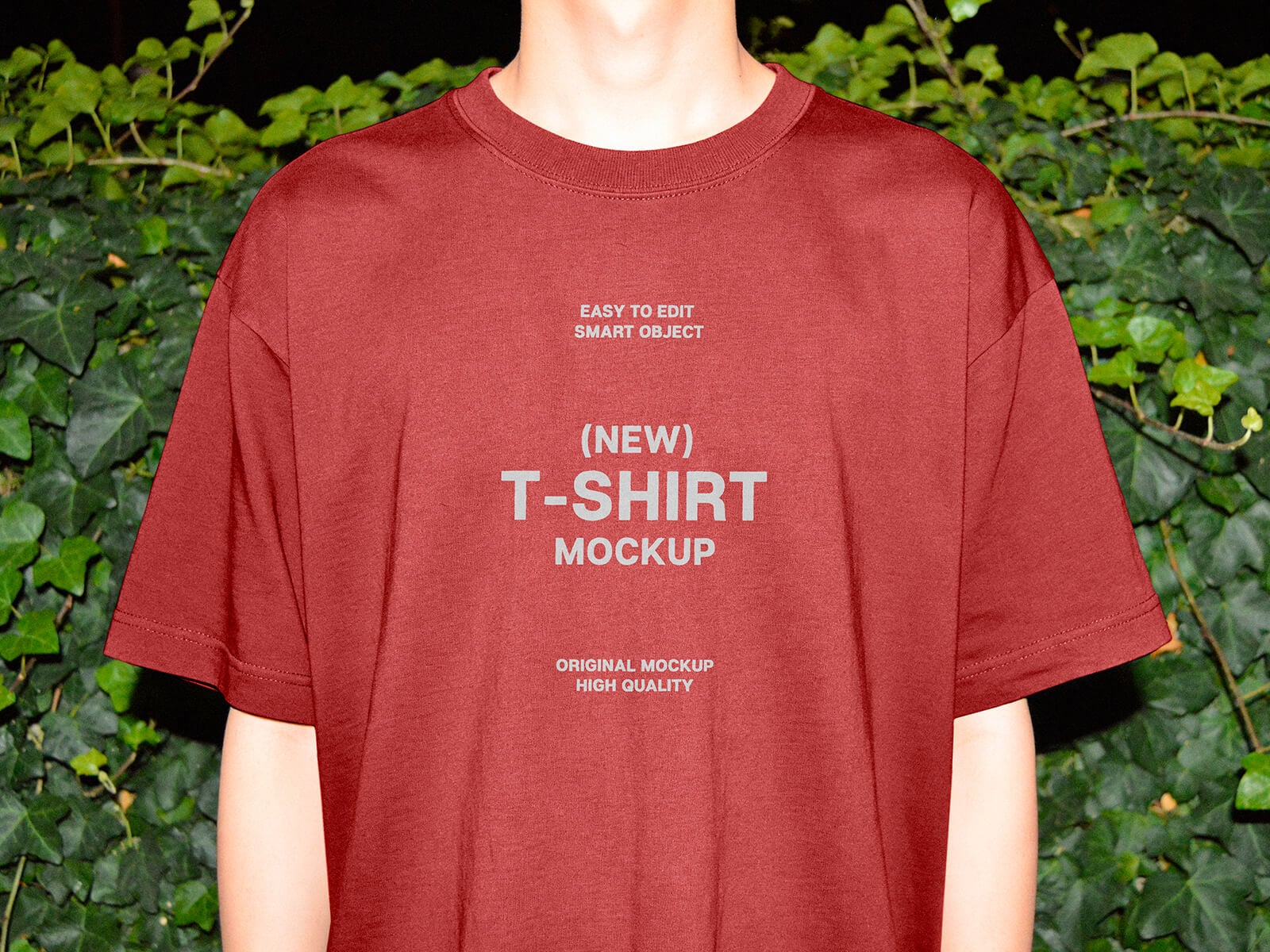
Available Format: Layered PSD through smart object insertion
License: Free for personal and commercial use
Zip File Includes: Photoshop PSD File
Resolution: 4500 x 3000 px
Instructions:
1. Place your design by using a smart object
2. Photoshop requirement: Adobe Photoshop CS5+