This time, when you create a new business card design, make sure you are adding a QR code to it. There is no need to add a lot of information; just your web URL, where the all-products landing page is, would be a good choice. If you have a digital brochure, then you should consider it. Another option you can do is to add an email address in your QR code, and once it is scanned, it will directly take the scanner to the email, and there they can type and share their query. Moreover, you can add a video link of your projects. That will be a perfect addition to the business card. Make sure you are printing the logo on one side, and the other side can have your name, designation, and contact details along with QR code.
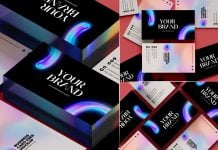
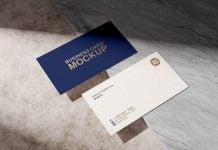
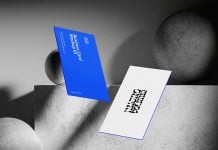
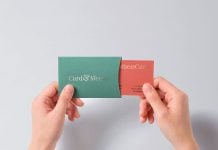
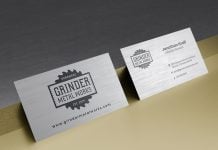
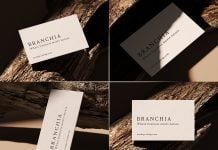
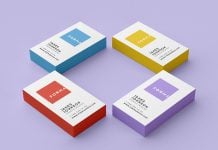
Today, we are including a clean business card mockup in PSD format. Place your artwork on smart objects and get a clean outcome of your designs.
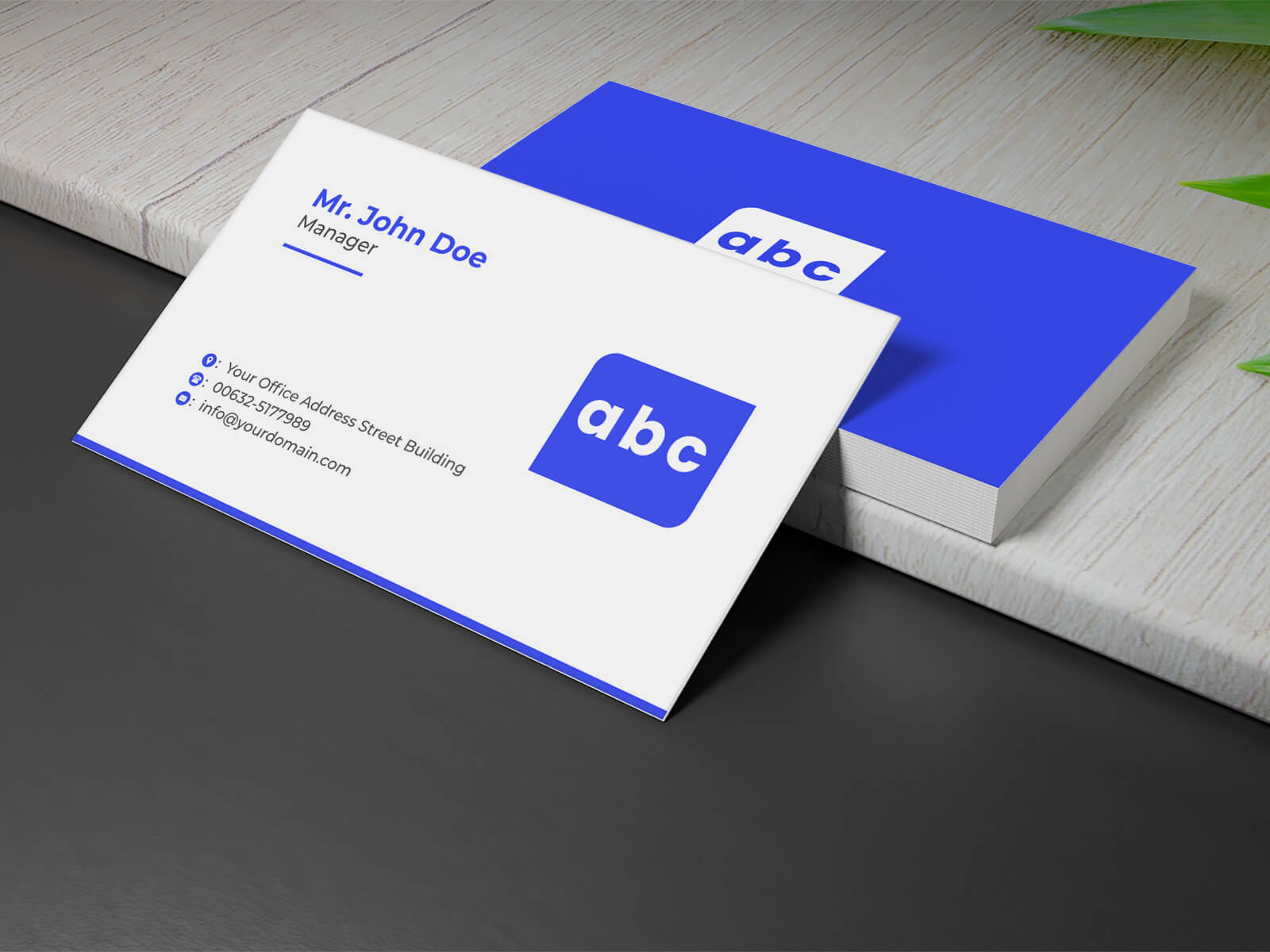
Available Format: Layered PSD, easy smart object insertion
License: Free for personal presentation use
Zip File Includes: Photoshop PSD File
Mockup Resolution: 3500 x 2214 px
Instructions:
1. Place your design on a smart layer and save the file
2. Photoshop requirement: Adobe Photoshop CS5+